User Manual: WaveLinx Lite (4.0)
75
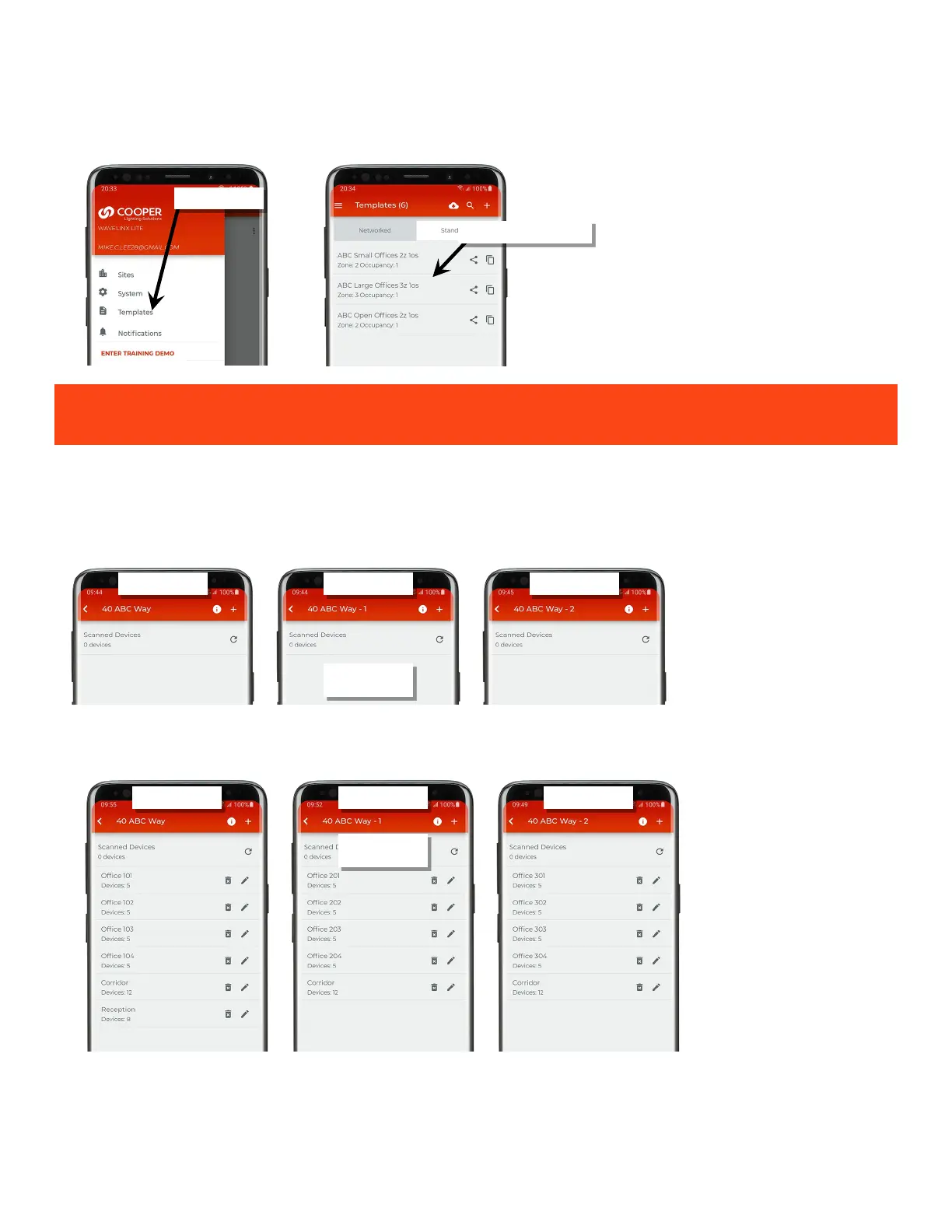
3: If templates have been shared, from the menu, select ‘Templates’. The user templates will load along with the shared templates from the site
administrator. See “Share Templates with other Registered Users” on page 47 for further information.
The user receiving the template receives a copy of the template. Neither the sender nor receiver will receive updates to
the template when changes are made unless the template is manually shared again.
Step 4: Co-Commissioner(s): Commission Site Workspaces
Once a team member restores their site workspace, they can begin commissioning their portion of the project. The site workspace will be blank
upon opening.
The team member will need to manually create the areas they need, provision the devices in those areas, and preform any additional
programming per the instructions described in “Add a Site Manually” on page 57.
Once a team member completes commissioning their site workspace, they can move on to the next step.
Shared template(s) are loaded
workspaces
workspaces



 To Next Page