User Manual: WaveLinx Lite (4.0)
56
Step 5: Recommended Final Steps
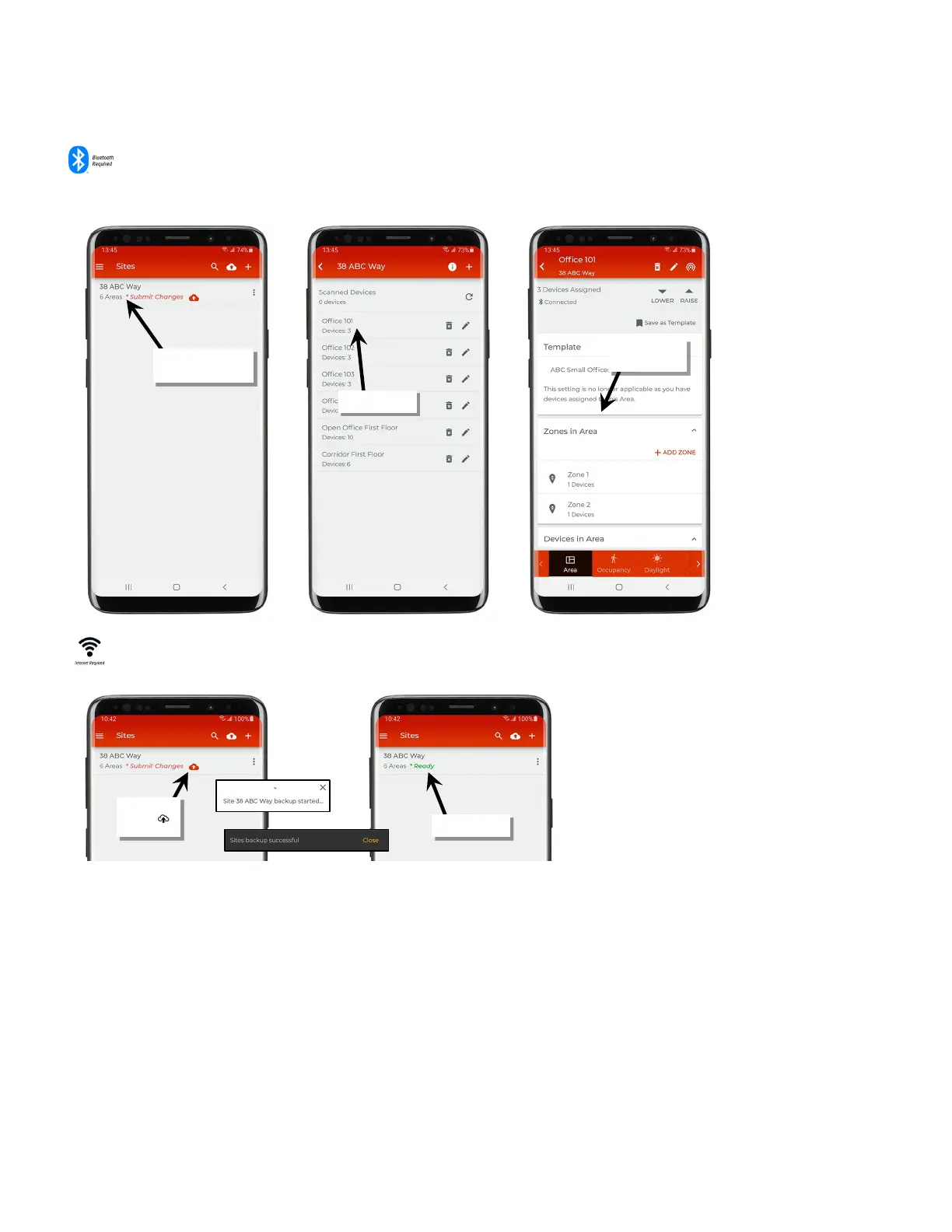
Once the initial setup is complete, open the site to review any configured areas. Open the area to view or change device
assignments and perform any remaining programming.
Refer to “Modify Programming in Networked Areas” on page 80 or “Modify
Programming in Standalone Areas
” on page 119 for programming details.
Recommended: If the location has an internet connection, make certain to sync the mobile app’s local database to the cloud by
tapping ‘Submit Changes’ in the site list.
For more details on site sync to the cloud, see “Understand Site Syncing” on page 148.
site
programming
Changes ’



 To Next Page