User Manual: WaveLinx Lite (4.0)
28
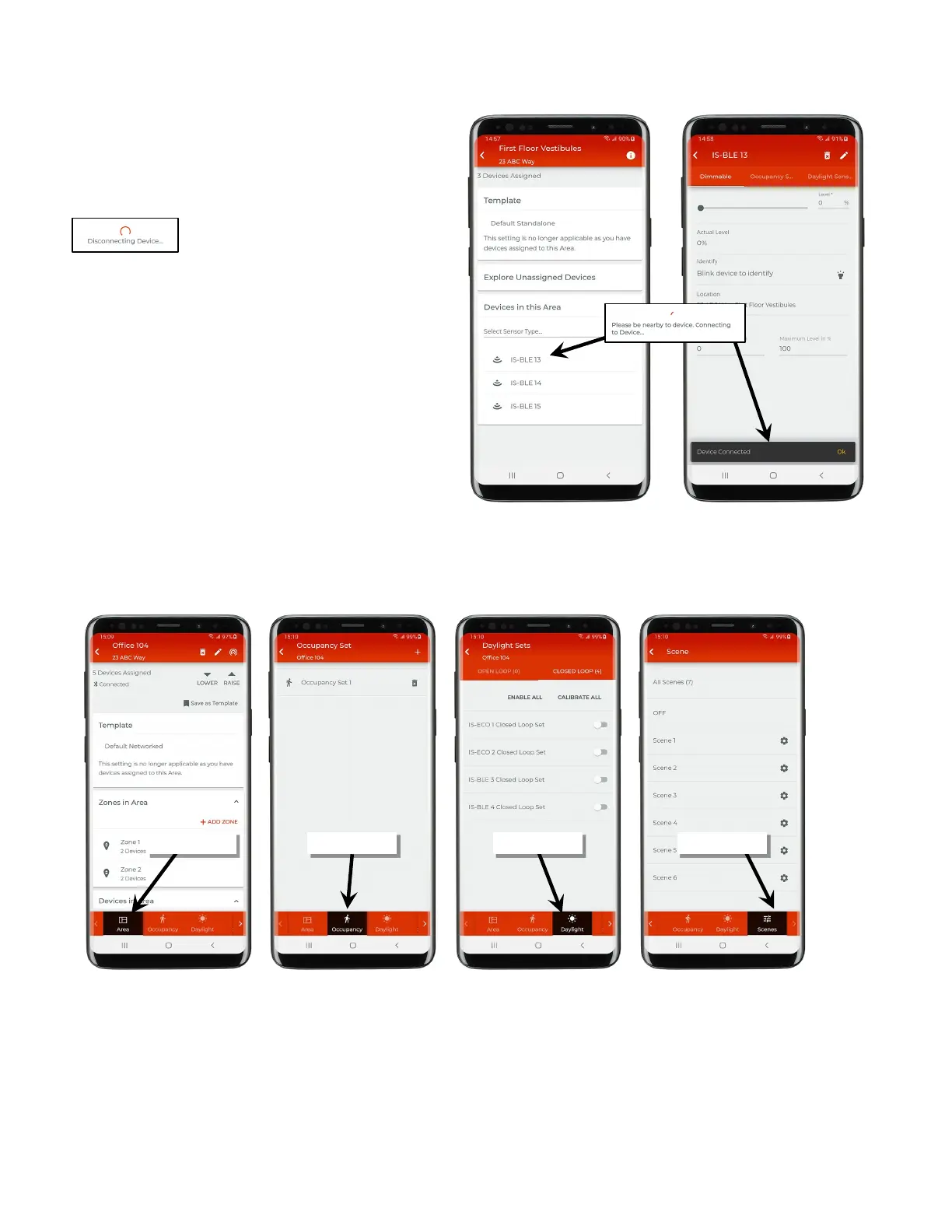
When opening a standalone area, the mobile device will wait until a
device is selected
to establish a connection. At this point, the
mobile app will open a direct Bluetooth connection to that device to
allow the device settings to be changed.
The connection will automatically close when exiting the device.
If the connection to the device fails,
move closer to the device
), and try again.
Note that wallstations have no use case in a standalone area and
cannot be assigned to this area type.
Programming
In a networked area, additional tabs allow adjustment of programmed settings for the area. Tap on one of the tabs to view or change
programming.
In a standalone area, all programming will be done by directly accessing the device’s settings.



 To Next Page