User Manual: WaveLinx Lite (4.0)
89
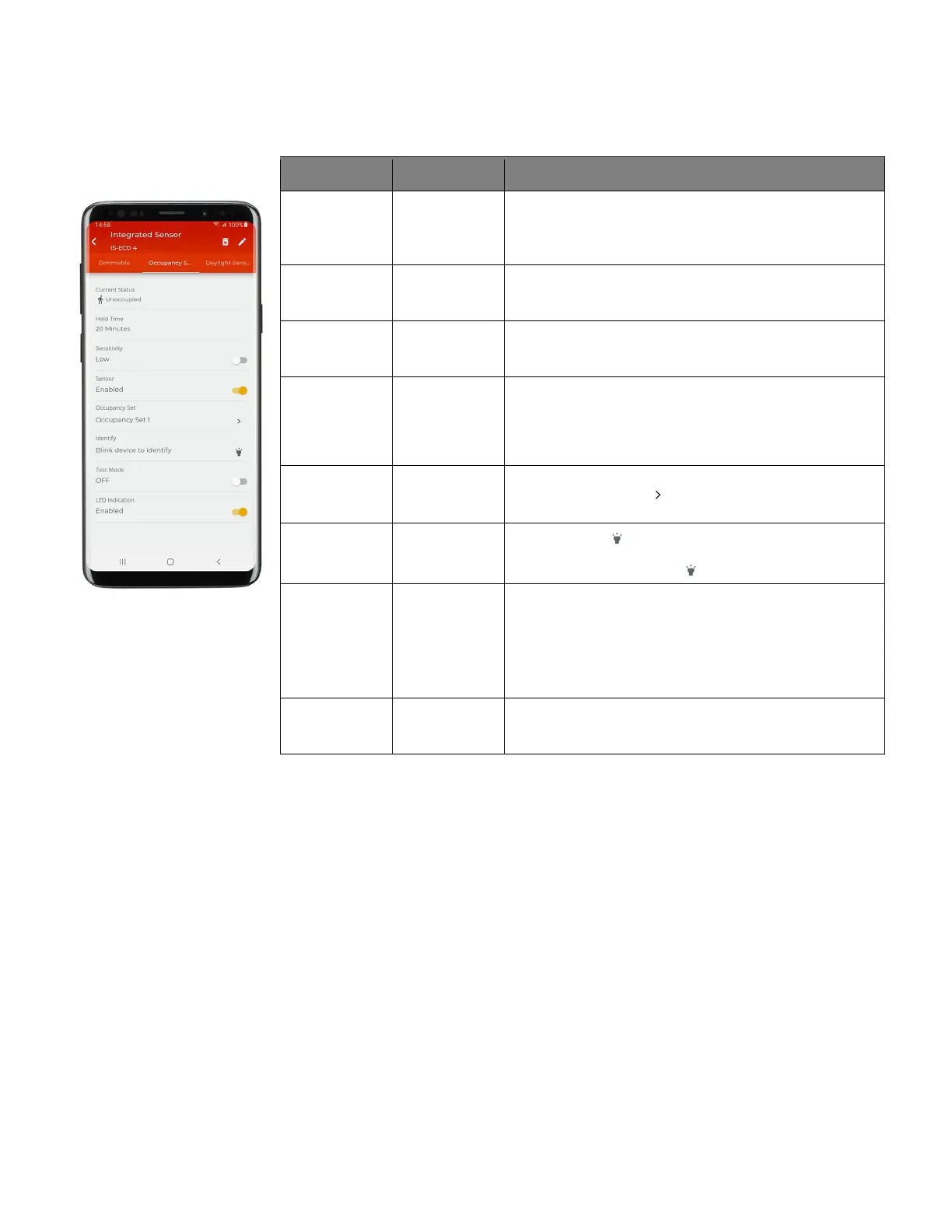
7: Tap on the device to open the ‘Device Details’, and then tap ‘Occupancy Sensor’. Refer to the chart for information on the items shown.
Setting Default Description
Current Status N/A Displays the status of the sensor, either occupied or
unoccupied.
Note: Status reflected does not include the
hold time delay. It reflects if
actual motion activity was occurring at the time the status last loaded.
Hold Time 20 Minutes Displays the Occupancy Set’s programmed hold time for
informational purposes (not editable) as hold time affects an
entire occupancy set, not just one device.
Sensitivity Depends on
sensor type
Slide the switch to ‘Low’ sensitivity if a sensor is detecting
motion outside of the desired coverage area. Switch to ‘High’
to regain the full motion sensing range.
Sensor Enabled Slide the switch to disable the occupancy sensor for this
device. This can be helpful if a sensor is false-triggering due to
challenging placement. Examples: near air vents or doorways.
Note: It is recommended to avoid placing sensors within 3ft (1m) of air
Occupancy Set Occupancy Set 1
Displays the occupancy set that the sensor is assigned to. Tap
on the right arrow icon ‘ ’ to navigate directly to the
occupancy set configuration.
Blink to Identify N/A
Tap on the icon ‘ ’ to cause the connected fixture to flash on
and off for a 15 second period. To cancel ‘blink to identify’
before the timer expires, tap ‘ ‘ again.
Test Mode N/A If test mode is activated (slide switch to activate), the sensor
will be placed in test mode for 10 minutes. During test mode,
the occupancy sensor will operate with a 10 second hold time.
Note: if more than one occupancy sensor reports to the occupancy set,
use test mode at the occupancy set level to prevent other sensors in
the occupancy set from holding the lighting on. See “
Use Occupancy
Sensor Set Test Mode” on page 95.
LED Enabled Disabling the LED is not recommended as it is often used to
determine if the sensor is operational. If the sensor LED flash
is a major distraction, slide the switch to disabled.



 To Next Page