Cyan Z-Series Engineering and Planning Guide Release 5.0
Page 142 © 2013 Cyan, Inc. – All Rights Reserved. 700-0023-05-00 Rev. 1
2.23.2 Switching Modes
The OPS supports the following switching modes:
• Automatic non-revertive switching: When Rx optical power on the active path falls below the
configured switch threshold, the OPS automatically switches traffic to the other path. Traffic
remains on the new active path until another switch occurs.
• Automatic revertive switching: When Rx optical power on the primary path falls below the
configured switch threshold, the OPS automatically switches traffic to the secondary path. Traffic
automatically reverts to the primary path when the Rx optical power rises above the configured
threshold. You can configure a reversion interval and a switch interval to control behavior of this
mode.
• Manual asynchronous switching: Allows the operator to specify the operational path, via either
SNMP command or front panel buttons (front panel buttons are operational only when OPS is in
local mode).
2.23.3 Local or Remote Operation
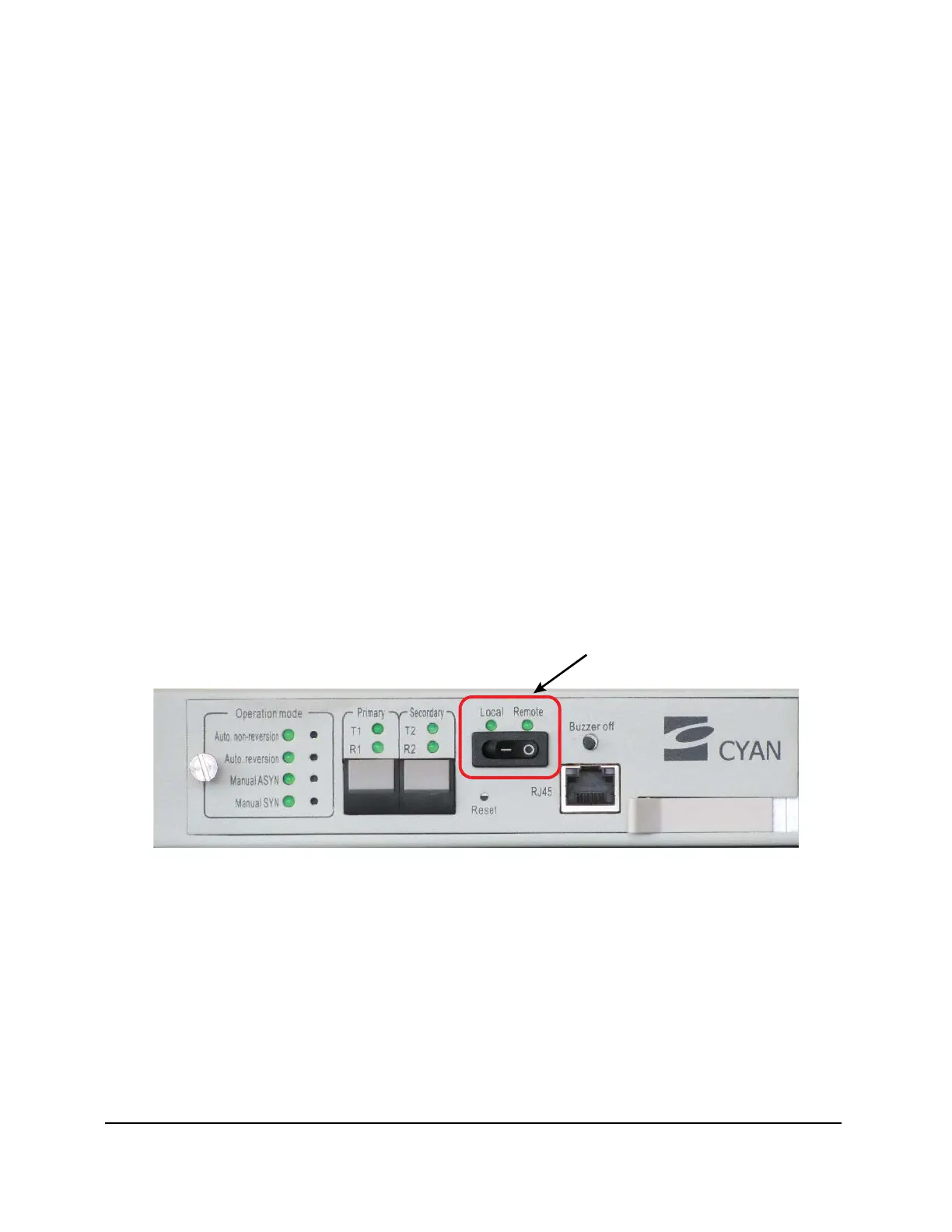
Control and monitor the OPS in real time either locally, using buttons on the front panel, or remotely, using
SNMP v1. Set the OPS for local or remote operation using the Local/Remote switch on the front panel of the
control module:
• In local mode, the buttons on the front panel are active and the local operator can configure the OPS.
The SNMP user can monitor the device but cannot configure it.
• In remote mode, the buttons on the front panel are inactive. Only the remote SNMP user can
configure the device. The local user can monitor the device using the LEDs.
Figure 72: Local/Remote Switch on Control Module



 To Next Page