ENGLISH
87
6.2.6 LA: Language
Display in one of the following languages:
Italian
English
French
German
Spanish
Dutch
Swedish
Turkish
Slovenian
Romanian
6.2.7 HO: Operating hours
Indicates, on two lines, the hours of inverter activation and pump operating hours.
6.3 Setpoint menu
From the main menu, press and hold MODE and SET simultaneously until “SP” appears on display (or use
the buttons + or – in the selection menu).
Buttons + and – enable respectively to increase and decrease the system pressurisation value.
To exit the current menu and return to the main menu, press SET.
This menu enables the user to set the system operating pressure.
The pressure range depends on the sensor used (see PR: Sensore di pressione section 6.5.7) and varies
as shown in Table 14. System pressure can be displayed in [bar] or [psi] depending on measurement system
used.
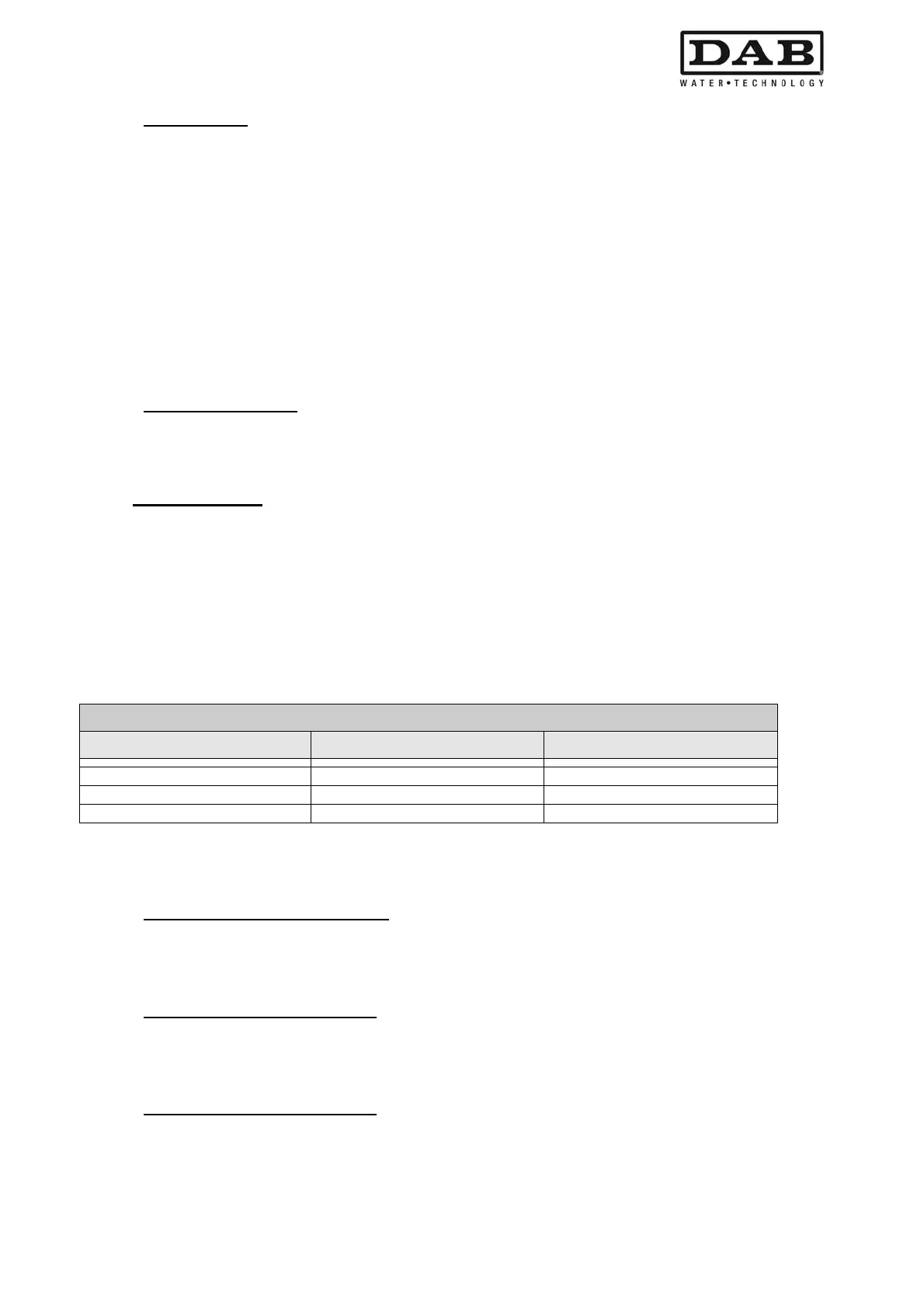
Regulation pressure values
Type of sensor used Regulation pressure [bar] Regulation pressure [psi]
16 bar 1,0 - 15,2 14 - 220
25 bar 1,0 - 23,7 14 - 344
40 bar 1,0 - 38,0 14 - 551
Table 14: Maximum regulation pressure values
6.3.1 SP: Setting the setpoint pressure
Pressure to apply to the system if the auxiliary pressure regulation functions are not active.
6.3.2 P1: Auxiliary pressure 1 setting
Pressure to apply to the system if the auxiliary pressure function is activated on input 1.
6.3.3 P2: Auxiliary pressure 2 setting
Pressure to apply to the system if the auxiliary pressure function is activated on input 2.


 To Next Page
 Loading...