User’s Manual EM11A015B
intelligent Touch Manager
105
• Ao, Mo Tab (Events Screen)
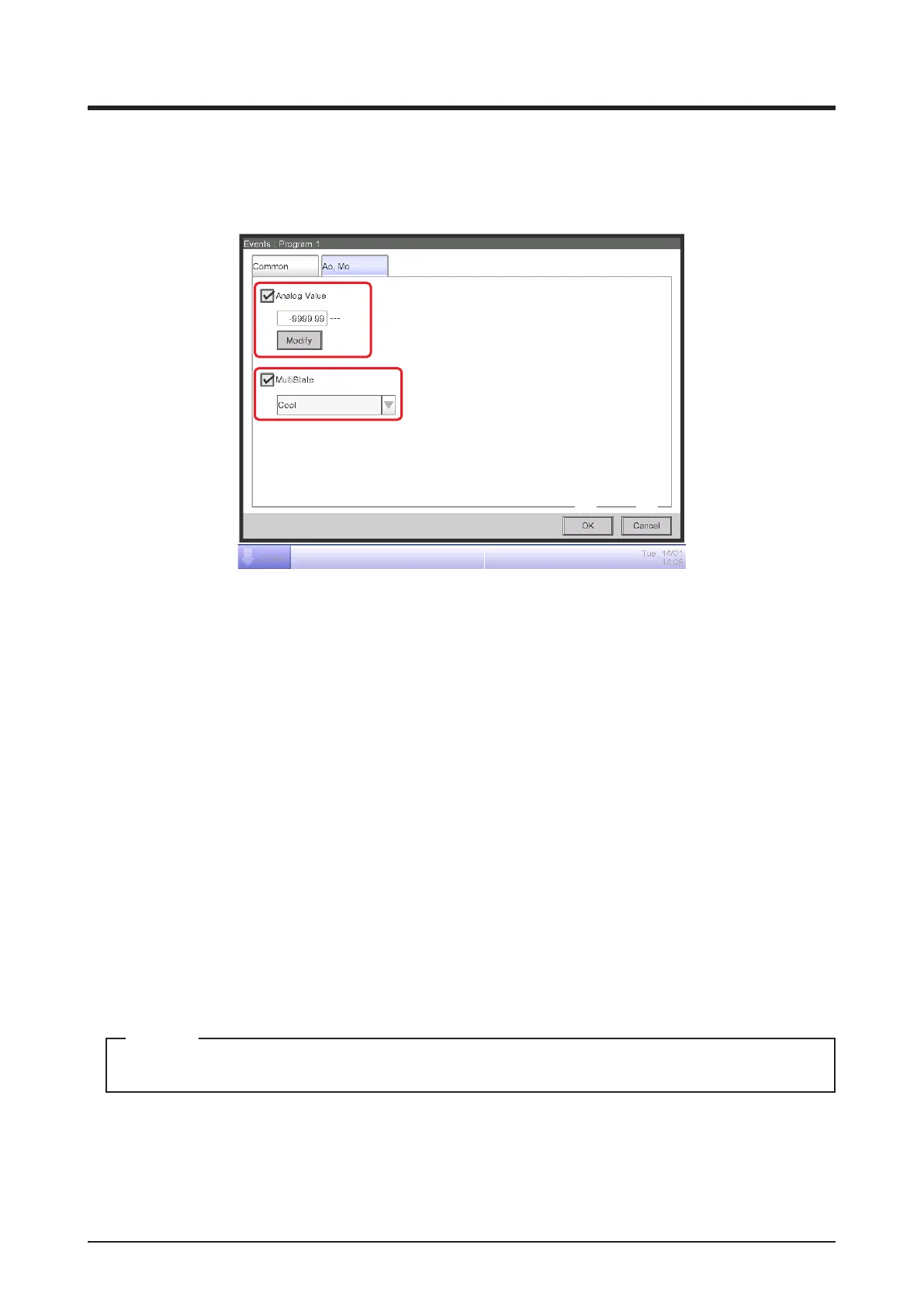
This screen is displayed when you touch the Ao, Mo tab on the Events screen.
Set up the operation of Ao and Mo.
(1)
(2)
(3) (4)
Select the check box of the items to set up, and select/enter the setting using the combo box/
Modify button.
(1) Analog Value setting area
Ao refers to analog signal output.
This function enables the signal output equipment (I/O module) connected to the iTM to output a
current/voltage corresponding to the adjustment value from external equipment.
(It is used for the adjustment of building equipment, such as degree of aperture of a damper/
valve.)
The range, incremental width, and unit of the analog values are set on the screen during trial.
(The unit setting may not be available.)
For details, consult a service person.
(2) MultiState setting area
It allows you to select and set a MultiState value for Mo.
The MultiState value set on the screen is set up during the trial.
You cannot schedule MultiState in Area setting.
NOTE
(3) OK button
Saves the edit and closes the screen.
(4) Cancel button
Cancels the edit and closes the screen.



 To Next Page