User’s Manual EM11A015B
intelligent Touch Manager
106
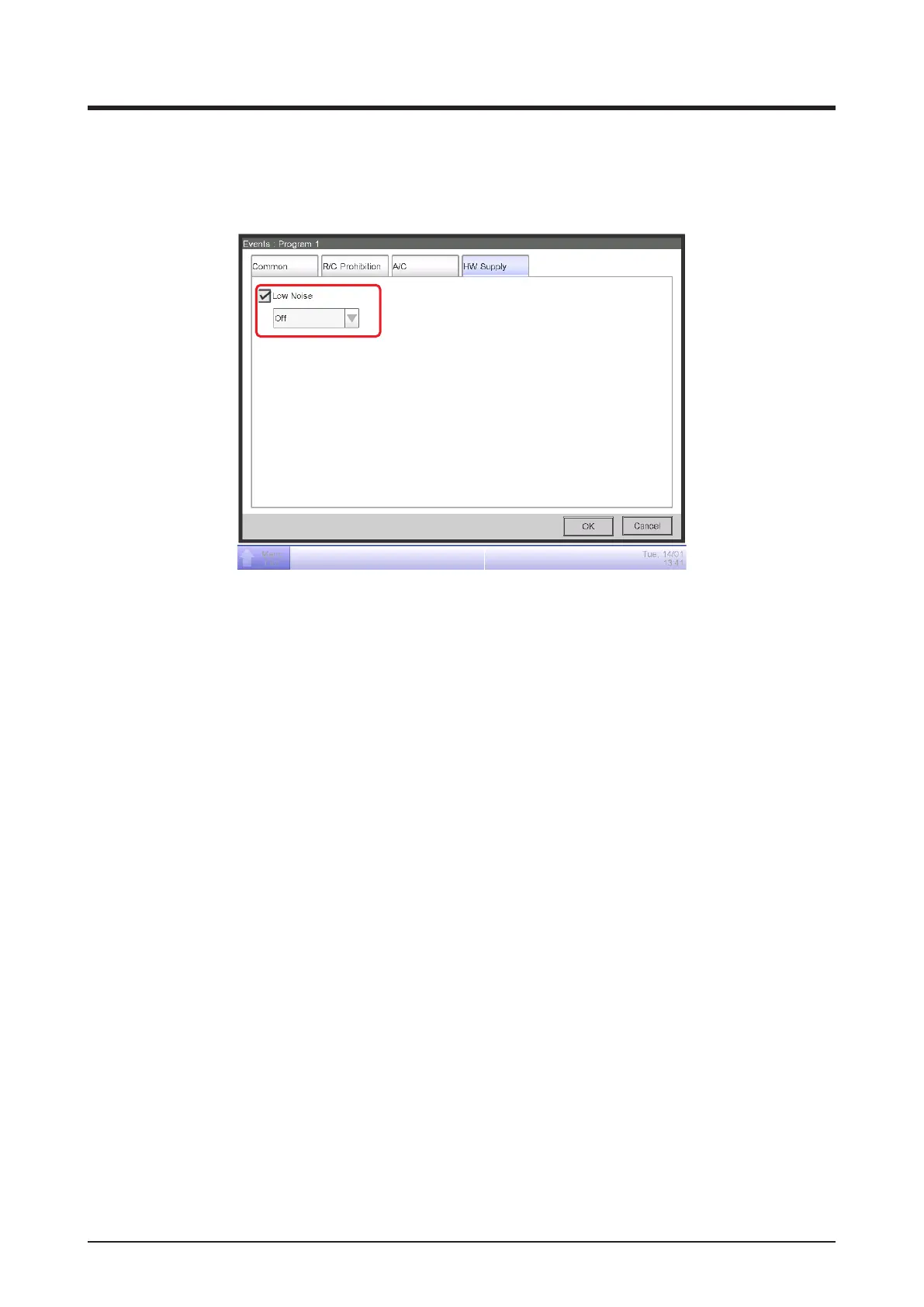
• HW Supply Tab (Event Screen)
This screen is displayed when you touch the HW Supply tab on the Events screen.
It allows you to set up the Hot water supply actions.
(1)
Select the check box of the items to set up, and select the setting using the combo box/radio
buttons.
(1) Low Noise setup area
Sets up the low noise feature of the hot water supply.
Select whether to enable (On) or disable (Off) the function using the combo box.



 To Next Page