User’s Manual EM11A015B
intelligent Touch Manager
165
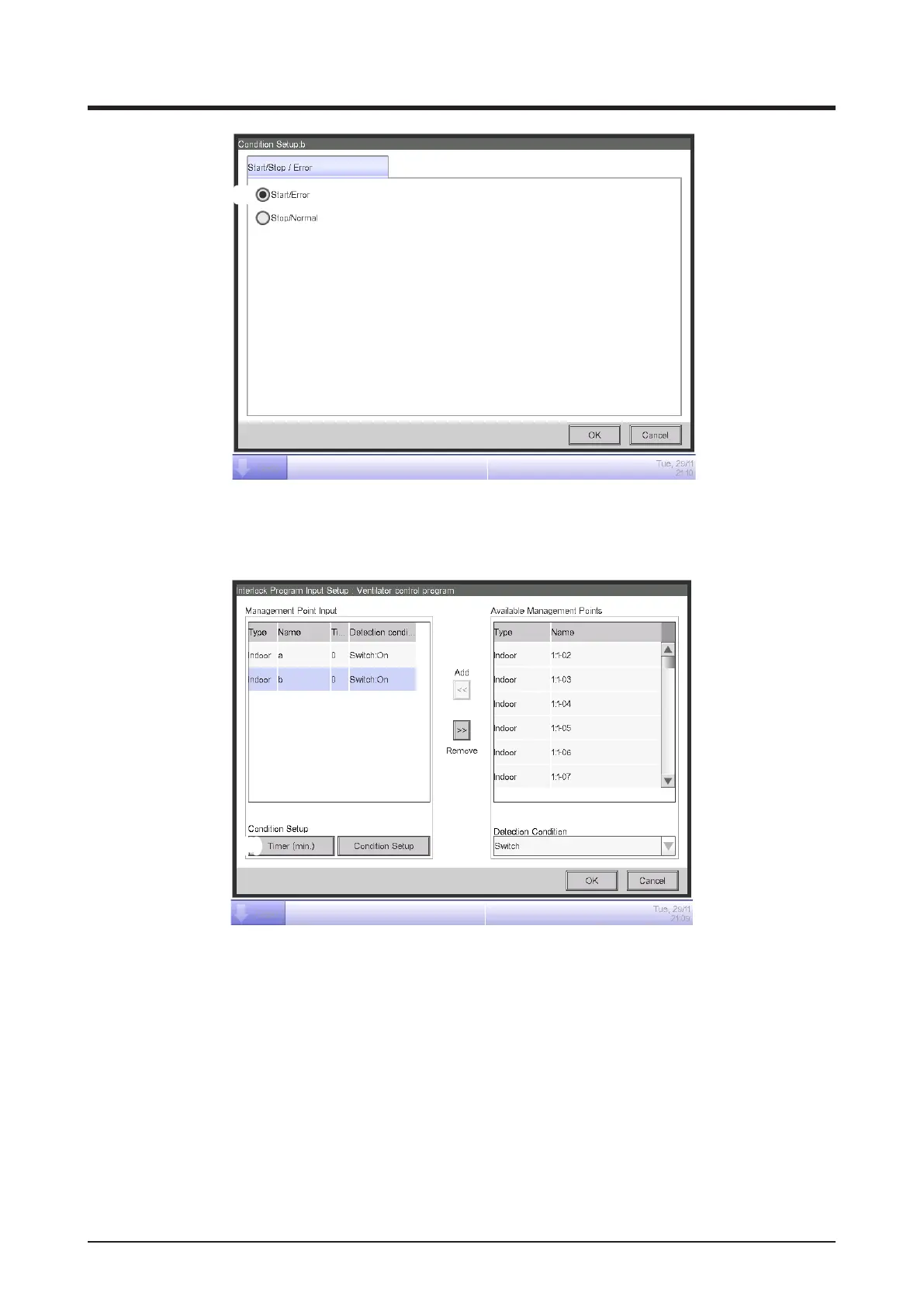
(8)
Select “Start/Error” (8) and touch the OK button to return to the Interlock Program Input screen.
Similarly, set up the indoor unit “b”.
(9)
Select the indoor unit “a” and touch the Timer (min.) button (9) and enter “10” for required
duration in the Numerical Input dialog that appears.
Touch the OK button and return to the Interlock Program Setup screen.
Similarly, set up the indoor unit “b”.



 To Next Page