User’s Manual EM11A015B
intelligent Touch Manager
176
• Condition Setup Screen
This screen is displayed when you touch the Condition Setup button on the Interlock Program
Setup screen.
Sets up the conditions to be required to the input.
The screen consists of three tabs: Start/Stop / Error, Operation Mode, and Analog Value, each
detecting different conditions. The screen opens on the tab that corresponds to the type of the
monitored management point.
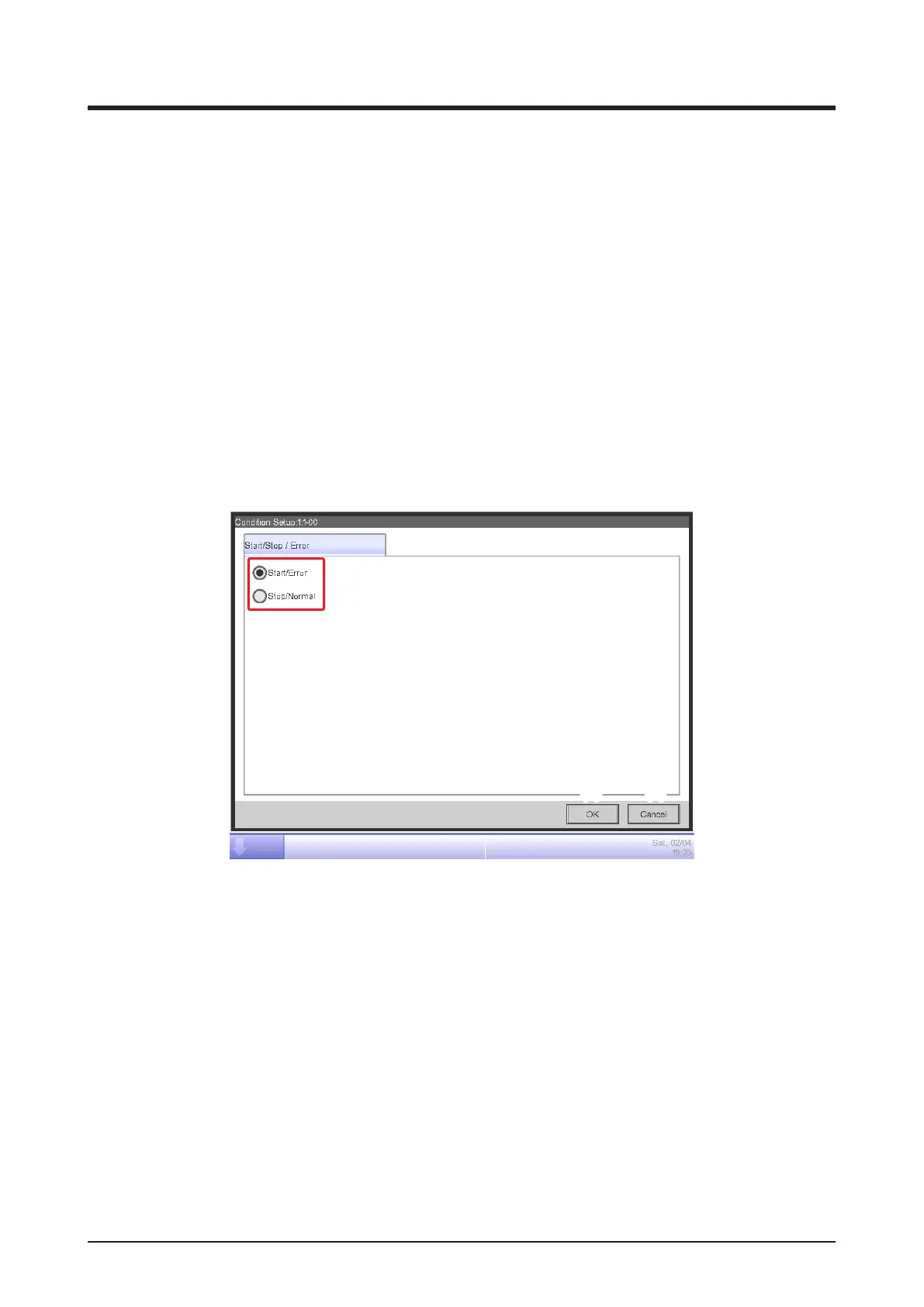
• Start/Stop / Error Tab (Condition Setup Screen)
This screen is displayed when you touch the Start/Stop / Error tab on the Condition Setup
screen.
Sets up the conditions required for Switch, Equipment error, Analog upper limit error, or Analog
lower limit error to be detected.
(1)
(2) (3)
(1) Required condition radio button
Select either Start/Error or Stop/Normal as the required condition.
(2) OK button
Saves the edit and closes the screen.
(3) Cancel button
Cancels the edit and closes the screen.



 To Next Page