User’s Manual EM11A015B
intelligent Touch Manager
177
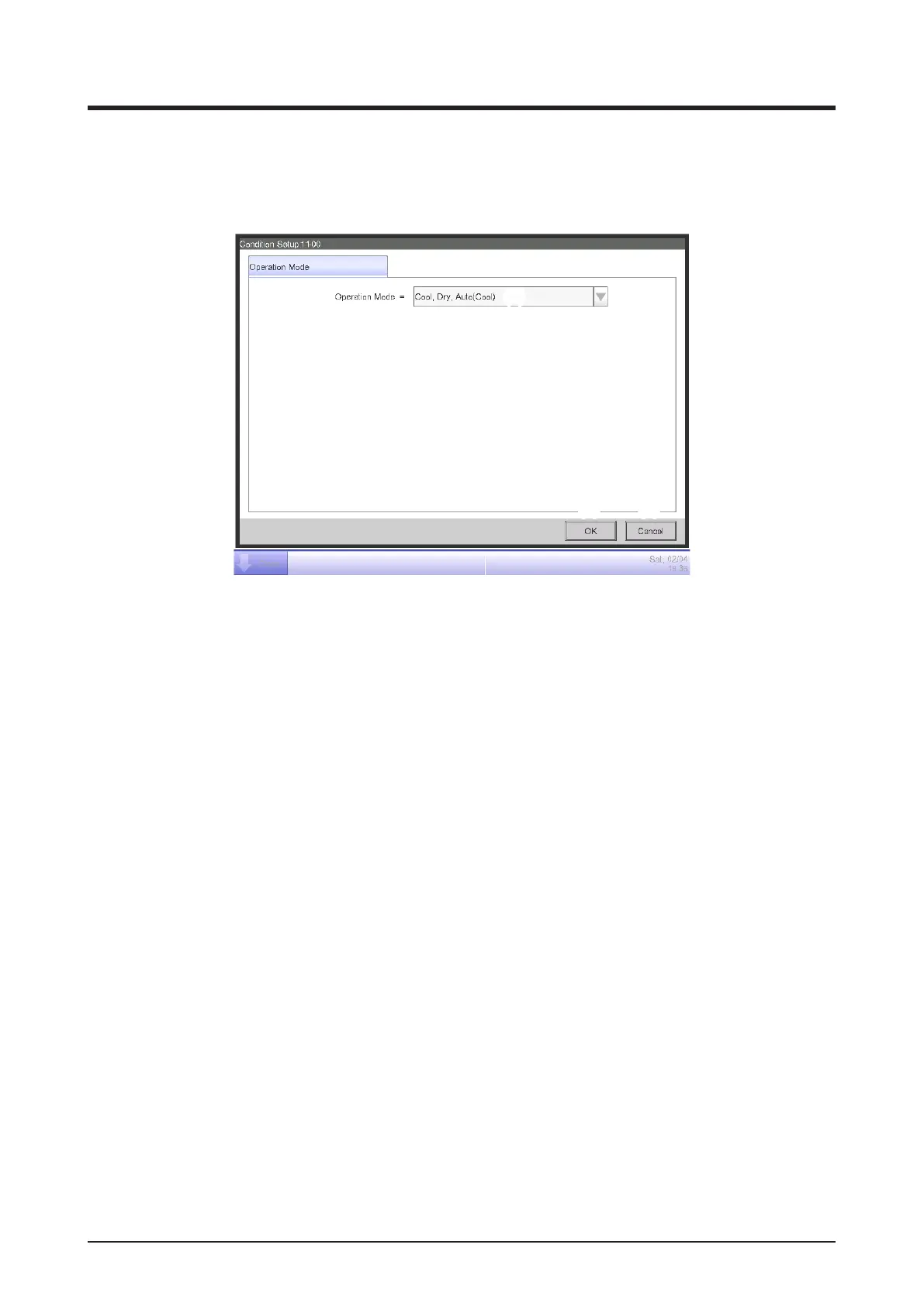
• Operation Mode Tab (Condition Setup Screen)
This screen is displayed when you touch the Operation Mode tab on the Condition Setup screen.
Sets up the conditions required for the operation mode to be detected.
(1)
(2) (3)
(1) Operation Mode combo box
Select the operation mode required for clearing the condition.
Select an operation mode from: “Cool, Dry, Auto(Cool)”, “Heat, Auto(Heat)”, and “Fan”.
(2) OK button
Saves the edit and closes the screen.
(3) Cancel button
Cancels the edit and closes the screen.



 To Next Page