User’s Manual EM11A015B
intelligent Touch Manager
226
(20)
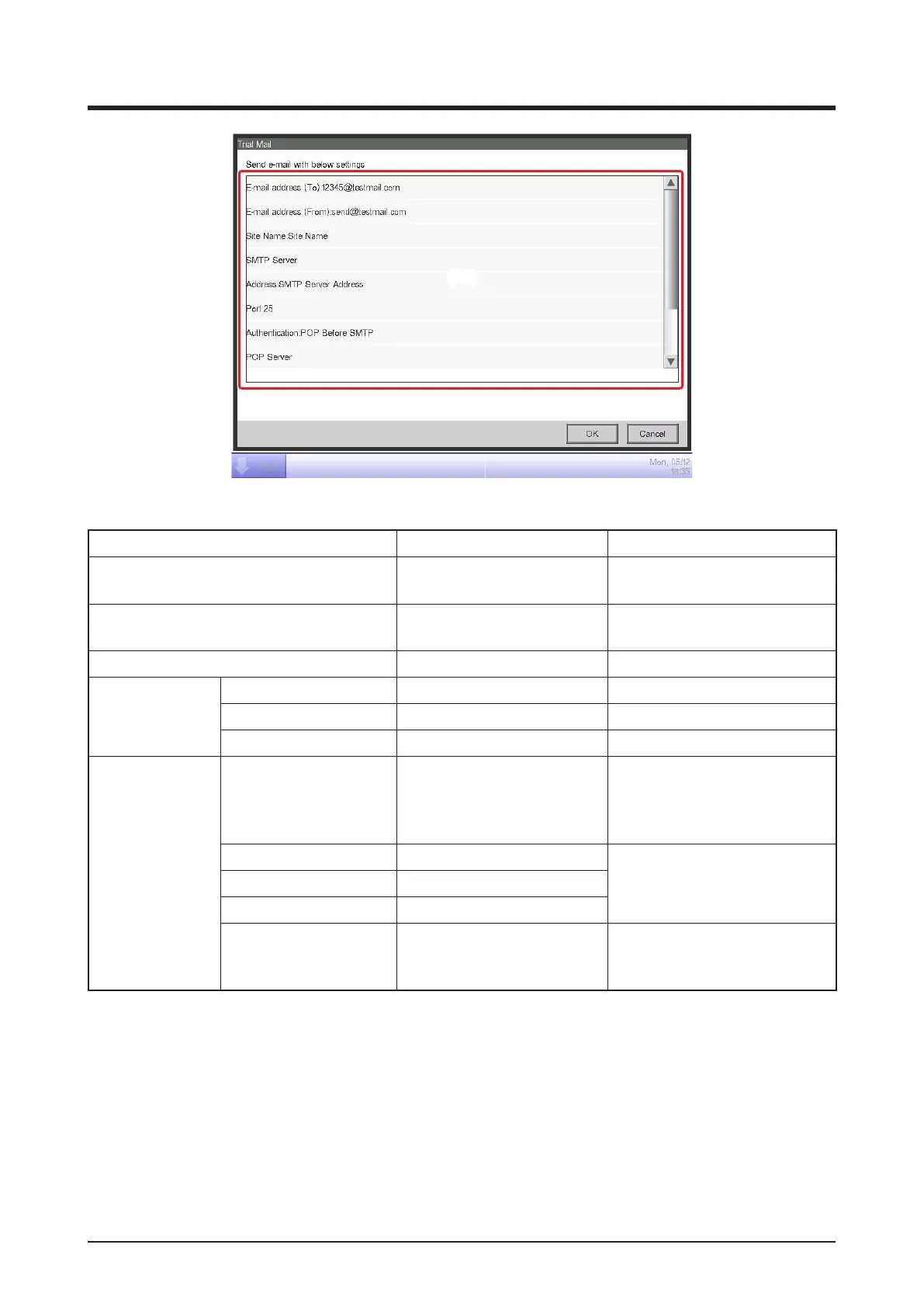
(20) displays the current settings whose details are as indicated in Table below.
Item Displayed information Remarks
To E-mail address
E-mail Address
(To):[address]
From E-mail address
E-mail Address
(From):[address]
Site Name Site Name:[name]
SMTP Server
Title SMTP Server
Address Address:[address]
Port number Port:[port]
Authentication
Authentication method
Authentication:
[Authentication method]
[Authentication method] is one
among [No Authentication],
[POP Before SMTP], and
[SMTP-AUTH].
Title POP Server
Displayed when [Authentication
method] is [POP Before
SMTP].
POP Server Address Address:[address]
POP Server Port No. Port:[port]
User ID User ID:[ID]
Displayed when [Authentication
method] is other than
[No Authentication].



 To Next Page