User’s Manual EM11A015B
intelligent Touch Manager
285
Emergency Stop and Error Information
When an emergency stop/system error/equipment error/monitoring error has occurred in any iTM
connected to the iTM integrator, a buzzer will sound if the buzzer is set to ON in System Setting of
iTM integrator.
The steps for releasing and checking an emergency stop or error Information are the same as for
the iTM unit.
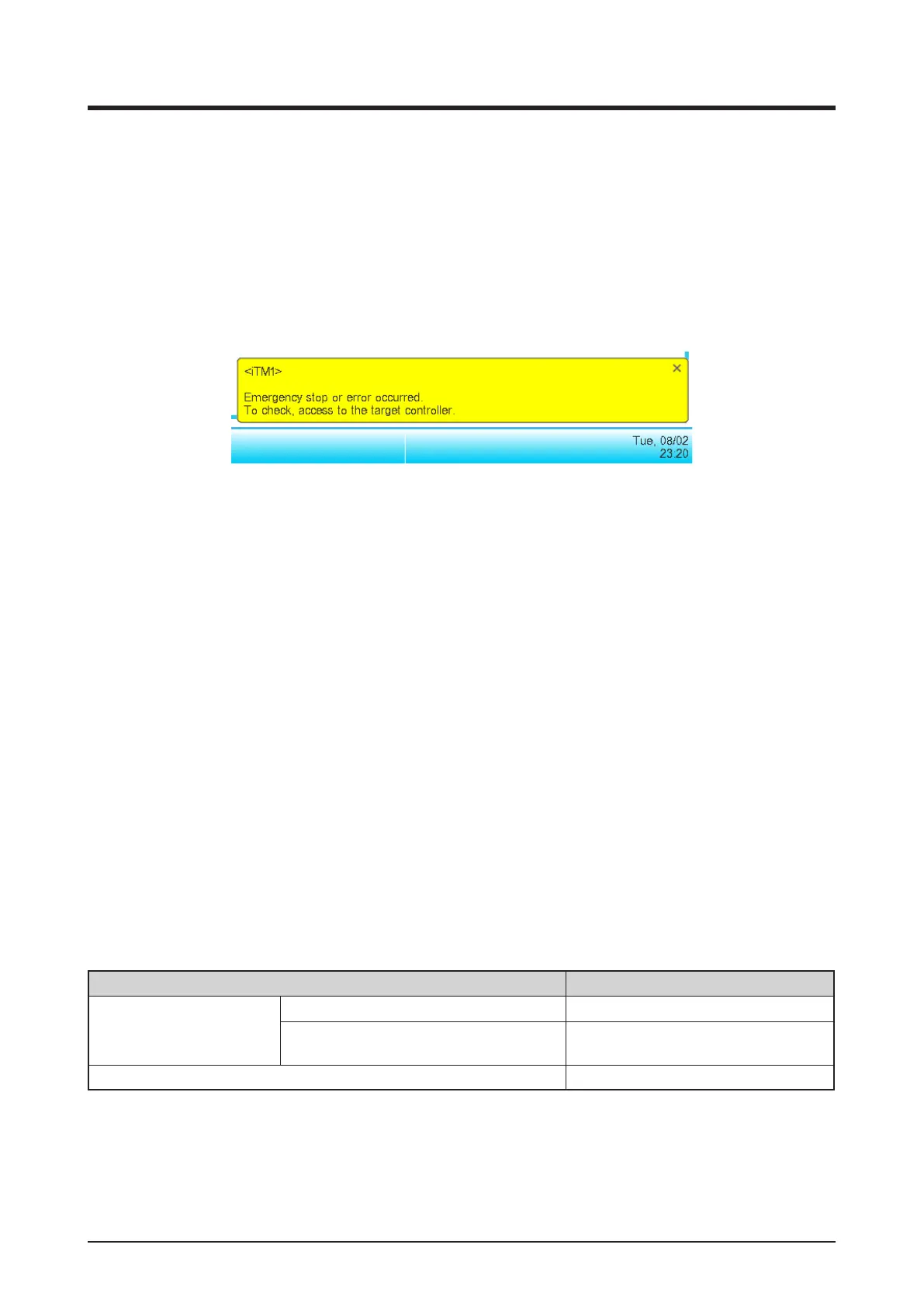
If any event has occurred in iTM, one of the balloons below will be displayed as a prompt.
Data input/output
Similarly to when operating on the iTM unit, you can input/output various data even when accessing
the iTM from the iTM integrator. In this case, input/output is performed using a USB memory
connected to the iTM integrator unit.
Data you can import/export are as follows:
Setup export
History
Power proportional distribution data (optional)
Energy Navigator data (optional)
The output files are named in a similar way as when output by the iTM unit. However, the iTM
integrator automatically creates and saves the output le in a folder named with the iTM controller
name and its IP address, [controller name]_[IP address], to indicate the iTM that output the le,
and manage les per iTM.
However, how the folder is created and the le saved may vary depending on the USB memory’s
internal status. See the following table.
USB memory’s internal status Creation and save method
No target folder in USB
memory’s root directory
No le with the same name in USB memory Create new target folder and save
File with the same name in USB memory
Delete le of the same name,
create new target folder and save
Target folder present in USB memory’s root directory Save in the existing folder



 To Next Page