User’s Manual EM11A015B
intelligent Touch Manager
286
iTM unit settings change
iTM unit screen switching, or restart, etc. may occur as a result of iTM settings change from the iTM
integrator. See the following table.
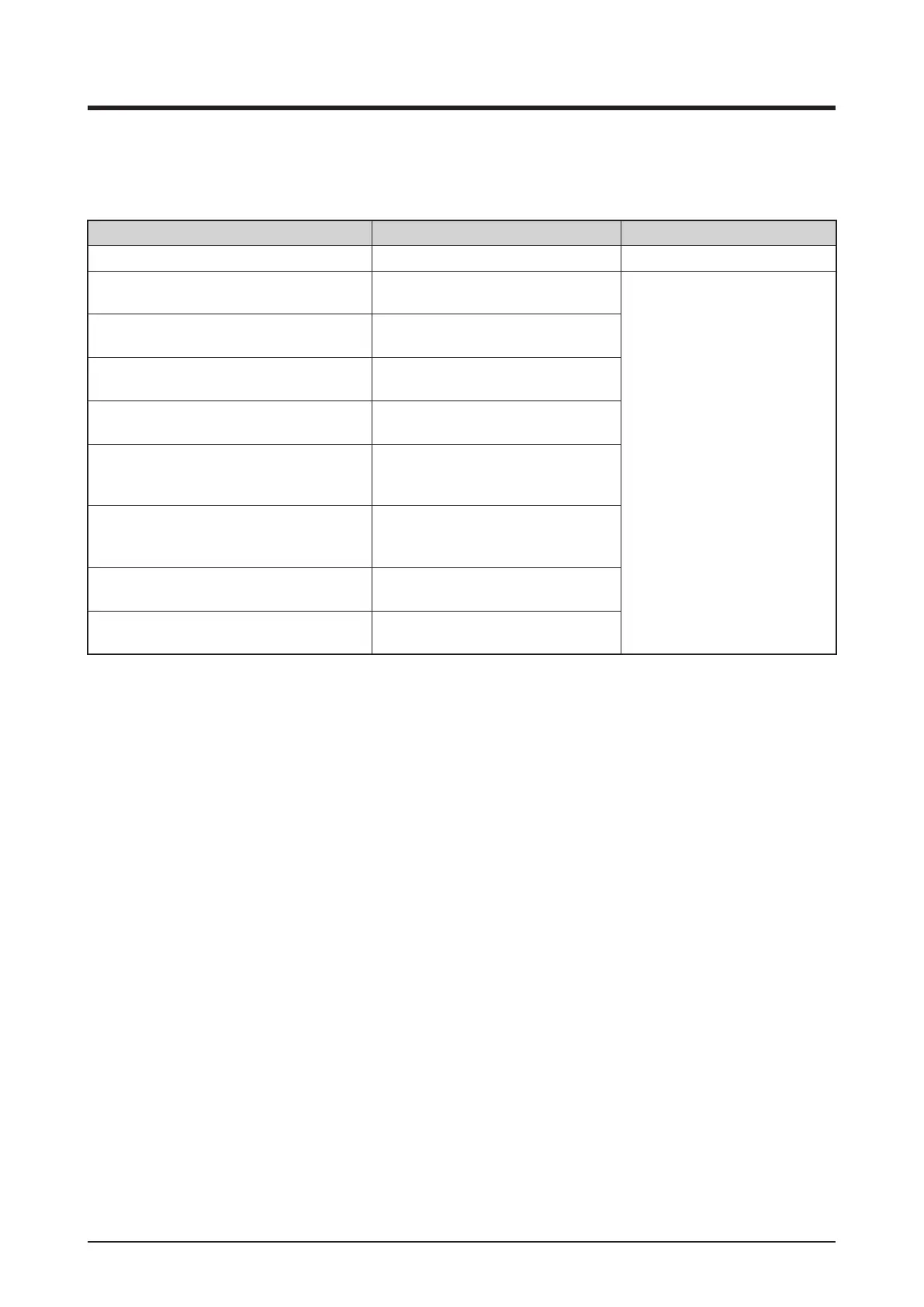
Setting contents Timing Result
iTM restart causing settings change When restart starts The iTM unit restarts
Area deletion
When the “Yes” button is pressed on
the deletion conrmation dialog
Displays the top screen of the
Standard Icon view of the iTM
screen.
If a setup screen is open, the
settings in progress are
canceled.
Area member registration
When the “OK” button is pressed on
the Registration screen
Area attributes change
When the “OK” button is pressed on
the Area Attribute Setup screen
Area move
When the “OK” button is pressed on
the Area Move screen
Management point setup
When the “OK” button is pressed on
the Mgmt. Points Attributes Setup
screen
Centralized Monitoring Setup change
When the “OK” button is pressed on
the Centralized Monitoring Setup
screen
Conrm Setup change
When the “OK” button is pressed on
the Conrm Setup screen
Changeover Option change
When the “OK” button is pressed on
the Changeover Option screen



 To Next Page