User’s Manual EM11A015B
intelligent Touch Manager
317
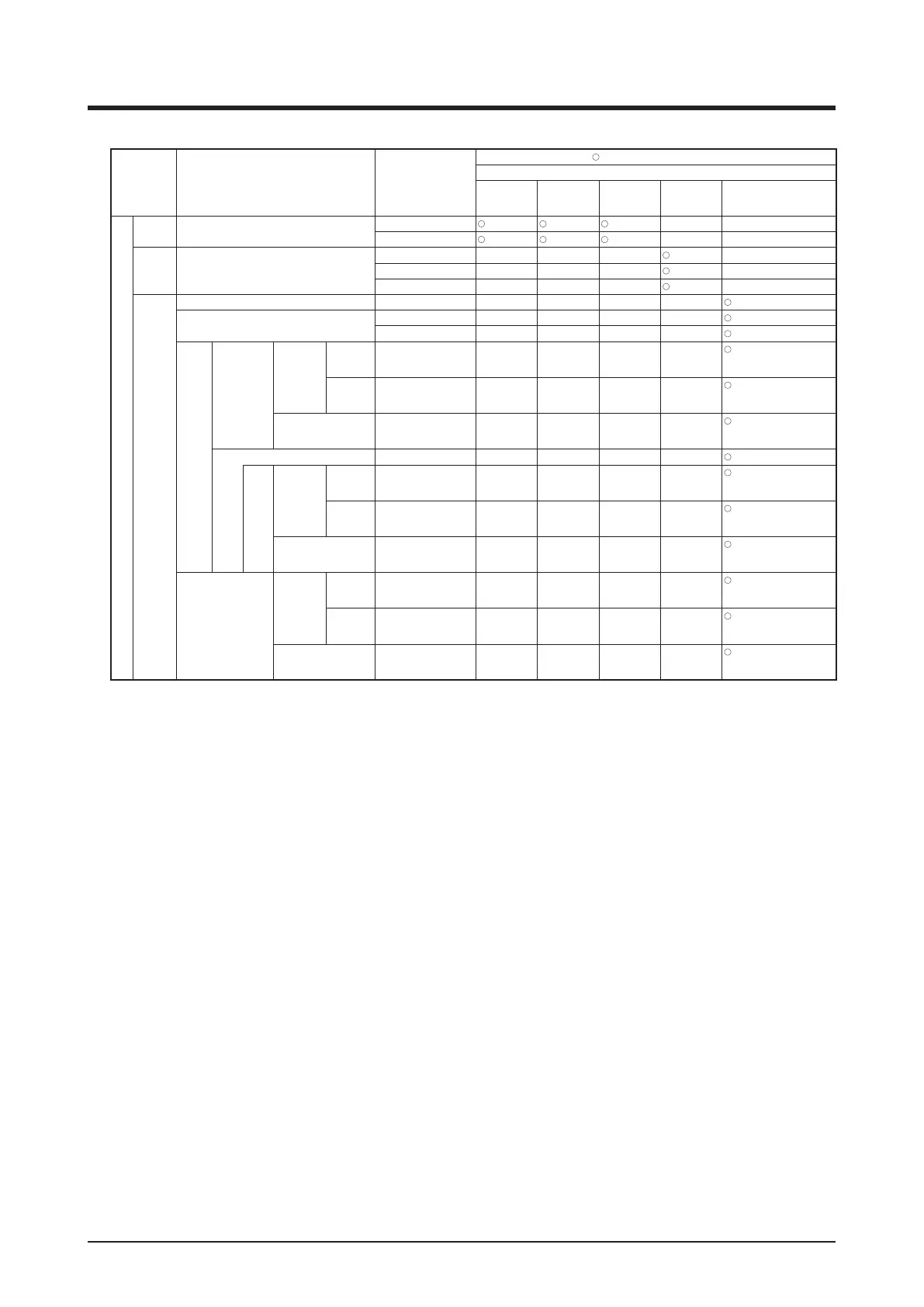
<Interlocking Control for Condition Setup Screen>
Setting location Item Setting details
Possible range [
: Visible, ×: Invisible, Between ( ) : Numerical range]
Condition to detect
Switch
Equipment
error
Analog
upper/lower
limit error
Operation
mode
Analog value
Condition Setup Screen
Start/Stop /
Error tab
Required condition for Start/Stop / Error
Start/Error
× ×
Stop/Normal
× ×
Operation
Mode tab
Operation Mode
Cool, Dry, Auto(Cool) × × ×
×
Heat, Auto(Heat) × × ×
×
Fan × × ×
*5
×
Analog
Value tab
Analog Value 1 Example: Outdoor Temp1 × × × ×
Inequality Sign Selection
> × × × ×
< × × × ×
Analog
Value2
Const Value
Temperature
Celsius Example: 0.0°C × × × ×
*1*2*4
(–512.0~512.0)
Step: 0.1
Fahrenheit Example: 32°F × × × ×
*1*2*4
(–890~954)
Step: 1
Generic Example: 0.00 × × × ×
*1*4
(–9999.99~9999.99)
Step: 0.01
Example: Room Temp1 × × × ×
*3
Mgmt.
Point
Offset
Temperature
Celsius Example: 0.0°C × × × ×
*1*2*3
(–512.0~512.0)
Step: 0.1
Fahrenheit Example: 0.00°F × × × ×
*1*2*3
(–922~922)
Step: 1
Generic Example: 0.0 × × × ×
*1*3
(–9999.99~9999.99)
Step: 0.01
Hysteresis
Temperature
Celsius Example: 1.0°C × × × ×
*1*2
(0.0~512.0)
Step: 0.1
Fahrenheit Example: 1°F × × × ×
*1*2
(0~922)
Step: 1
Generic Example: 1.00 × × × ×
*1*2
(–9999.99~9999.99)
Step: 0.01
*1 Displayed in accordance with the analog type of the selected management point.
*2 Displayed in °C or °F depending on the unit selected in the System Settings.
*3 Grayed out when Const Value is selected.
*4 Grayed out when Mgmt. Point is selected.
*5 Not displayed when Chiller Mgmt. Point is selected.



 To Next Page