User’s Manual EM11A015B
intelligent Touch Manager
43
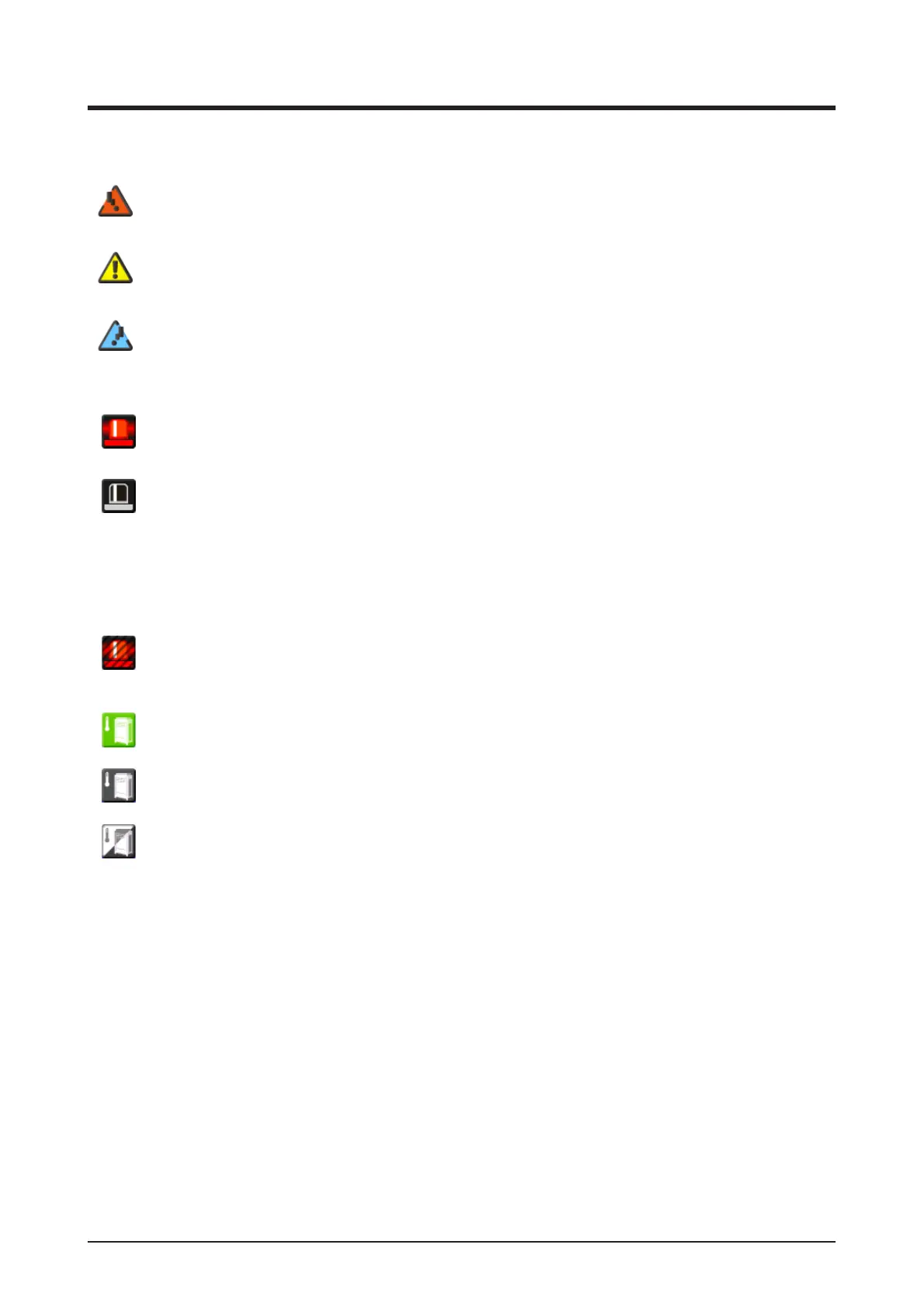
(6) Group monitoring icon
A Error detection Reports error when any of the following faults is detected.
(Red)
Flashing indicator: System error
Text: System error occurred. Touch this icon to check and restore.
(Yellow)
Flashing indicator: Unit/Limit Error
Text: Error occurred. Touch this icon to check.
(Blue)
Lit indicator: Communication error
B Emergency Stop Reports emergency stop.
Emergency Stop
Text: Emergency stop occurred. Touch this icon to release.
Waiting for Release
Text: Emergency stop occurred. Touch this icon to release.
* A balloon is displayed when the target unit entered into waiting for release status
automatically, without the icon being touched even once. The balloon is not displayed if
the target unit was put into waiting for release status manually, by touching the icon.
OFF
C Energy Save Displays the Energy Save status.
Enabled
Suspended
Under Control
(7) Time
Displays the current time.
(8) Area hierarchy indicator
Displays the hierarchical level of the currently displayed area.
(9) Top, Down, and Up buttons
Top button: Displays the area and management points at the Top.
Down button: Moves into the selected area and displays the areas and management points there.
Up button: Moves up one hierarchical level from that of the currently displayed area and displays
the areas and management points there.
(10) List switch button
Toggles the Standard View screen between Icon View and List View.



 To Next Page