User’s Manual EM11A015B
intelligent Touch Manager
44
(11) Information button
Displays the legend for an icon or contact information for inquiries regarding the system.
(12) Selected area/management point information indicator
Displays the name, icon, and lter sign of the selected area or management point.
(13) Room Temp/Operation Mode/Changeover Option indicator
Displays the room temperature and settings of the selected management point. Not displayed for
areas.
When the selected management point is in error, it displays the error code.
NOTE
(14) Details button
Displays the Detailed Setup screen for the selected area or management point.
(15) On/Off Combo box
Starts/Stops the selected area or management point.
In the case of the system with Hydrobox, (15) is only valid to operate the air conditioners. To start/
stop the water heater, touch the Setting button (18), and operate from the HW Supply Tab.
When the optional Setback function is enabled, it displays Start, SB Low, SB High, or Stop.
NOTE
(16) Setpoint spin box
Sets up the temperature for the management point of the selected area, or the selected indoor unit.
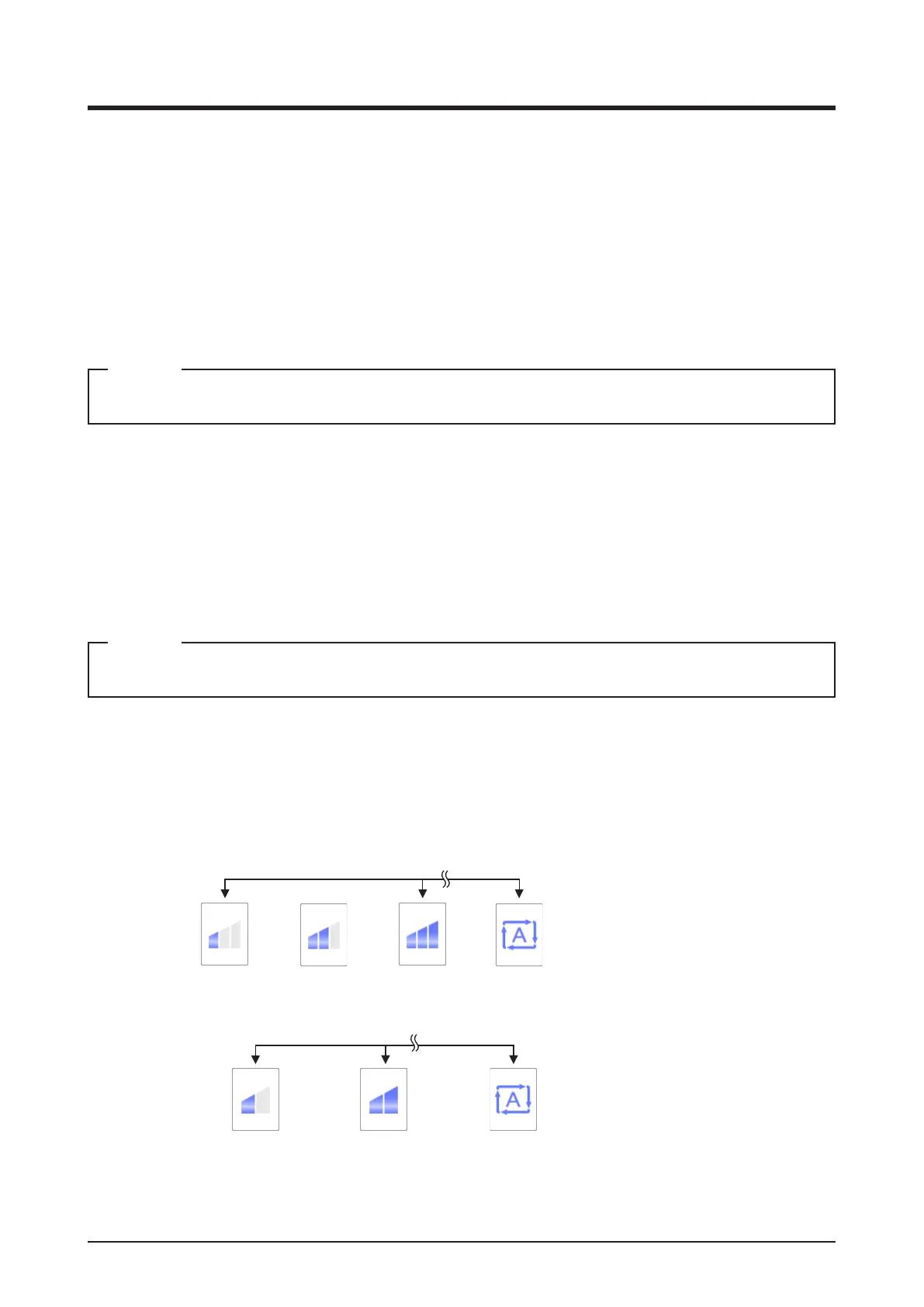
(17) Fan Speed button
Sets up the fan speed for the management point of the selected area, or the selected indoor unit.
(Low) (Middle) (High) (Automatic)
3-speed fan Only indoor unit with auto mode
(Low) (High)
2-speed fan
(Automatic)
Only indoor unit with auto mode
(18) Setting button
Displays the Detailed Setup screen for the selected area or management point.



 To Next Page