User’s Manual EM11A015B
intelligent Touch Manager
47
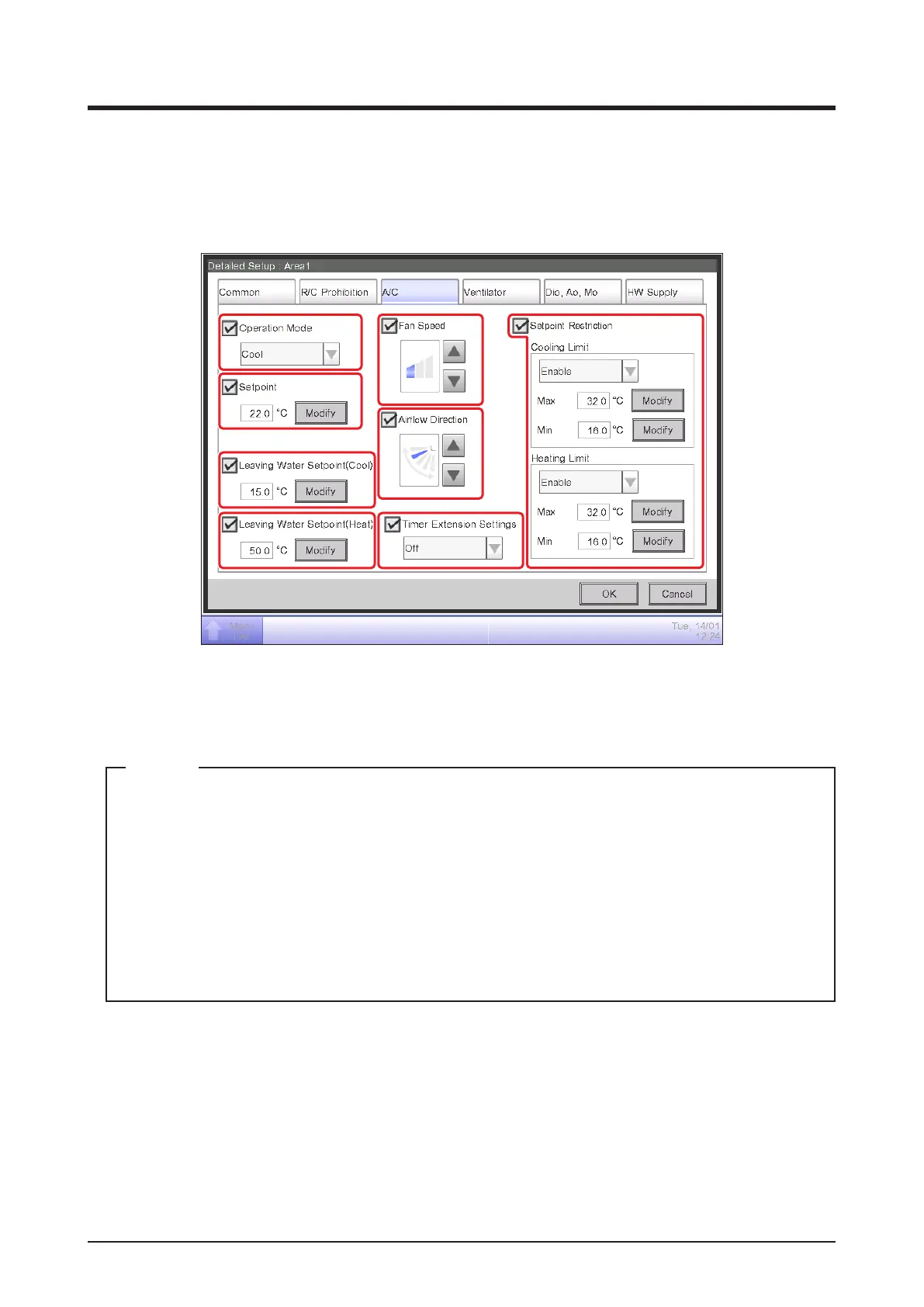
• A/C Tab
Sets up the indoor unit and Chiller.
Change settings by selecting the relevant check boxes. The range of values and items you can
set up will depend on the selected equipment.
(1)
(2)
(3)
(4)
(7)
(5)
(8)
(6)
(1) Operation Mode
Changes the operation mode.
Select and set up a value from Fan, Cool, Heat, Dependent, Automatic, and Dry.
• Dependent means either Cool or Heat. This is because the operation mode follows the
Cool or Heat operation mode set up in the air conditioner with Changeover option.
• To select the Dry operation mode, you need to complete the initial setup. Some air
conditioner models do not provide the Dry function.
• Setting up “Dry” in an indoor unit with Changeover option does not change the operation
mode of indoor units without Changeover option that belong to the same Outdoor Unit
group and are operating in Cool or Dry mode.
NOTE
(2) Setpoint
Sets up the temperature.
(3) Leaving Water Setpoint (Cool)
Sets up the outlet water temperature in cooling.
(4) Leaving Water Setpoint (Heat)
Sets up the outlet water temperature in heating.



 To Next Page