User’s Manual EM11A015B
intelligent Touch Manager
49
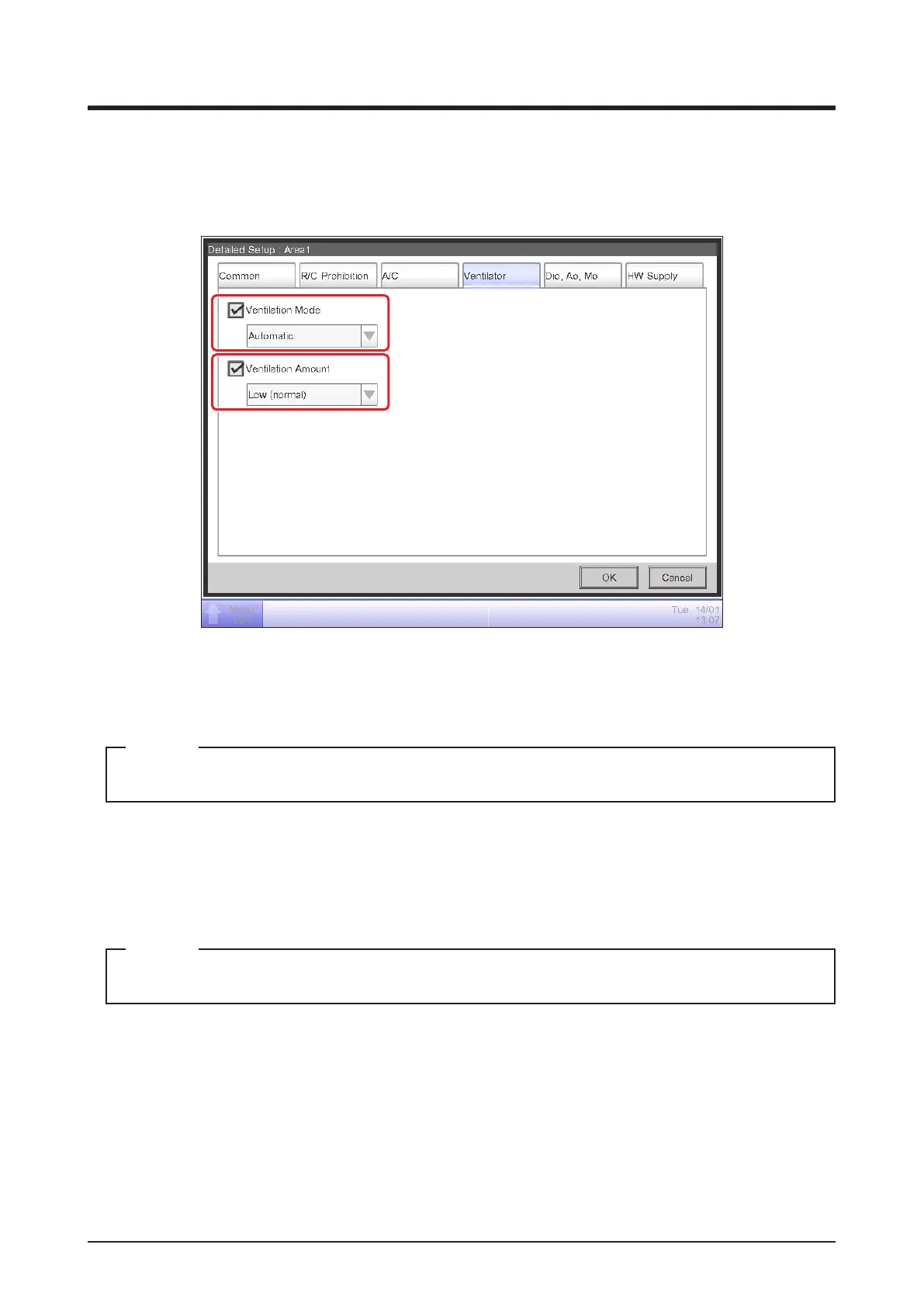
• Ventilator Tab
Sets up the Ventilator.
Change settings by selecting the relevant check boxes.
(1)
(2)
(1) Ventilation Mode
Select and set up a ventilation mode from Automatic, ERVentilation, and Bypass.
This setting may not be available depending on the model.
NOTE
(2) Ventilation Amount
Select and set up a ventilation amount from Auto (normal), Low (normal), High (normal), Auto
(fresh up), Low (fresh up), and High (fresh up).
This setting may not be available depending on the model.
NOTE



 To Next Page