User’s Manual EM11A015B
intelligent Touch Manager
78
• Enabling the Schedule Program
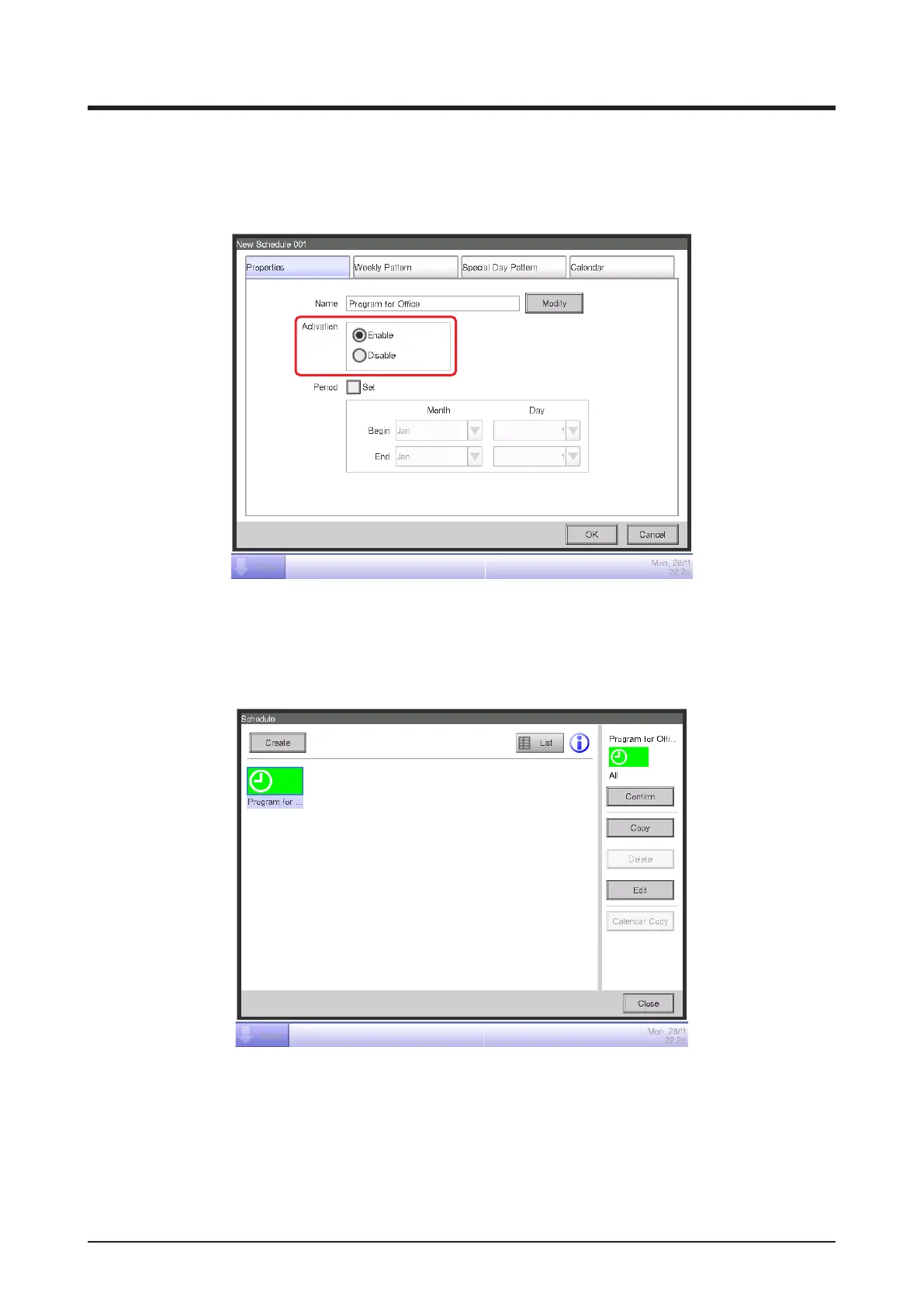
Enable the created “Program of Ofce”.
Touch the Properties tab on the Schedule Edit screen.
(24)
Select the Enable radio button (24) and enable the “Program for Ofce”.
This completes the creation of the schedule program.
Touch the OK button to save and return to the Schedule screen.
Check that the created program, “Ofce Schedule”, is displayed on the Schedule screen and
then touch the Close button to close the screen.



 To Next Page