Danatronics, Corp.
20
2 Using Basic Gage Operations
Power on the Gage
To power on any of the ECHO series thickness gages, follow these steps:
1. Press and hold the F1 key for more than 3 seconds. The power symbol, as shown
below, is under the F1 key printed on the keypad.
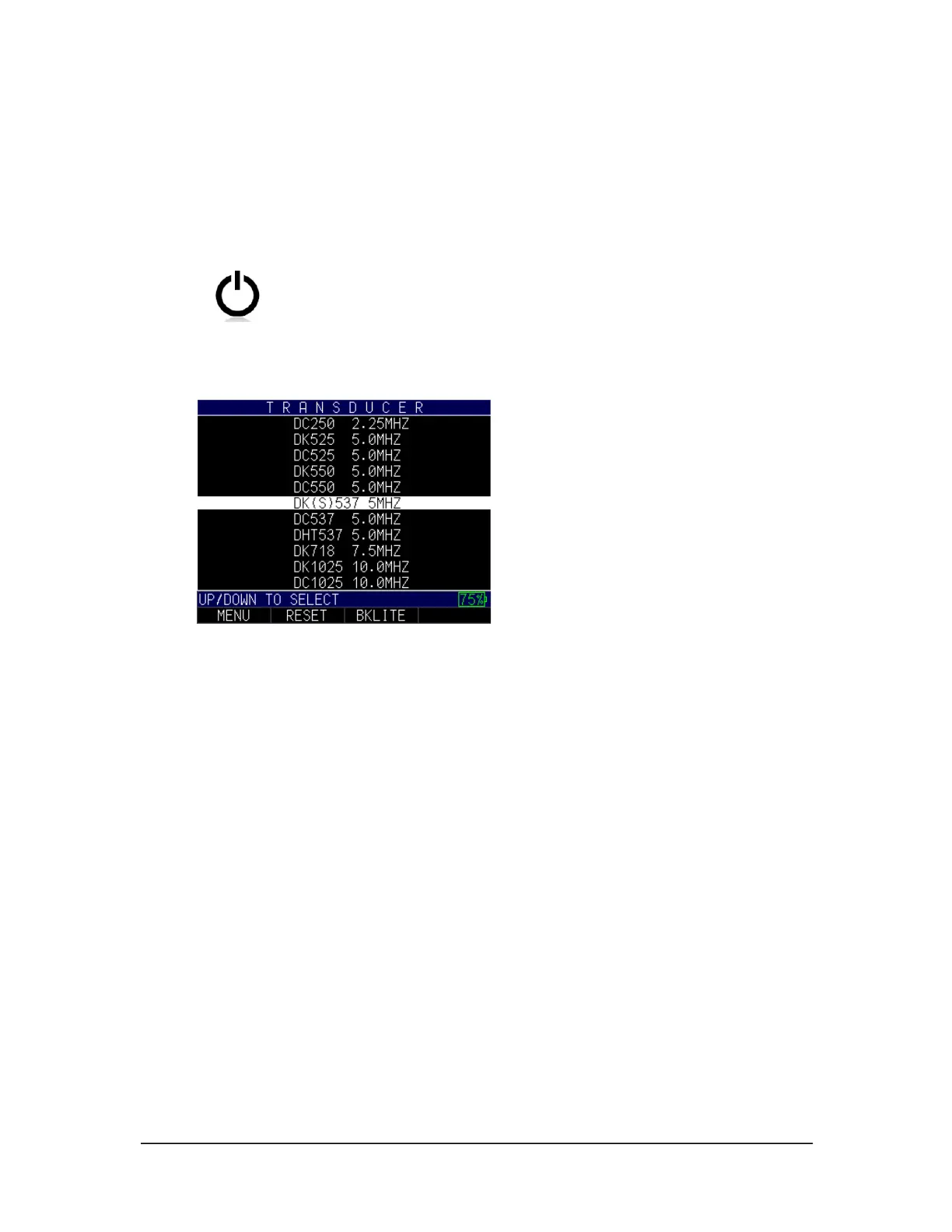
2. The following screen will appear on the gage display:
For the purposes of this manual, we will refer to this screen as the Home screen.
3. Use the up and down arrow keys to select a transducer and press the MENU/OK
key. (Please note, the transducer selection will automatically display the last used
transducer prior to shut off.)
From the Home screen the following F keys are available:
• F1 – Menu
• F2 – Reset
• F3 – Bklite
Selecting the Menu Option
The gage offers several Menu options as shown below:



 To Next Page