ECHO Series Ultrasonic Thickness Gages
33
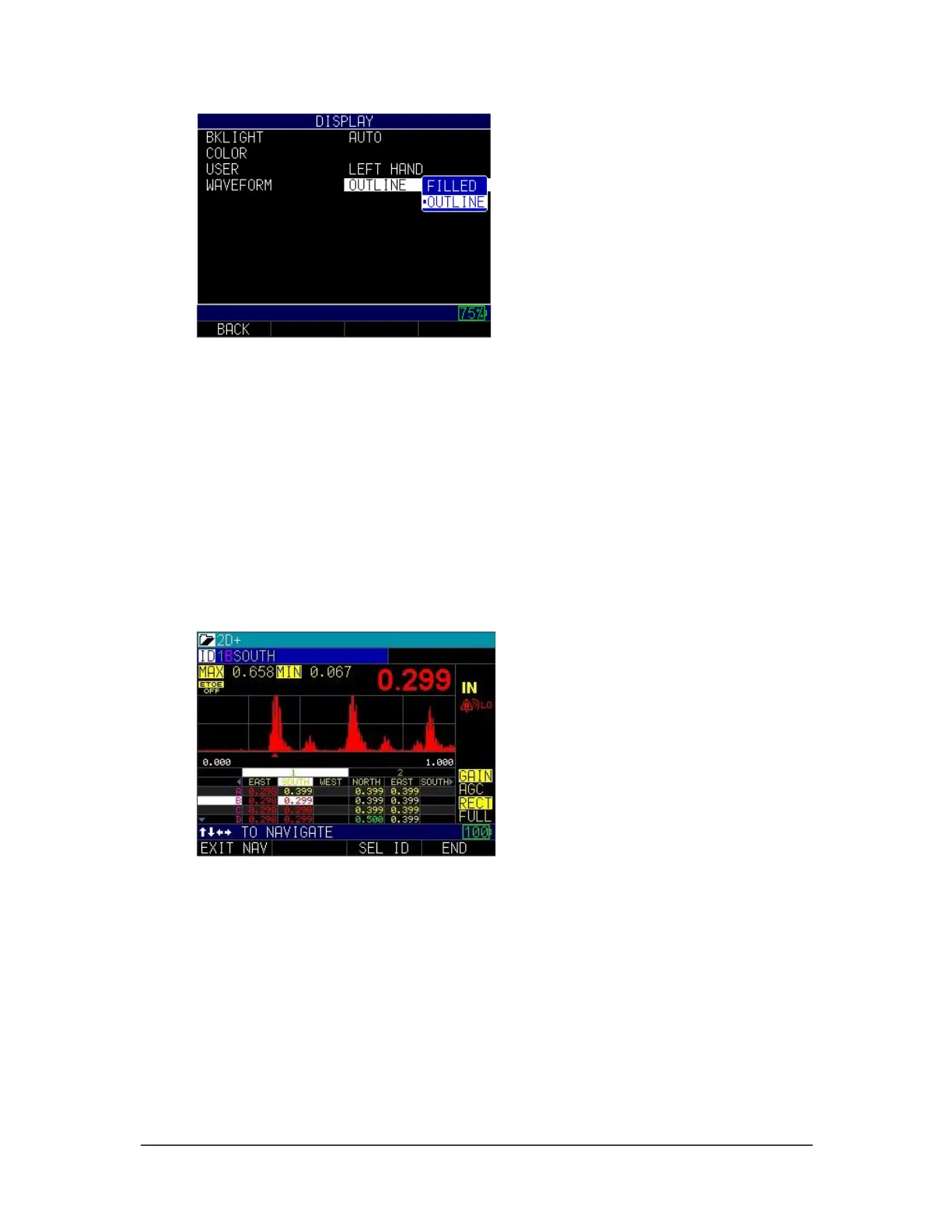
4. Select either option:
• Filled: Waveform will be solid
• Outline: Waveform will be outlined
5. Press the MENU/OK key or the F1 – Back key to exit the screen.
Grid View
Grid view is a standard feature on any gage (version 2.07 or higher) equipped with the
datalogger. This feature has two options to view the screen: (1) display the grid by itself
or (2) display a split screen with the A-scan on the top and the grid on the bottom. One
advantage of using the grid view is that you can see the datalogger populating as you
make readings. Also, alarms—if activated—can even be color-coded. Below is an
example of the split screen grid view in Corrosion mode:
To activate the grid view option, follow the steps below:
1. Press MENU/OK, scroll to display, and turn on the Grid View option. You can
also choose small or large font parameters, which will affect how large the grid
will appear.



 To Next Page