ECHO Series Ultrasonic Thickness Gages
63
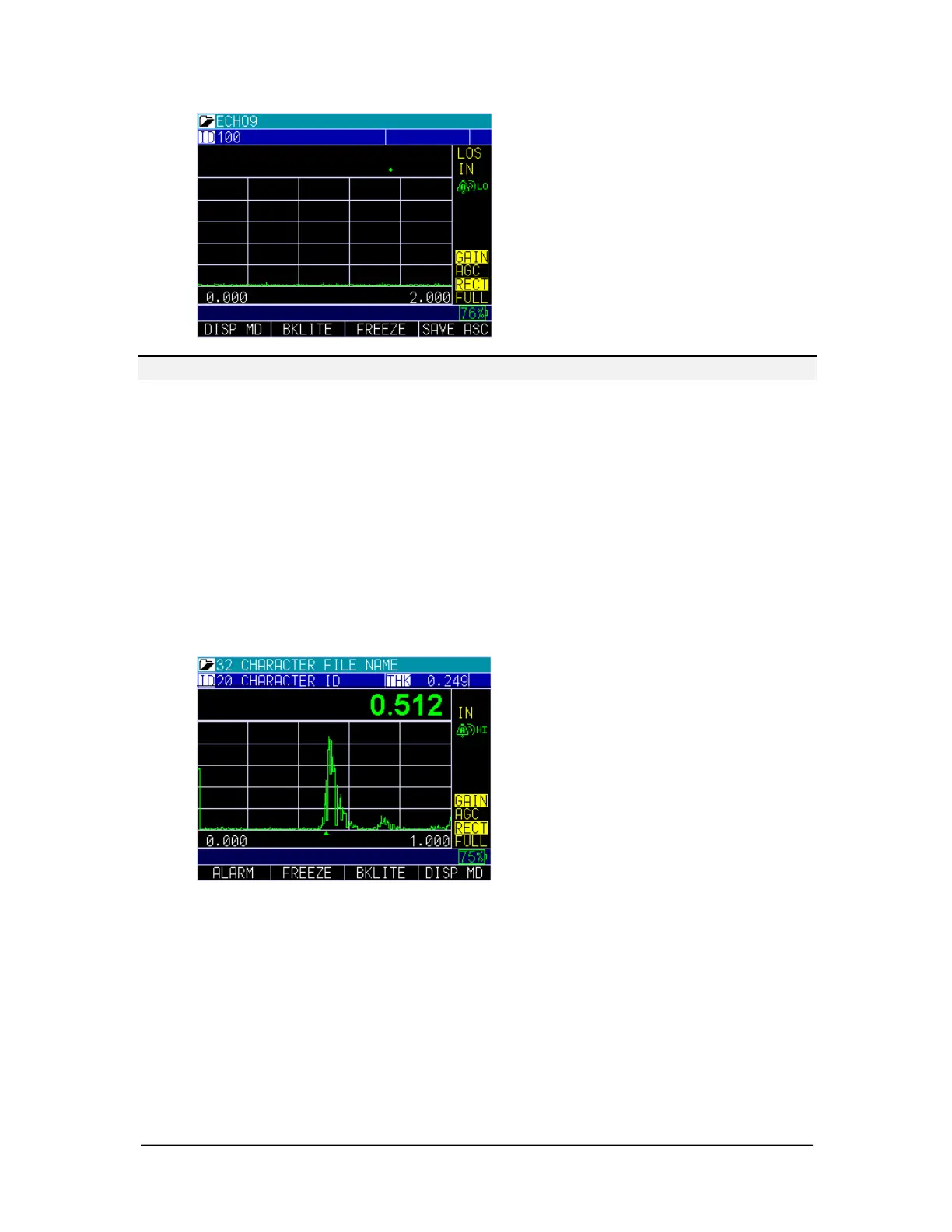
Note: Save is on the right.
The data saved will depend on your setup parameters, which are selected from the
Setup screen. For example, if the Notes option is set to Off then saved thickness
reading will be stored at the ID location [Linear], [Row], [Col] without notes.
(See: Directory selection for file type details.)
Using the Freeze Option
For the datalogger version and non-datalogger version thickness gages, you can freeze
your data via the Freeze option.
To use the Freeze option, follow these steps:
1. From the thickness measurement screen, press the F2 – Freeze key.
The following screen is display whereby showing the “F” flag next to the
thickness reading. You are now in Freeze mode. The F2 selection changes from
Freeze to Unfreeze. While in Freeze mode, the menu options are disabled.



 To Next Page