ECHO Series Ultrasonic Thickness Gages
75
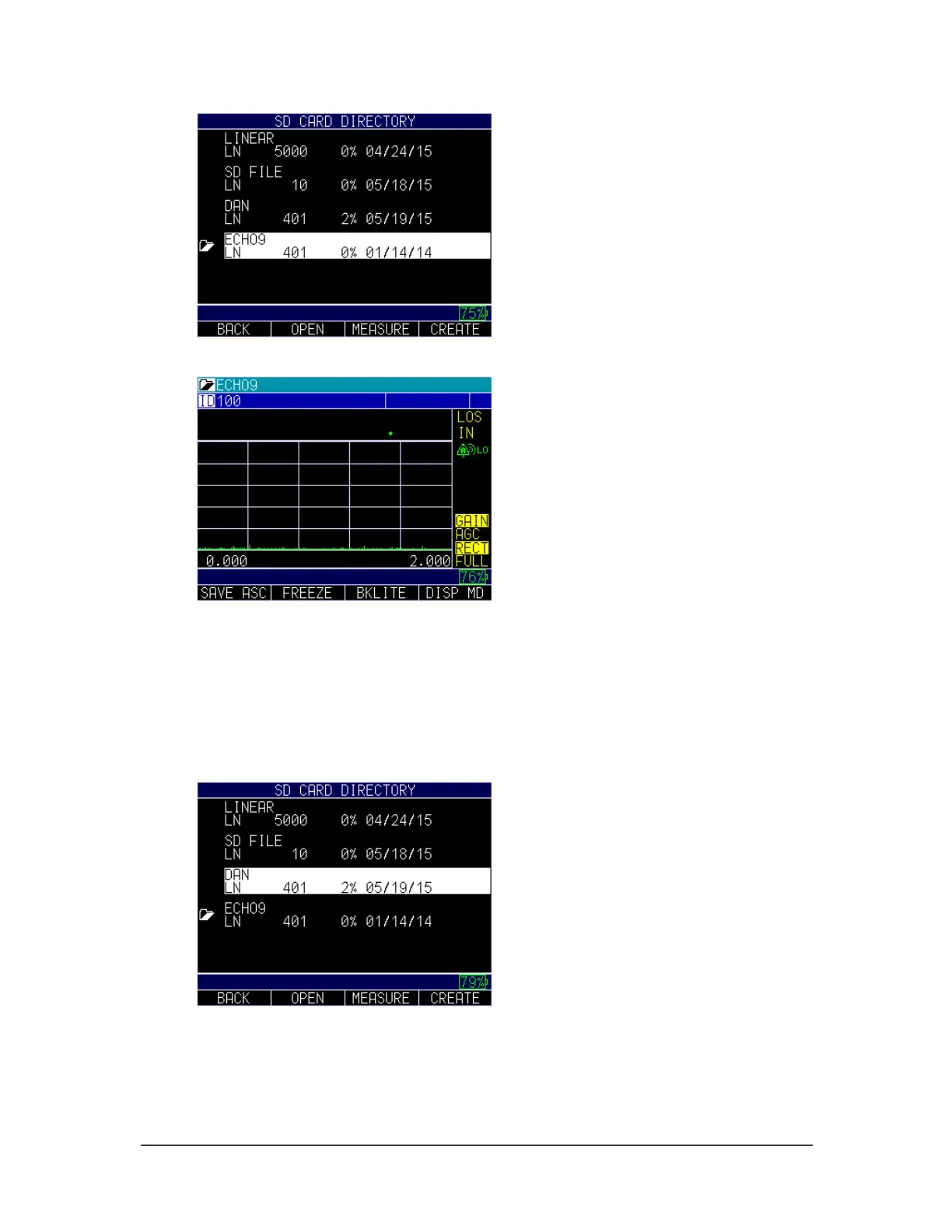
Press the F1 – Save ASC key to save the measurement as an A-scan as show below:
Reviewing a File
To review a file from the Measurement mode screen in datalogger version only, follow
these steps:
1. Press the F3 key from the Measurement mode screen.
2. Use the up and down arrows to find the file, and press the F2 – Open key to open
the file.
3. Use the up and down arrows to select a function, and press the MENU/OK key.



 To Next Page