Danatronics, Corp.
56
3. When finished, press the F1 – Back key to exit the screen.
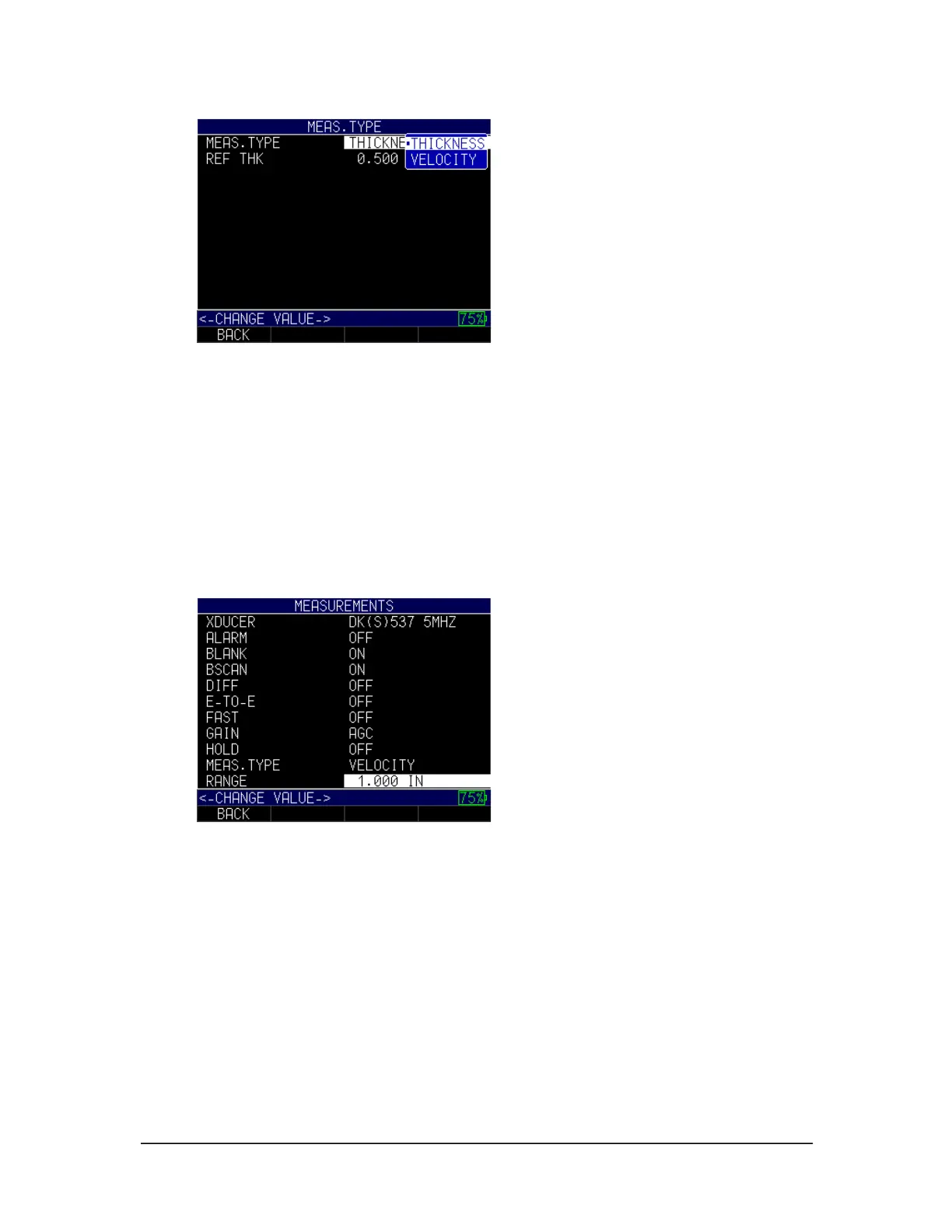
Range
You can enter the range in which you are measuring when using the Range option.
To set the Range option, follow these steps:
1. Use the up and down arrow keys to select the Range option and press the
MENU/OK key.
2. Use the up and down arrow keys to choose a desired setting between 0.200 IN –
20.000 IN, depending on the range found. You may also scroll to the Zoom
option, which will put the echo in the middle of the screen.
3. When finished, press the F1 – Back key to exit the screen.
Rect (Rectification)
The Rect option will vary the way in which the echoes are shown on the waveform
display. Rectification does not affect the thickness measurement in any way. There are
four options available.
To set the Rect option, follow these steps:
1. Use the up and down arrow keys to select the Rect option and press the
MENU/OK key.



 To Next Page