Danatronics, Corp.
30
4 Customizing Display Options
The ECHO series gages have several display options that are customizable based on your
preferences.
Backlight
The gage is readable in direct sunlight as well as indoors. The backlight is always on by
default, and it’s highly recommended to leave it on when using the gage indoors.
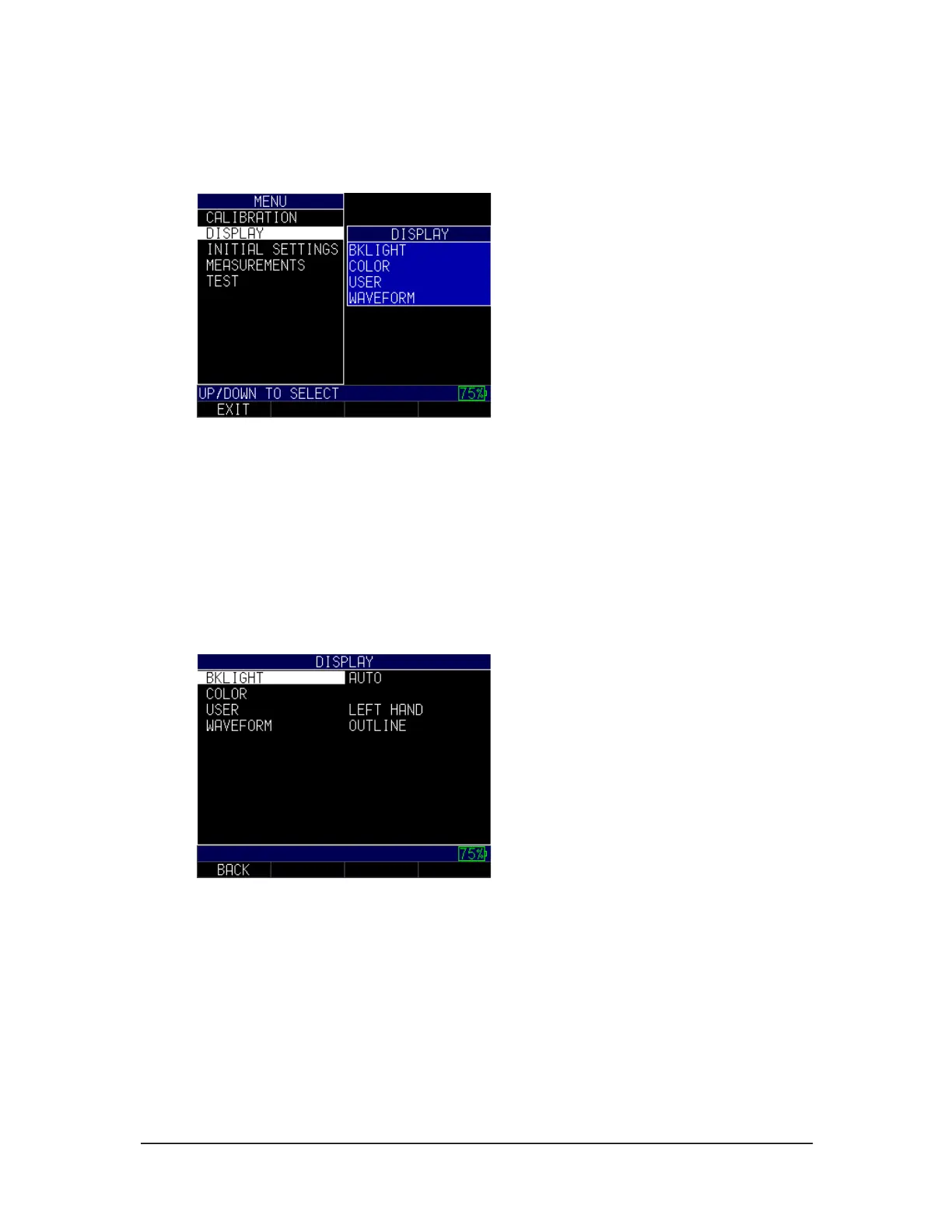
To use the backlight, follow these steps:
1. From the Home screen, press the F1 – Menu key. The Menu screen appears.
2. Use the up and down arrow keys to select the Display option, and press the
MENU/OK key.
3. Select the Bklight option, and press the MENU/OK key.
4. Use the up and down arrow keys to chose the any of the following parameters:
• Off: Backlite remains off
• On: Backlite remains on
5. Press the MENU/OK key or the F1 – Back key to exit the screen.
Color
The ECHO series gages have a high-resolution color display with multiple color choices.
By varying the colors, you can optimize visibility and improve contrast. You cannot
chose two of the same colors, however, and the gage will prompt you to pick the next
available color if a duplicate is selected.



 To Next Page