Danatronics, Corp.
32
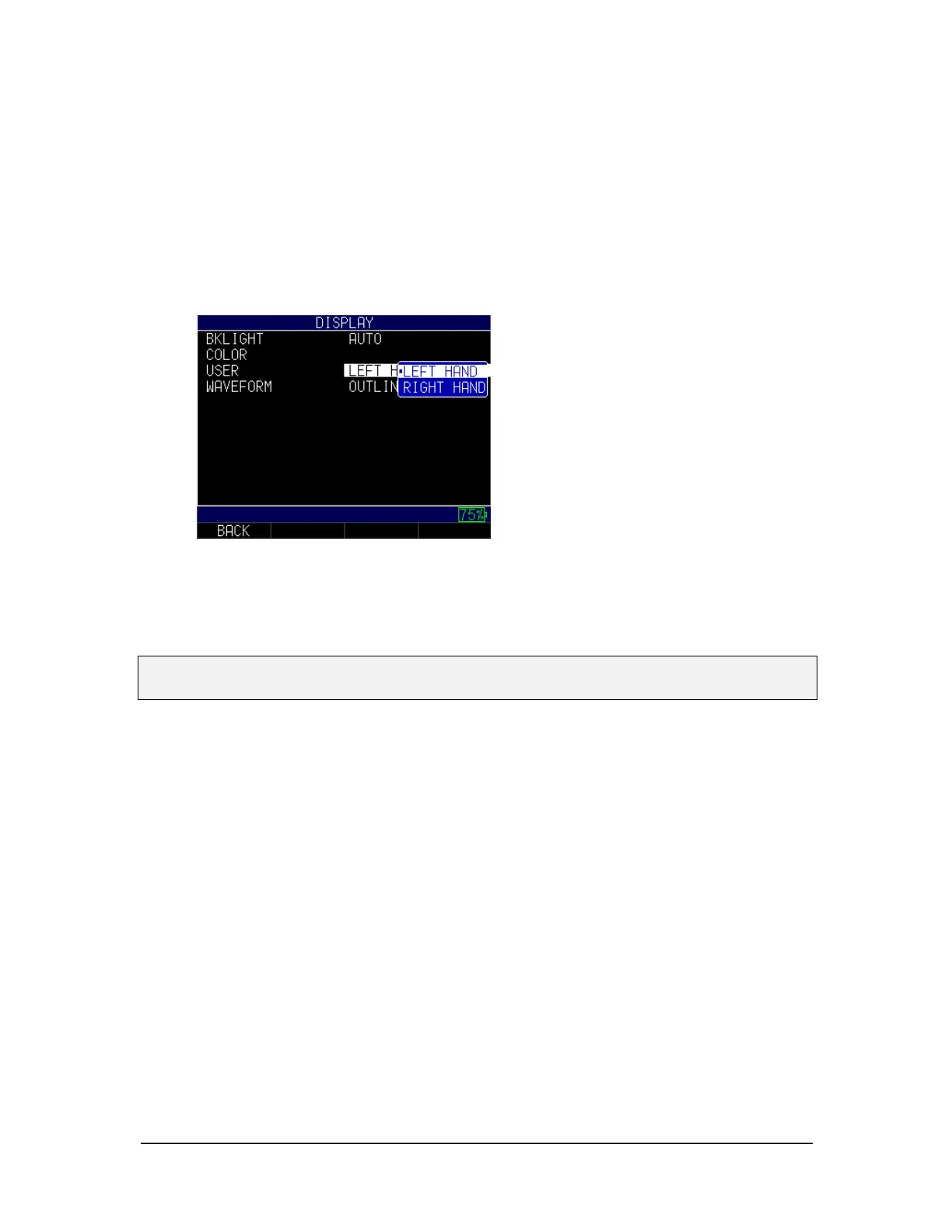
User
The ECHO series gage is compatible with both right-handed and left-handed users. To
adjust your preference, follow the steps below:
1. From the Home screen, press the F1 – Menu key. The Menu screen appears.
2. Use the up and down arrow keys to select the Display option, and press the
MENU/OK key.
3. Use the up and down arrow keys to select the User option, and press the
MENU/OK key.
4. Select either option:
• Left hand: Soft keys options appear on the left of the screen
• Right hand: Soft keys options appear on the right of the screen
5. Press the MENU/OK key or the F1 – Back key to exit the screen.
Note: For the purposes of this manual, all images shown are based on the left hand user
setting.
Waveform
The waveforms that appear on the screen when taking measurements can be viewed as
either a solid waveform or an outline. Depending on the lighting conditions and your
overall preference, follow the steps below to toggle between options:
1. From the Home screen, press the F1 – Menu key. The Menu screen appears.
2. Use the up and down arrow keys to select the Display option, and press the
MENU/OK key.
3. Use the up and down arrow keys to select the Waveform option, and press the
MENU/OK key.



 To Next Page