ECHO Series Ultrasonic Thickness Gages
43
6 Changing Measurement Options
There are numerous options for taking measurements on the gage. All of the options can
be made from the Measurements screen.
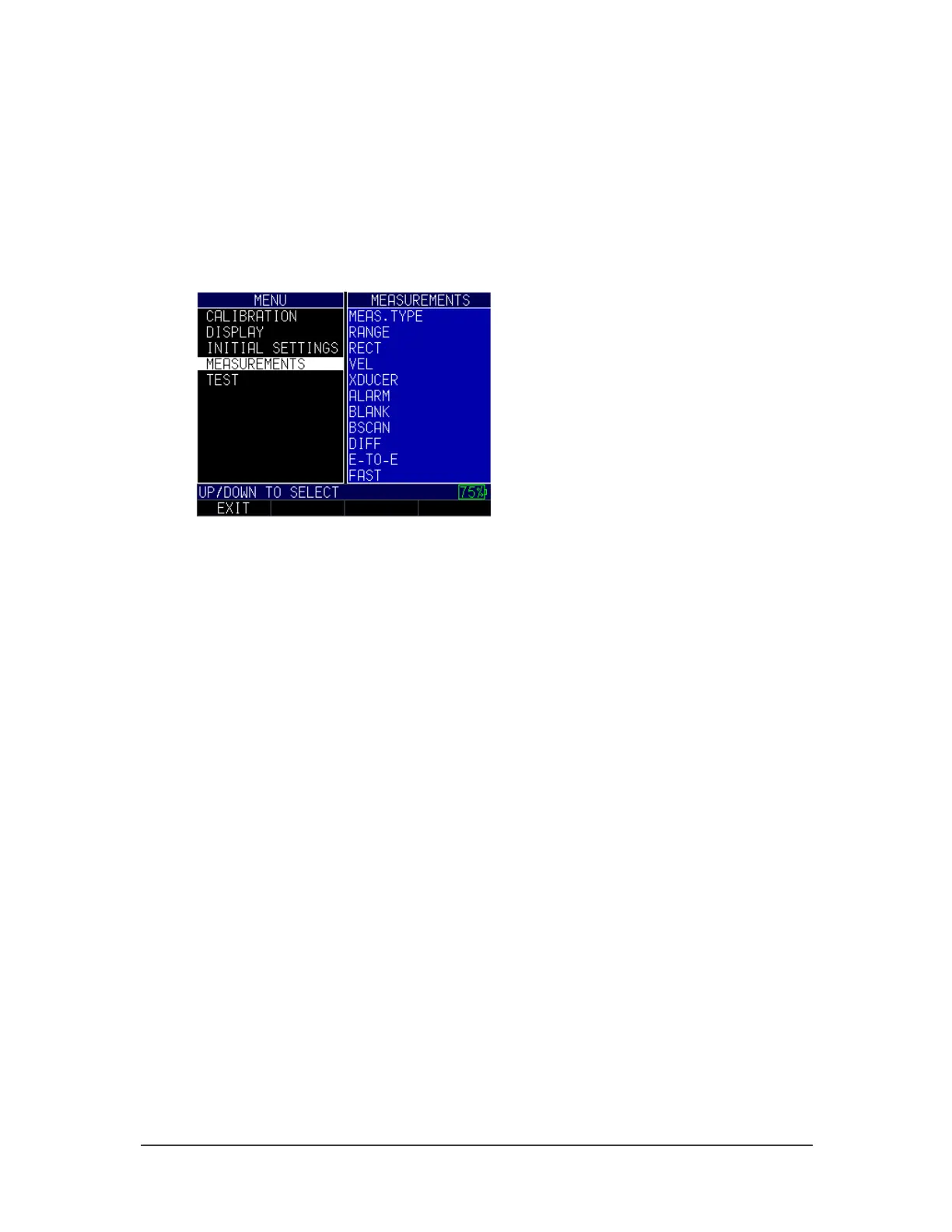
To get to the Measurements screen, follow these steps first:
1. From the Home screen, press the F1 – Menu key.
2. Use the up and down arrow keys to select the Measurements option and press the
MENU/OK key.
3. Use the up and down arrow keys to select any of the settings you wish to change.
4. When finished, press the F1 – Back key.
In addition to choosing various options from the Measurements screen, you can also
change the settings once you are already engaged in taking thickness measurements. For
instance, if you are taking a reading and decide to enable or disable an option or change
the value of a setting, simply use the right or left arrow keys to highlight the option you
wish to change. Next, use the up and down arrow keys to modify the setting. Once you
are satisfied with your changes, press the F1 – Done key and begin taking measurements
with the new parameters.
Alarm
The gage offers various alarm settings to alert you of low or high thresholds via audible
sounds and sensational vibrations (if settings are enabled), flashing display, and
illuminating keypad.
To set alarm thresholds, follow these steps:
1. Use the up and down arrow keys to select the Alarm option and press the
MENU/OK key.



 To Next Page