Danatronics, Corp.
44
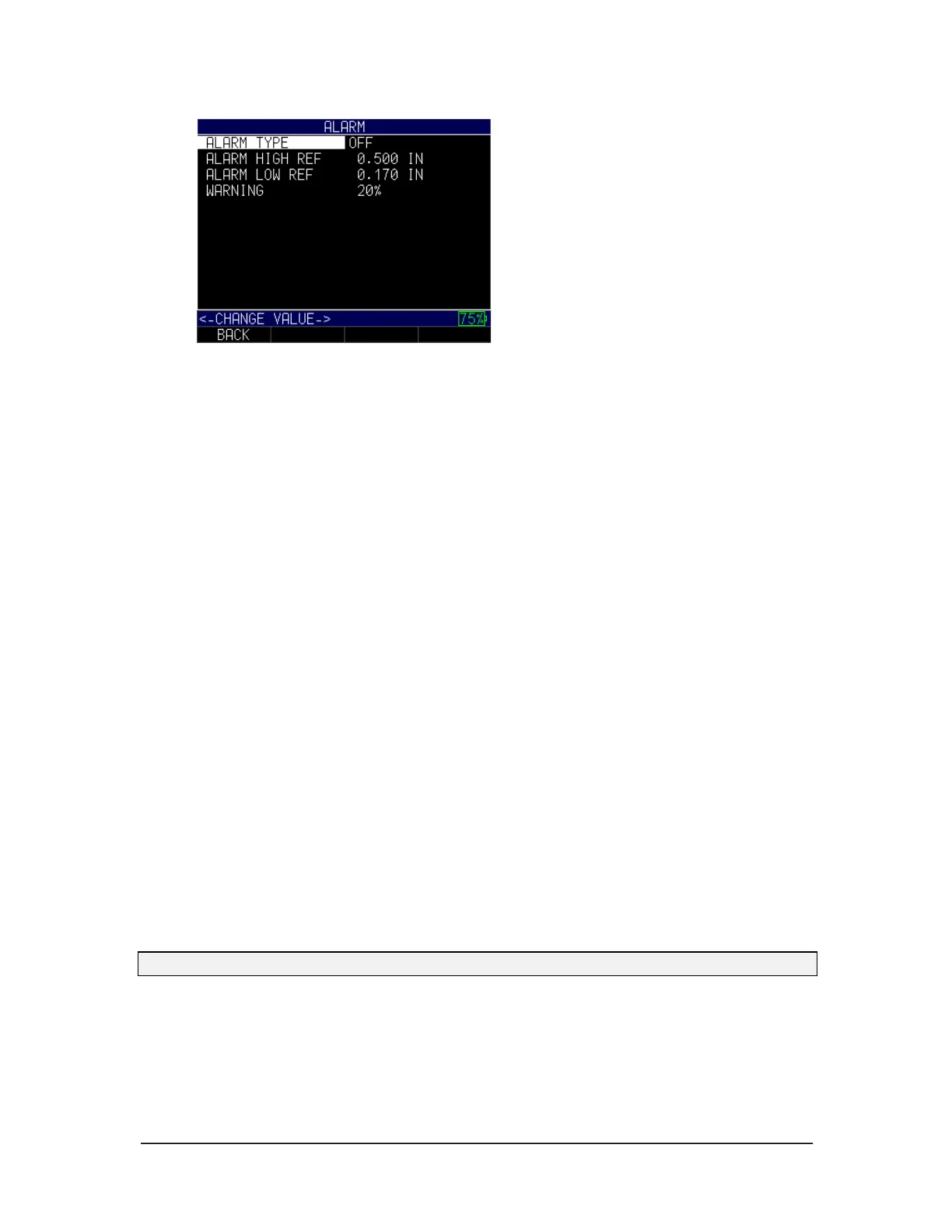
2. Use the up and down arrow keys, followed by the MENU/OK key, to select any
of the following options:
• Alarm Type
• Alarm High ref
• Alarm Low Ref
• Warning
3. If you select the Alarm Type option, you can chose from the following settings
by using the up and down arrow keys:
• Off: Disables the audible and vibrating alarm feature
• High: Alarm will occur when the displayed reading is higher than the high
alarm reference value
• Low: Alarm will occur when the displayed reading is lower than the low alarm
reference value
• High-Low: Alarm will occur when the displayed reading is less than the low
alarm and/or greater than the High alarm reference value
4. If you select the Alarm High Ref option, you can change the high ref value. The
waveform and the F1 key will illuminate red when a reading rises above the set
value.
5. If you select the Alarm Low Ref option, you can change the low ref value. The
waveform and the F1 key will illuminate red when a reading falls below the set
value.
6. If you select the Warning option, you can change the percentage value between 0
and 100%. The percentage entered is based on the high and low set points. When
a reading falls above or below this percentage, the waveform and the F2 key will
illuminate yellow.
7. When finished, press the F1 – Back key to exit the screen.
Note: The Alarm Low Ref limit will not go beyond the Alarm High Ref limit.
As noted above, the color of the A-scan will dynamically change to red, yellow, or green
depending on the reading and alarm value settings.
Red refers to a reading that is above or below the current low or high alarm value:



 To Next Page