ECHO Series Ultrasonic Thickness Gages
47
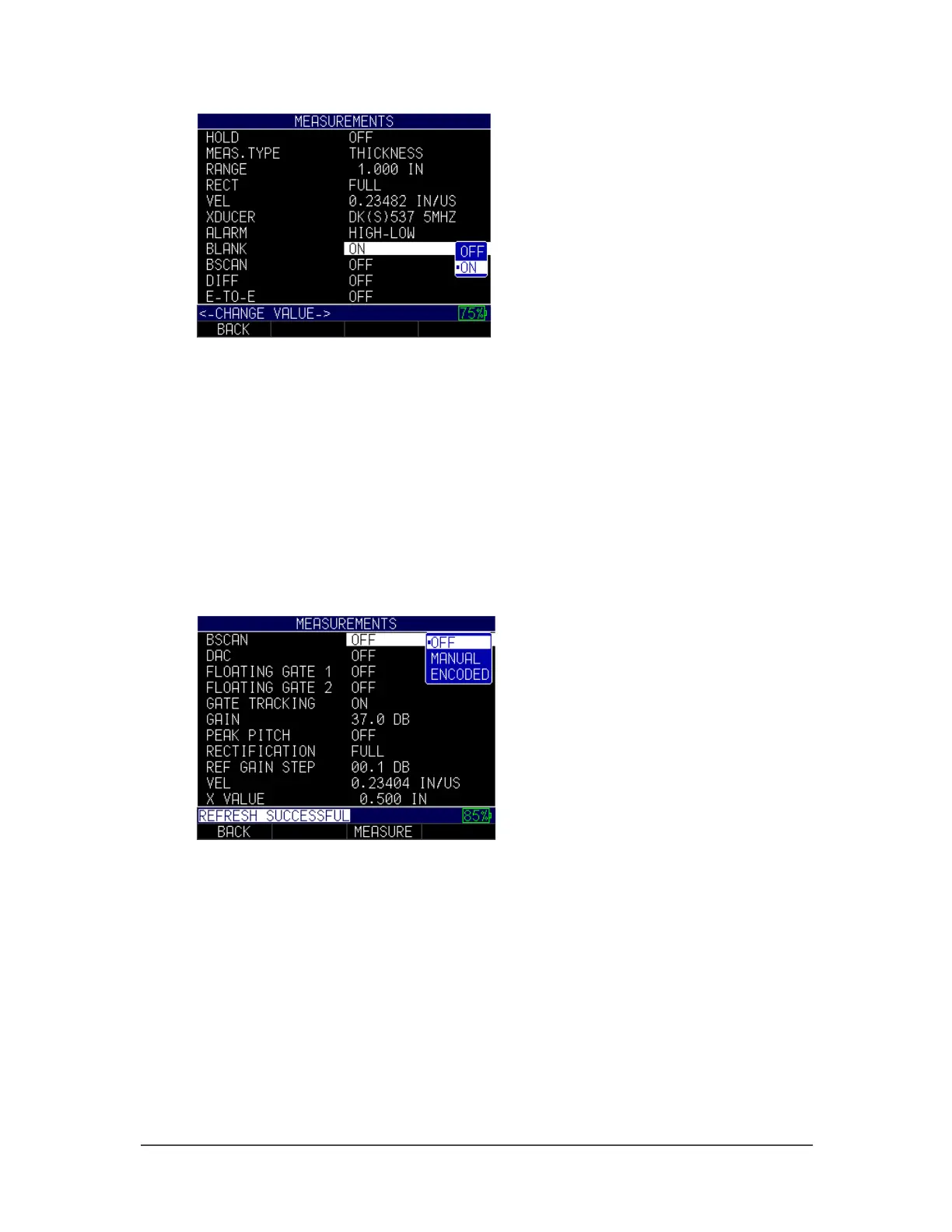
2. Use the up and down arrow keys to select the setting you wish to change.
• Off: Disables the Blank feature
• On: Enables the Blank feature
3. When finished, press the F1 – Back key to exit the screen.
B-scan
Use the B-scan option to setup a manual or time encoded B-scan.
To set the B-scan option, follow these steps and note that the screens may look different
if you are using version 2.07 or lower:
1. Using the up and down arrow keys select the B-scan option and press the
MENU/OK key.
2. Use the up and down arrow keys to select any of the following options.
• Off: Disables B-scan option
• Manual: Enables manual B-scan
• Encoded: Enables encoded B-scan
3. When finished, press the F1 – Back key to exit the screen.
Changing B-scan Max Thickness
When changing the B-scan max thickness from the Measurements screen, it is important
to enter a thickness slightly higher than the maximum you expect to encounter after you
perform an A-scan calibration.



 To Next Page