ECHO Series Ultrasonic Thickness Gages
61
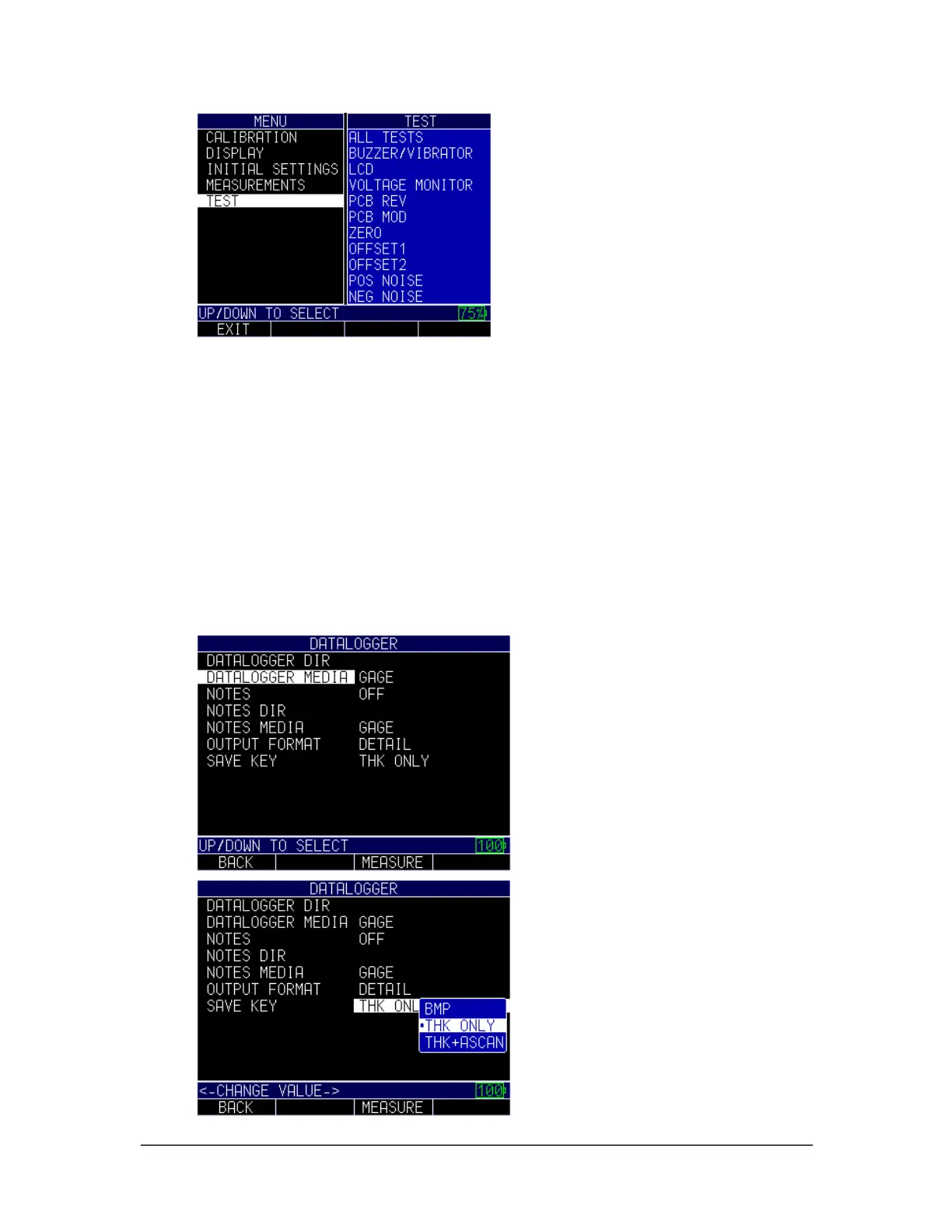
3. Use the up and down arrow keys to scroll through the tests in which you would
like to select.
4. Press the MENU/OK key once you have selected the test you wish to perform.
5. When finished, press the F1 – Back key.
Using the Save Option
If equipped with the Datalogger, the ECHO 9 series can save thousands of thickness
readings and waveforms either internal onto a removable SD card.
To use the Save Key, follow these steps:
1. From the Home screen, press the F1 – Menu key.
2. Use the up and down arrow keys to select the Initial Settings option and press the
MENU/OK key.



 To Next Page