Danatronics, Corp.
54
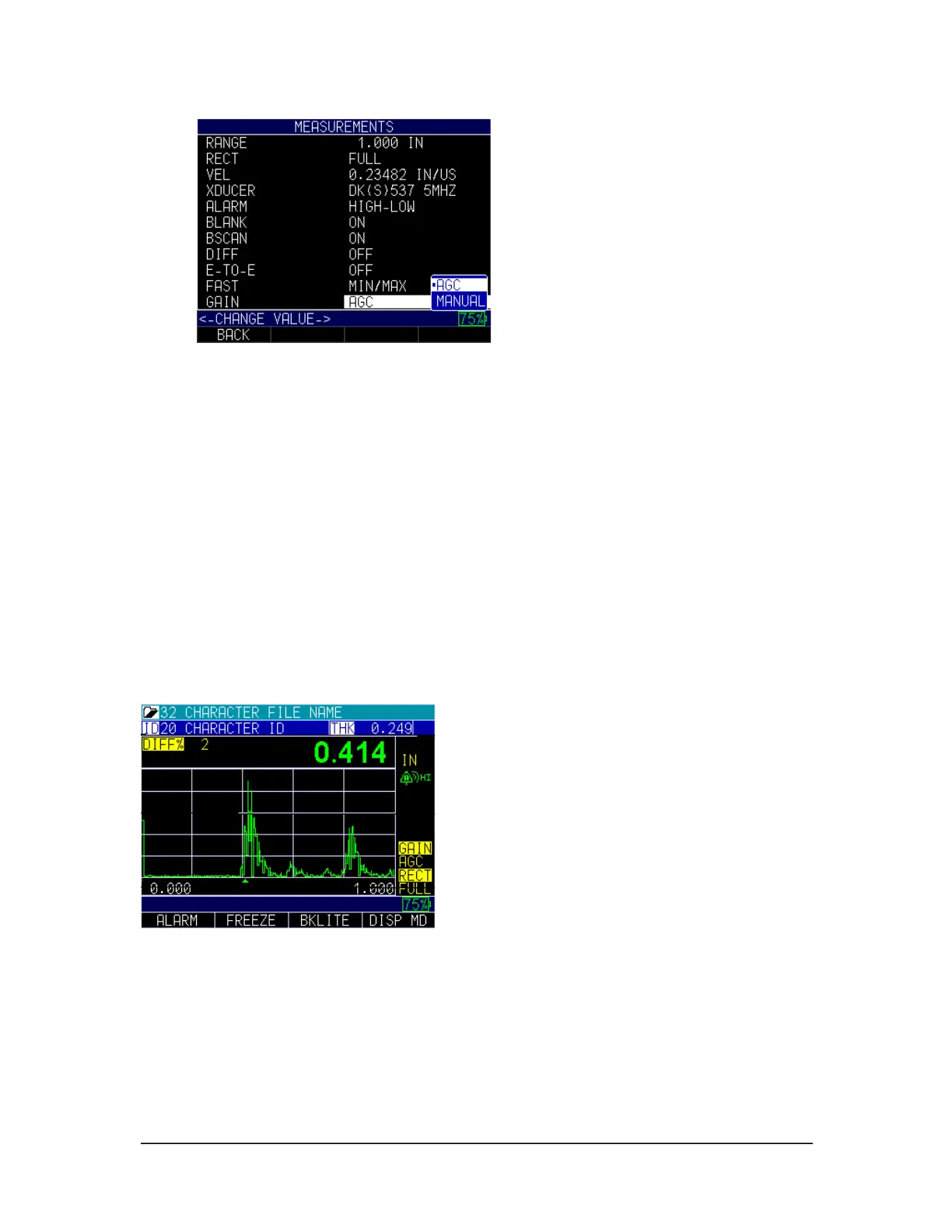
2. Use the up and down arrow keys to toggle between the following two settings.
• AGC (Auto Gain Control): When in AGC mode, the gage will use its
sophisticated algorithms to automatically set the gain to the desired height. If
echoes are not being detected but are somewhat visible, try increasing or
decreasing the gain as described above. Use the F2 key to adjust from 20 dB
or 94 dB.
• Manual: When in Manual mode, gain adjustment can be set to low, std, and
high representing a 3 dB change in each for the ECHO 9 (and the ECHO
9DL)
3. When finished, press the F1 – Back key to exit the screen.
You can also adjust the gain for waveform gages from the live A-scan. To adjust gain
during a live A-scan, press the right or left arrow keys until the gain is highlighted, then
use the up or down arrow, or the F2 key, to return to AGC. Press the F1 key when done.
For the ECHO 9 or DL version, you can adjust the gain in the same manner or by using
the Measurement screen.
Hold
If a LOS occurs, the gage can continue to display the last measured thickness by
“holding” the measurement.
To set the Hold option, follow these steps:
1. Use the up and down arrow keys to select the Hold option and press the
MENU/OK key.



 To Next Page