Danatronics, Corp.
36
5 Adjusting the Initial Settings
The ECHO series gages provide many usage settings that you can adjust depending on
your location and preference.
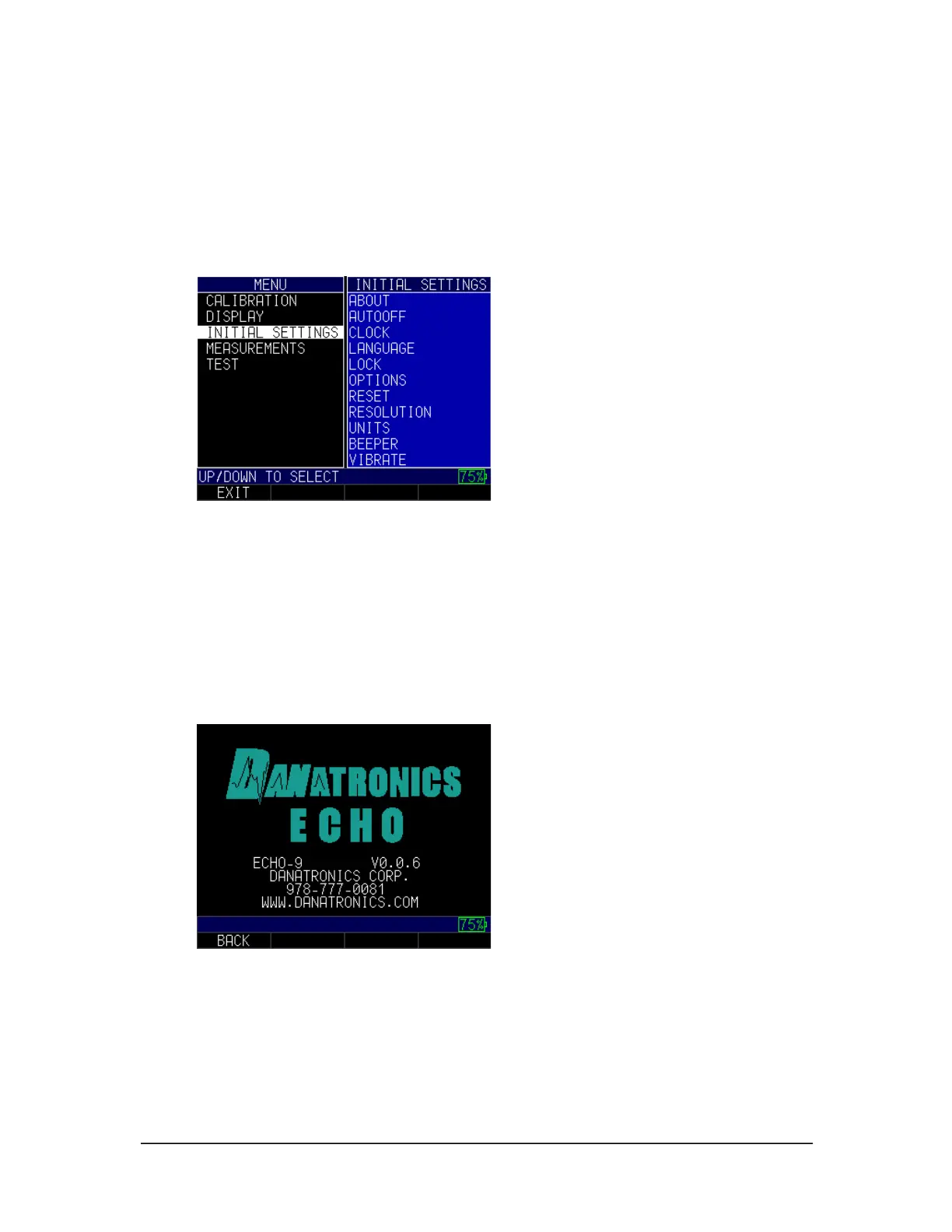
To get to the Initial Settings screen, follow these steps first:
1. From the Home screen, press the F1 – Menu key.
2. Use the up and down arrow keys to select the Initial Settings option.
3. Press the MENU/OK key.
4. Use the up and down arrow keys to select any of the settings you wish to change.
5. When finished, press the F1 – Back key to exit the screen.
About
The About setting will display the gage's current software version. If you would like
further information about Danatronics, including contact information, follow these steps:
1. Use the up and down arrow keys to select the About option and press the
MENU/OK key. A similar image to the one shown below will appear:
2. When finished, press the F1 – Back key to exit the screen.
Auto Off
The Auto Off setting shows the amount of time the gage will remain on during a period
of inactivity. To change the parameters, follow these steps:



 To Next Page