ECHO Series Ultrasonic Thickness Gages
67
8 Using the Datalogger Directory Mode
The datalogger has a built-in file and data management system. Each thickness reading
and/or waveform is stored and tagged with an alphanumeric identification number and
file name with descriptive field. A complete description of the measurement type, gage
calibration, and setup parameters are stored along with each reading.
To use the datalogger Directory mode, follow these steps:
1. Press F1 – Menu key.
2. Use the up and down arrow keys to select the Datalogger option.
3. Press the MENU/OK key.
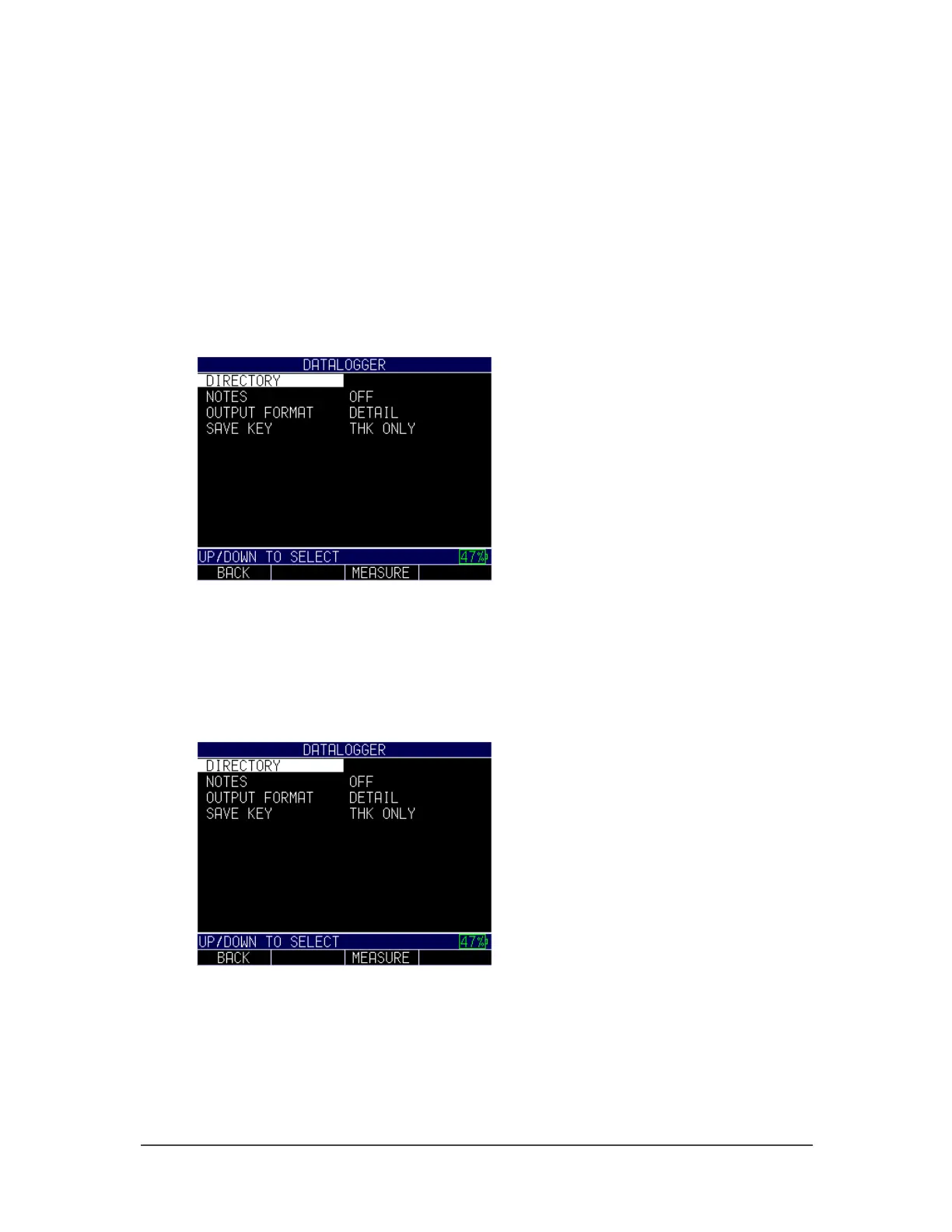
4. The following screen will appear:
5. Use the up and down arrow keys to toggle between the following settings:
• Directory: Create and edit files
• Notes: Customized comments/description per reading
• Output Format: Choice of output format
To select the Directory option, press the MENU/OK key. The following screen will
appear:
Use the up and down arrows to select a file, and press the MENU/OK key. The File
Create screen will appear.



 To Next Page