Danatronics, Corp.
62
4. Use the up and down arrow keys to toggle between the following settings:
• BMP: Bitmap or screen shot captures
• THK ONLY: Thickness only
• THK+ASCAN: Thickness and A-scan
5. After this selection is made, the F1 key will display BMP, SAVE THK, or SAVE
ASC. Data can later be sent to Microsoft Excel using a standard USB cable and
DATA XL provided on the mini CD in your gage kit, or by removing the SD card
to a card reader and also using DATA XL.
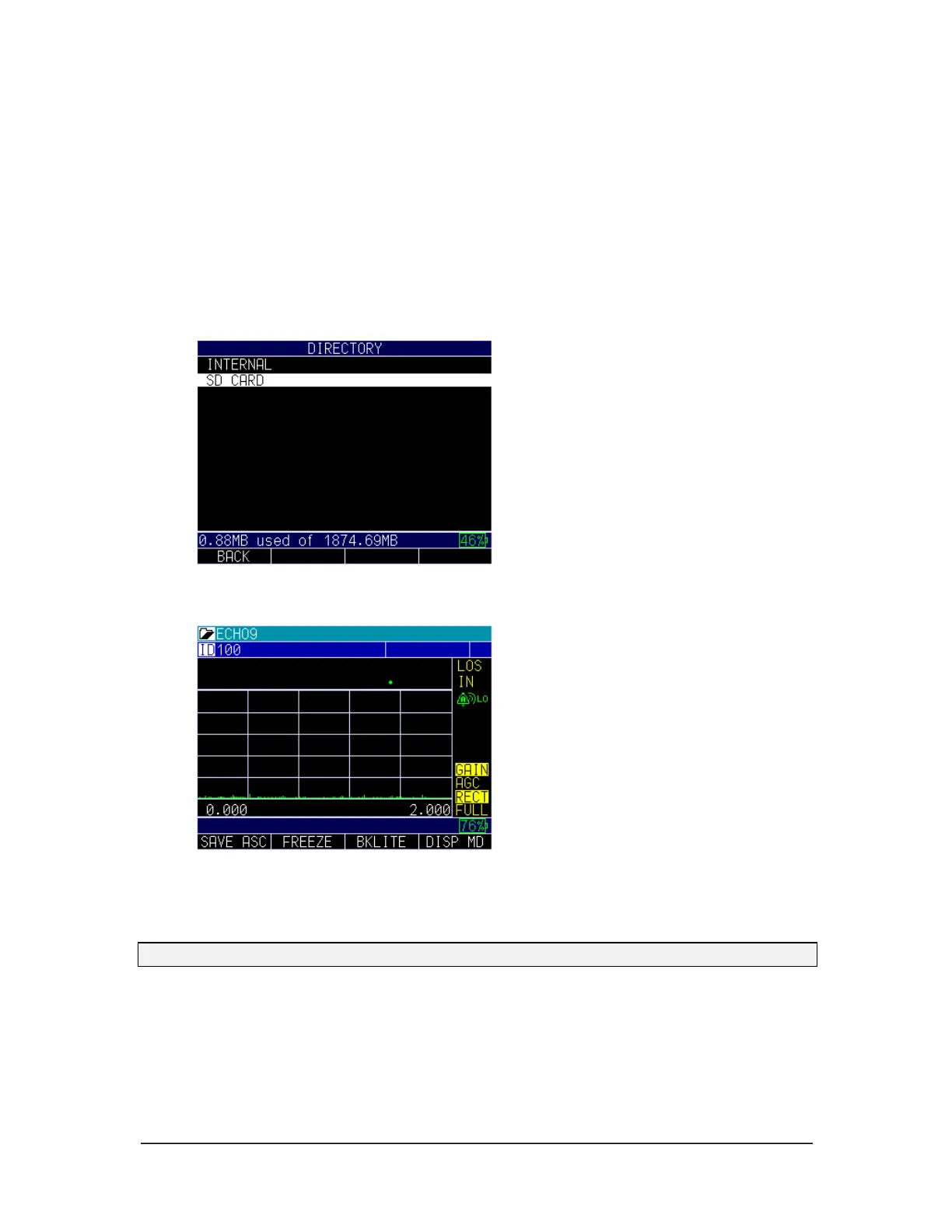
Choosing Where to Save the Readings
ECHO series has both internal and SD card memory. Be certain to select and note where
your files are located, and always check for adequate memory before taking readings.
For the datalogger version only, you can save your data via the Save key, which is F4 if
right hand setting is enabled, or F1 if left hand setting is enabled. (See Section 4 for right
hand and left hand setting options.)
Note: Save is on the left.



 To Next Page