ECHO Series Ultrasonic Thickness Gages
21
For a full description of all the Menu options, refer to Section 6.
Performing a Reset
You can reset the gage parameters back to the default settings by performing a gage reset.
Note: Performing a reset permanently deletes all of the saved parameters from the gage
and replaces the settings with default values.
To perform a reset, follow these steps:
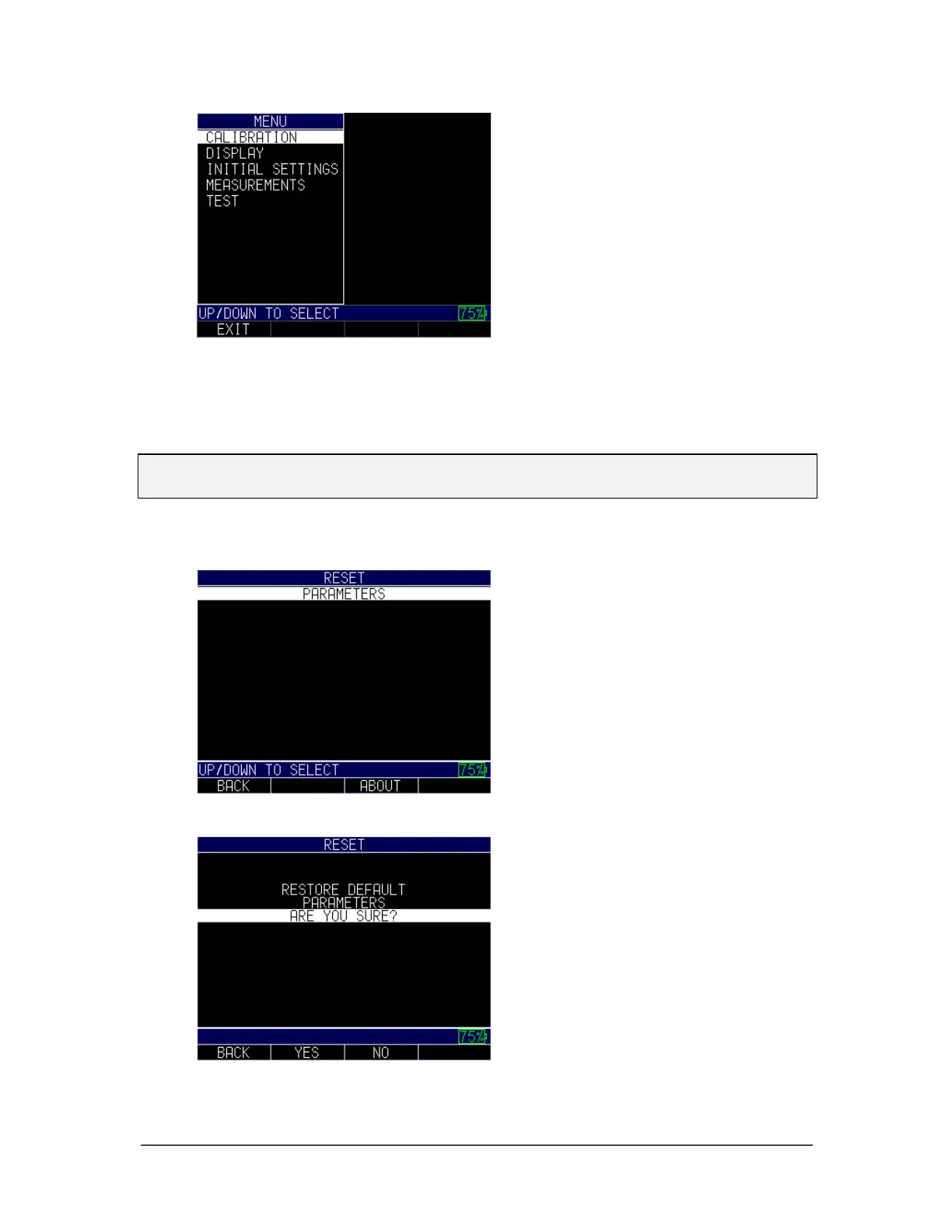
1. From the Home screen, press the F1 – Reset key. The Reset screen appears:
2. Select the Parameters option, and press the MENU/OK key. The following
screen appears:
3. Press the F2 – Yes key to reset all parameters in the gage back to default settings,
or press the F3 – No key to cancel a parameter reset.



 To Next Page