ECHO Series Ultrasonic Thickness Gages
29
acknowledging the warning message, the display shows the instrument parameters for
three seconds before going to Measurement mode.
Measurement Mode with a Datalogger
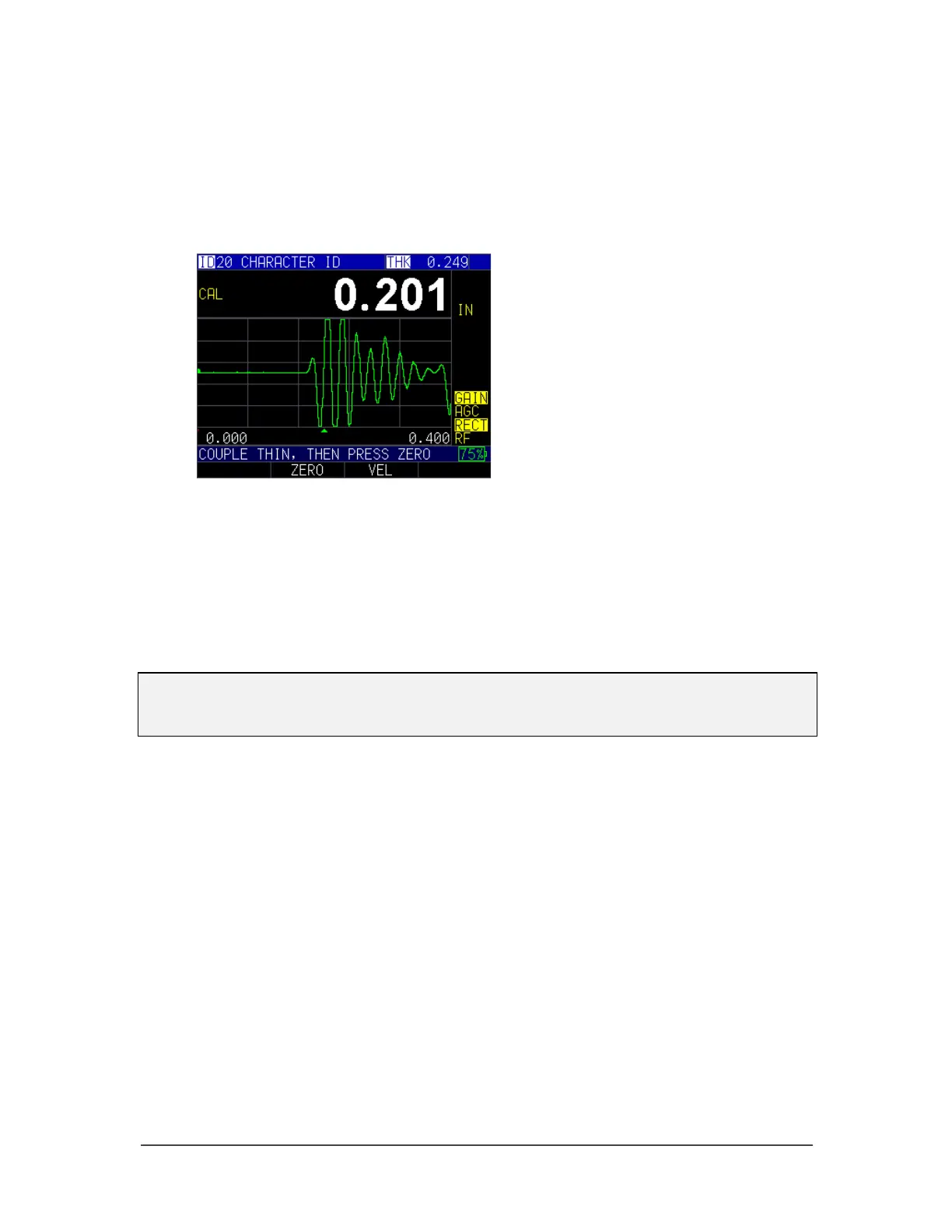
If your ECHO 9 series thickness gage is equipped with a datalogger, then the display
screen in Measurement mode will look like the screen below:
To continue in Measurement mode, follow these steps:
1. Press the F1 key to select the Save option. (See: Save section for datalogger
version.)
2. Press the F2 key to select the Freeze option. (See: Freeze section.)
3. Press the F3 key to select the Dir (Directory) option. (See: Directory section.)
4. Press the Menu = OK key to select the Menu option. (See: Menu section.)
Note: The available choices for F1, F2, F3, and F4 are different for the ECHO series
thickness gages without a datalogger. Also, the file symbol, filename, ID: xx,xxxx are not
displayed in the non-datalogger version of the ECHO series thickness gages.



 To Next Page