Danatronics, Corp.
28
Delay Line Calibration
Delay Line calibration is done every time the thickness gage is powered on and a
transducer is selected, or when a different transducer is selected during normal operation.
The gage automatically performs a Delay Line calibration by measuring the echo of the
transducer itself when it is not placed on any material and there is no couplant on the
transducer surface.
Under normal usage, the surface of the transducer wears out over time, which reduces
sensitivity of the transducer.
Automatic Zero
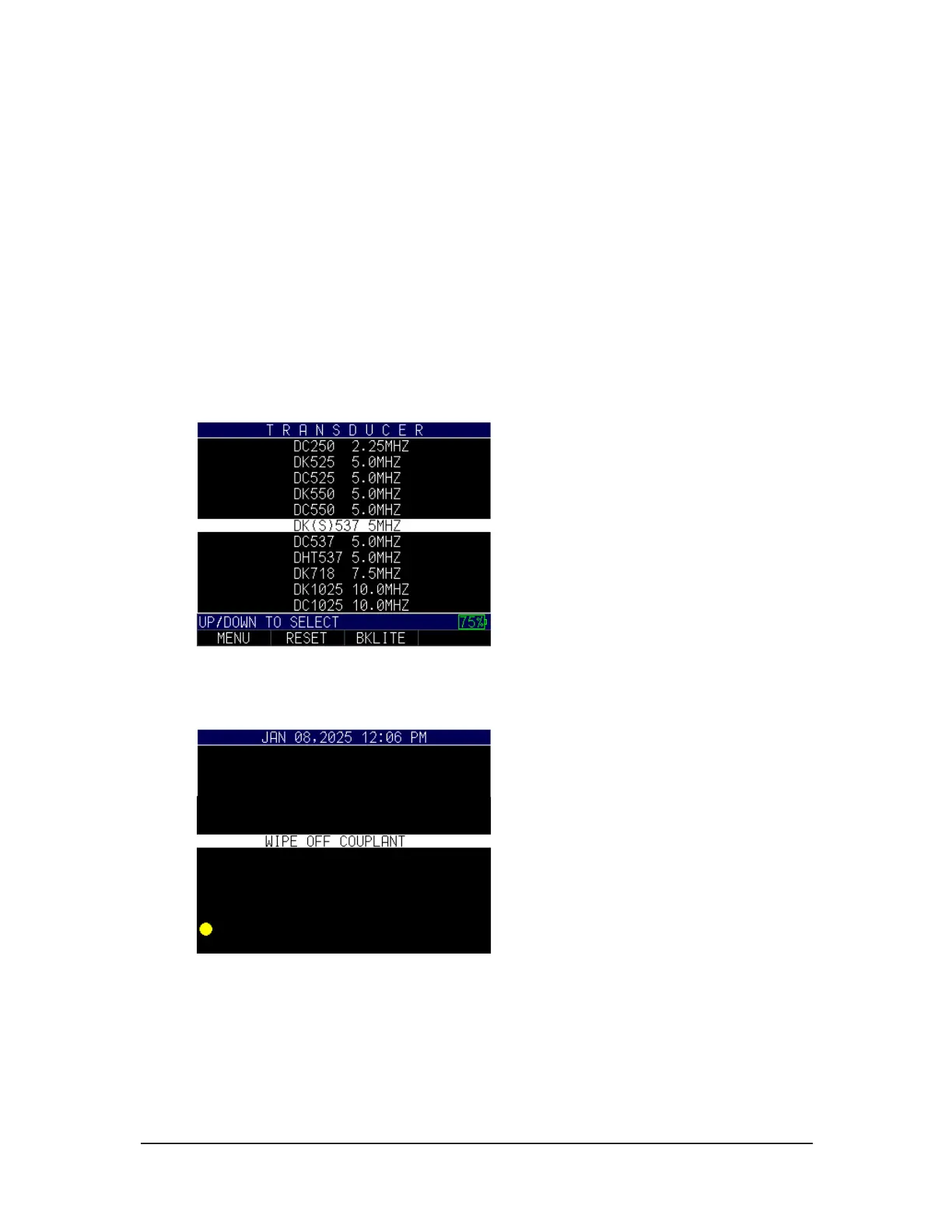
To perform an Automatic Zero or Auto Zero, you must first select a transducer option
from the Home screen, and press the MENU/OK key.
To continue the Auto Zero, follow the instructions given on each display screen; the first
of which will prompt you to wipe off any couplant from the transducer and wait three
seconds. The waiting time is shown in the changing pie-clock graphic.
After three seconds, the gage automatically begins to zero the transducer.
A warning message will appear on the display screen if the delay line is below the
acceptable limit for accurate thickness measurements. You will need to replace the
transducer or select the F1 key to acknowledge the warning message and continue using
the same transducer, which may have a worn surface. After three seconds or after



 To Next Page