Danatronics, Corp.
42
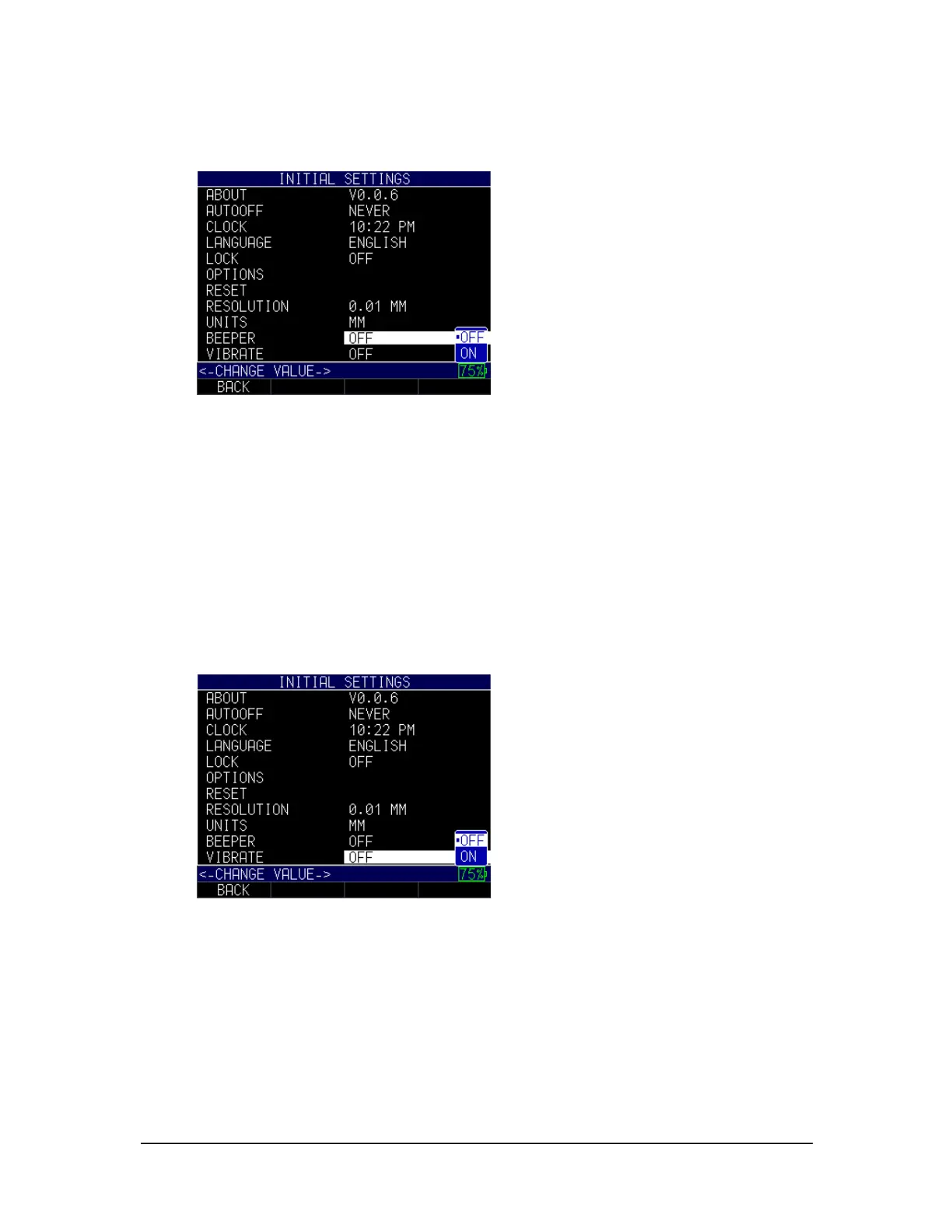
1. Use the up and down arrow keys to select the Beeper option and press the
MENU/OK key.
2. Use the up and down arrow keys to chose between the following options:
• Off: Disables the Beeper option
• On: Enables the Beeper option
3. When finished, press the F1 – Back key to exit the screen.
Vibrate
The gage will physically vibrate when this setting is enabled and an alarm condition is
triggered. (See Section 6 for more information about alarm settings.)
To turn on/off the Vibrate feature, follow these steps:
1. Use the up and down arrow keys to select the Vibrate option and press the
MENU/OK key.
2. Use the up and down arrow keys to chose between the following options:
• Off: Disables the Vibrate feature
• On: Enables the Vibrate feature
4. When finished, press the F1 – Back key to exit the screen.



 To Next Page