Danatronics, Corp.
52
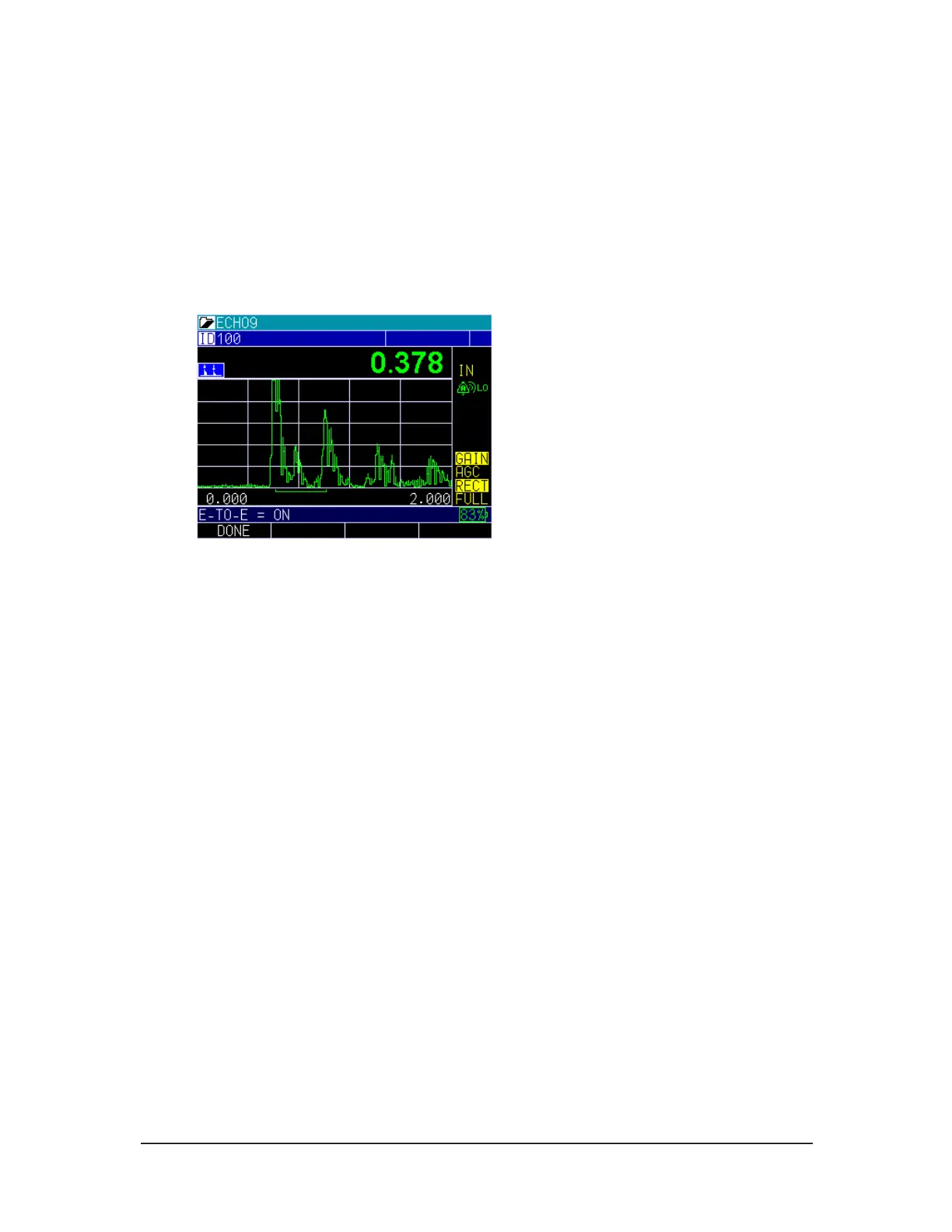
Calibrating in Echo-to-Echo
When using Echo-to-Echo it is best to use the transducers designated with a –EE part
number, such as DK 537EE and DK 718EE. These transducers have greater damping,
which allow for more stable readings in Echo-to-Echo mode. For gages with a live
waveform, using the DKS537 is also possible. Note, gain and the use of blanks may need
to be adjusted depending on the shape and condition of the echoes.
Once the Echo-to-Echo option is enabled (see instructions in the section above), follow
these steps to calibrate in Echo-to-Echo mode:
1. From the Home screen, press the MENU/OK key.
2. Use the left or right arrow and stop when you locate the symbol with two peaks in
the upper left of the display, press the up arrow to turn on Echo to Echo. Denoting
the Echo-to-Echo option is enabled.
3. Press MENU/OK key.
4. Use the up and down arrow keys to select the Calibration option and press the
MENU/OK key.
5. Place couplant on the 5-step test block.
6. Perform CAL ZERO on the think part of the test block with coating, following
instructions on the gage display.
7. Perform CAL VEL on the thick part of the test block without the coating,
following instructions on the gage display.
8. Press MENU/OK.
Fast
The Fast option allows you to select fast updates of measurements at 25Hz compared to
4Hz in a normal reading.
To set the Fast option, follow these steps:
1. Use the up and down arrow keys to select the Fast option.



 To Next Page