ECHO Series Ultrasonic Thickness Gages
51
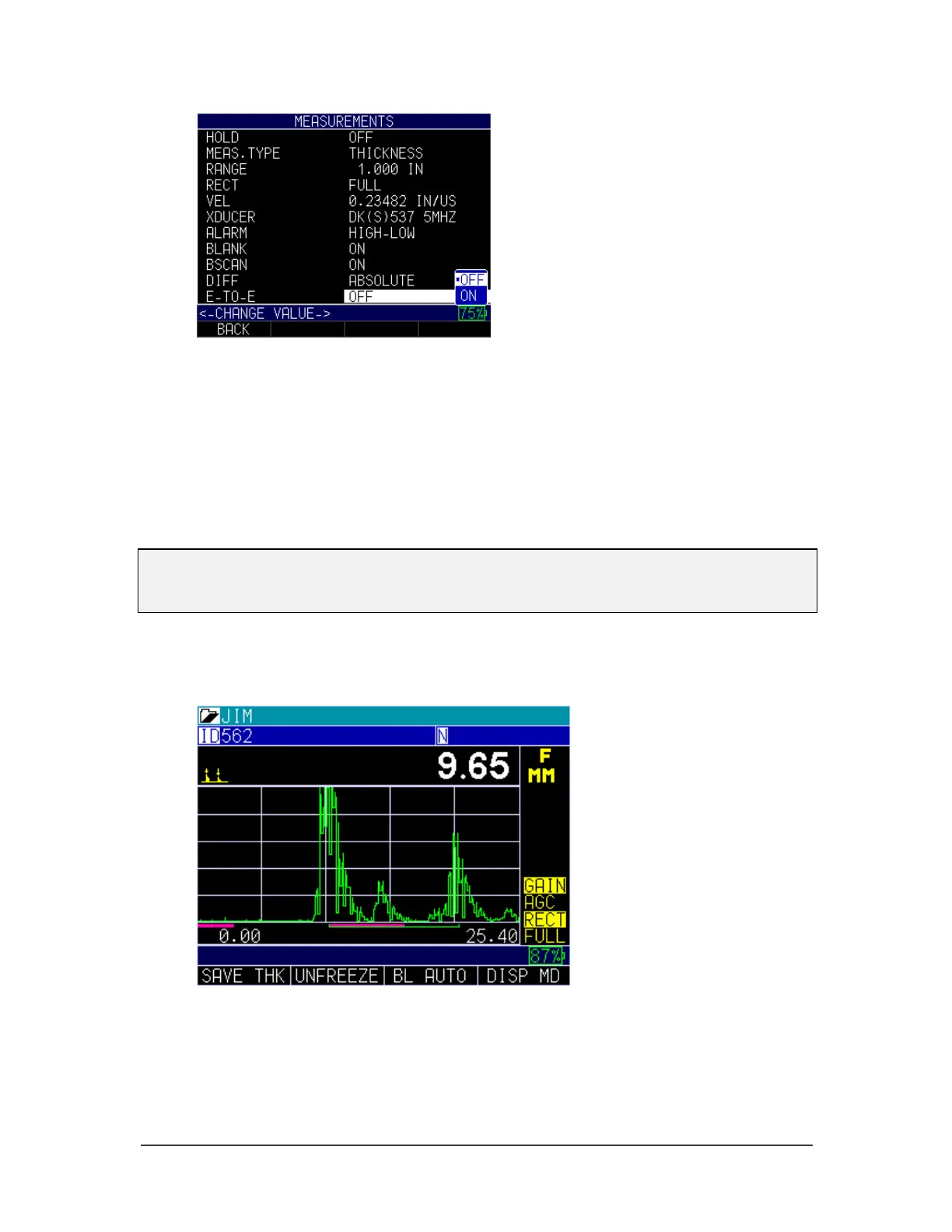
2. Use the up and down arrow keys to select the following settings:
• Off: Disables the Echo-to-Echo feature
• On: Enables the Echo-to-Echo feature
3. When finished, press the F1 – Back key to exit the screen.
Be mindful when making readings in Echo-to-Echo as the blank after the first
receive echo may need to be adjusted to avoid “noise” or mode converted echoes.
To adjust blanking on the first echo, it is important to recalibrate one time—either
Cal Zero or Cal Velocity. (See Calibrating in Echo-to-Echo section below.)
Note: Pay attention in A-scan mode to ensure you are in the appropriate mode. Echo-to-
Echo or normal mode as thickness readings and associated calibrations are mode
specific.
The first Pink line on the baseline is referred to as the Main Bang Blank while the second
red line is referred to as the Interface Blank Or (IF Blank). The white line represents the
measured time interval between the two correct echoes.
In Echo-to-Echo mode, sometimes gain will help to ensure you are reading on the
correct echo.



 To Next Page