Danatronics, Corp.
60
7 Special Gage Functions
The ECHO series thickness gages have many special functions that go beyond the basics.
This section will discuss these special gage functions in detail.
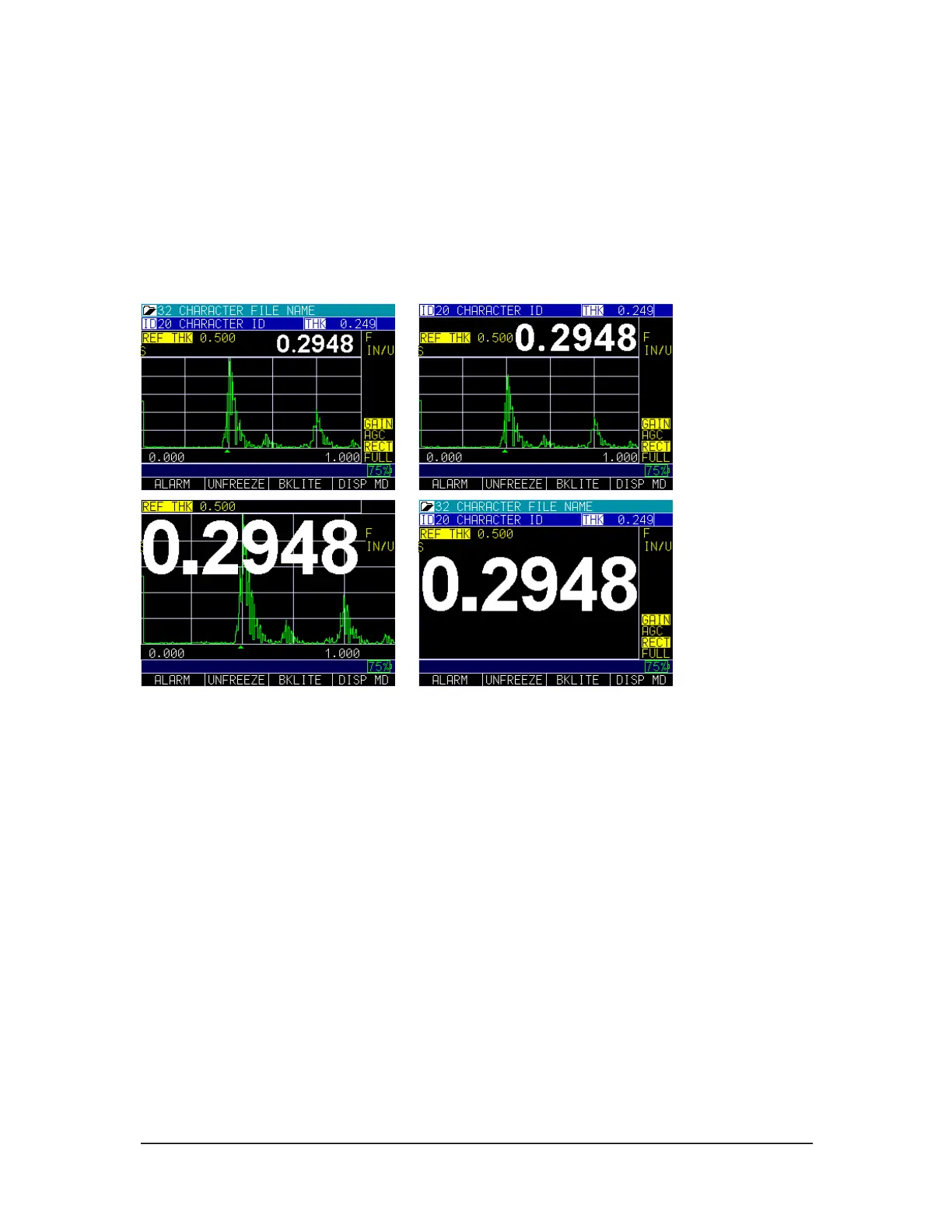
Display Size Options
The gage provides four different reading sizes on the display depending on your
preference and operation environment. The images below show how each display will
appear on your gage from smallest to largest display option.
To change the display size when making a thickness reading simply press the F4- Disp
MD key until you are satisfied with the selection.
Use of Blanks
The ECHO 9 with live waveform has 2 forms of blanking; MB Bl and IF blank. These
can be used to filter out any unwanted signals.
Test
The Test option is designed to perform one or many internal tests on the gage to make
sure it is running optimally. The Test option is found under the Menu settings.
To perform a Test, follow these steps:
1. From the Home screen, press the F1 – Menu key.
2. Use the up and down arrow keys to select the Test option and press the
MENU/OK key.



 To Next Page