Danatronics, Corp.
58
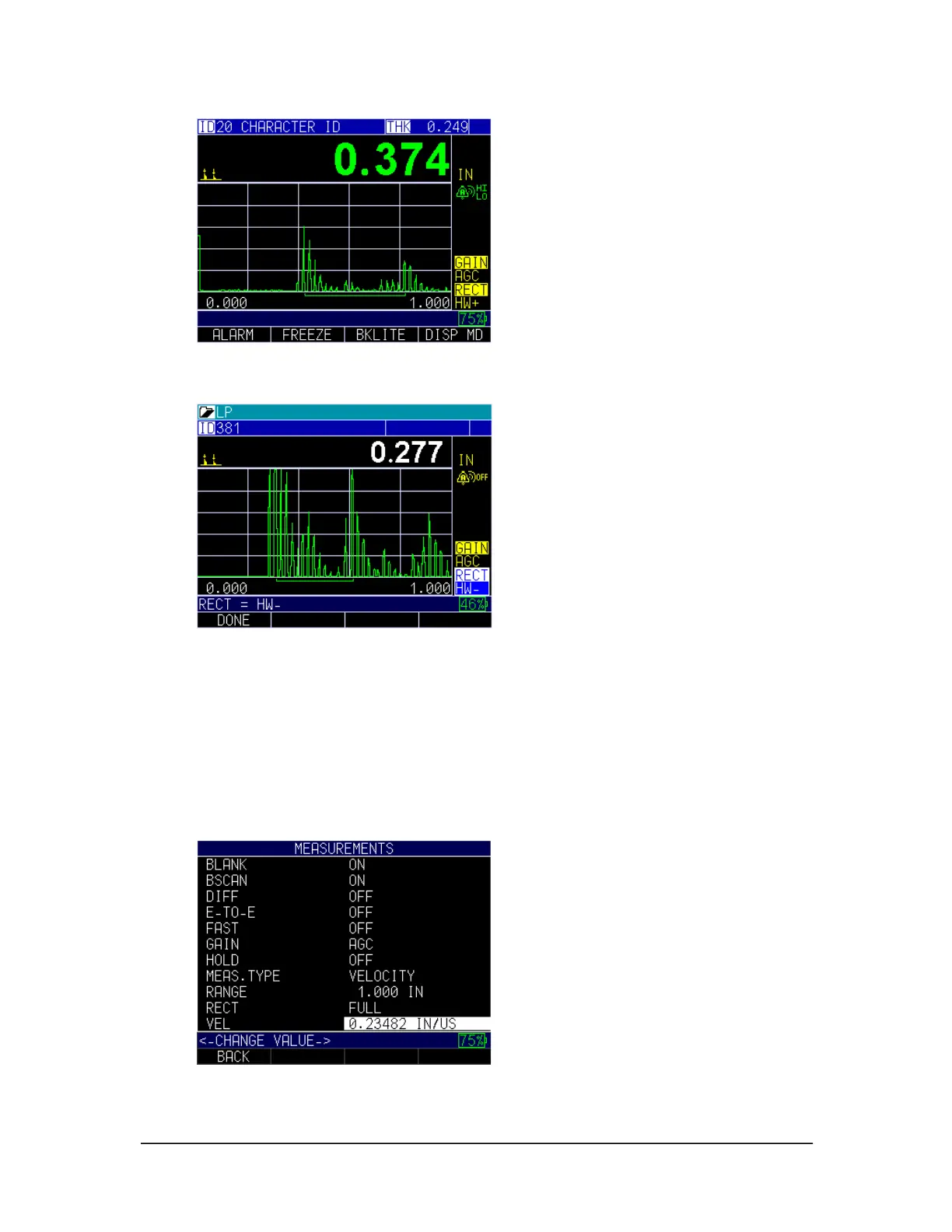
HW-: Displays the negative echo lobes as positive and does not show the positive
lobes at all. An indicator is shown on the gage.
3. When finished, press the F1 – Back key to exit the screen.
Velocity
You can enter the range of velocity depending on your measurement needs and
calibration by using the Velocity option.
To set the Velocity option, follow these steps:
1. Use the up and down arrow keys to select the Velocity option and press
MENU/OK key.
2. Use the up and down arrow keys to scroll through the options ranging between
0.04000 IN/US – 0.60000 IN/US.



 To Next Page