ECHO Series Ultrasonic Thickness Gages
89
Note: All these setups can be saved as custom setups by going to the Setups screen
and then pressing the F2 key to save and give the setup a new name.
Peak Pitch Memory
This patent pending features is standard on ECHO FD with software version 2.08 or
higher.
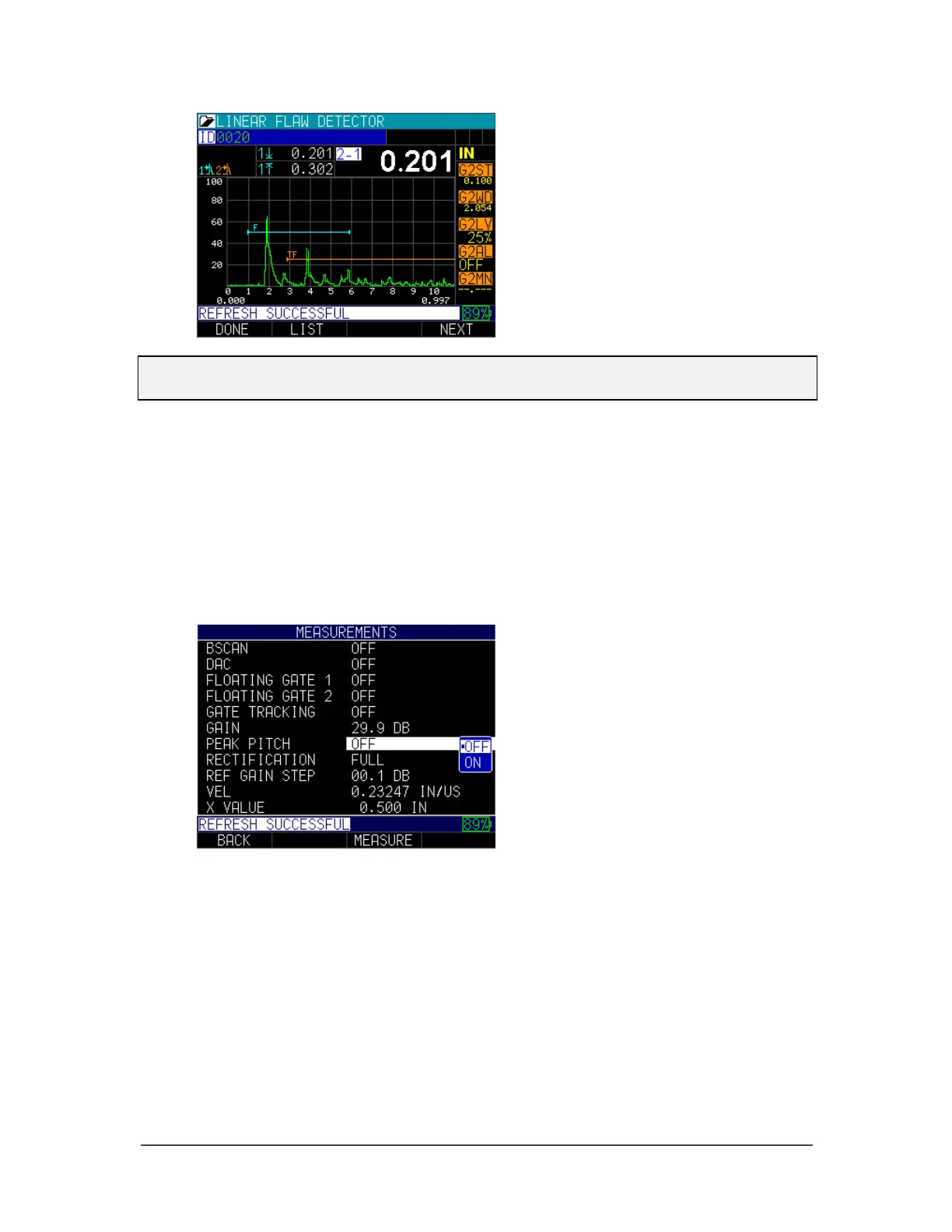
To activate the peak pitch memory, follow these steps:
1. From the Home screen, press the F1 – Menu key.
2. Use the up and down arrow keys to select the Measurements Settings option.
3. Press the MENU/OK key.
4. Use the up and down arrow keys to select the Peak Pitch parameter.
5. Press F3 – Measure key to enter A-scan mode.
The peak pitch feature is ideal for peaking an angle beam transducer. First gate a signal
under 100% screen height. Tip: F2 gain/auto 80 is ideal as it will adjust the signal to 80
Full Screen Height (FSH). Press the left or right arrow keys until the “P” on the top right
is highlighted. Move the probe to peak the envelope, and then use the up arrow again or
press F2 – Peak HLD key and a P and a small H will appear on the top right indicating
peak pitch is on. Any signal breaking the gate that is at least 65% of the peak height, as
recorded by the Peak envelope, and you will hear a variable frequency audible chirp
increase in frequency when the max echo height matches the peak envelope.



 To Next Page