ECHO Series Ultrasonic Thickness Gages
41
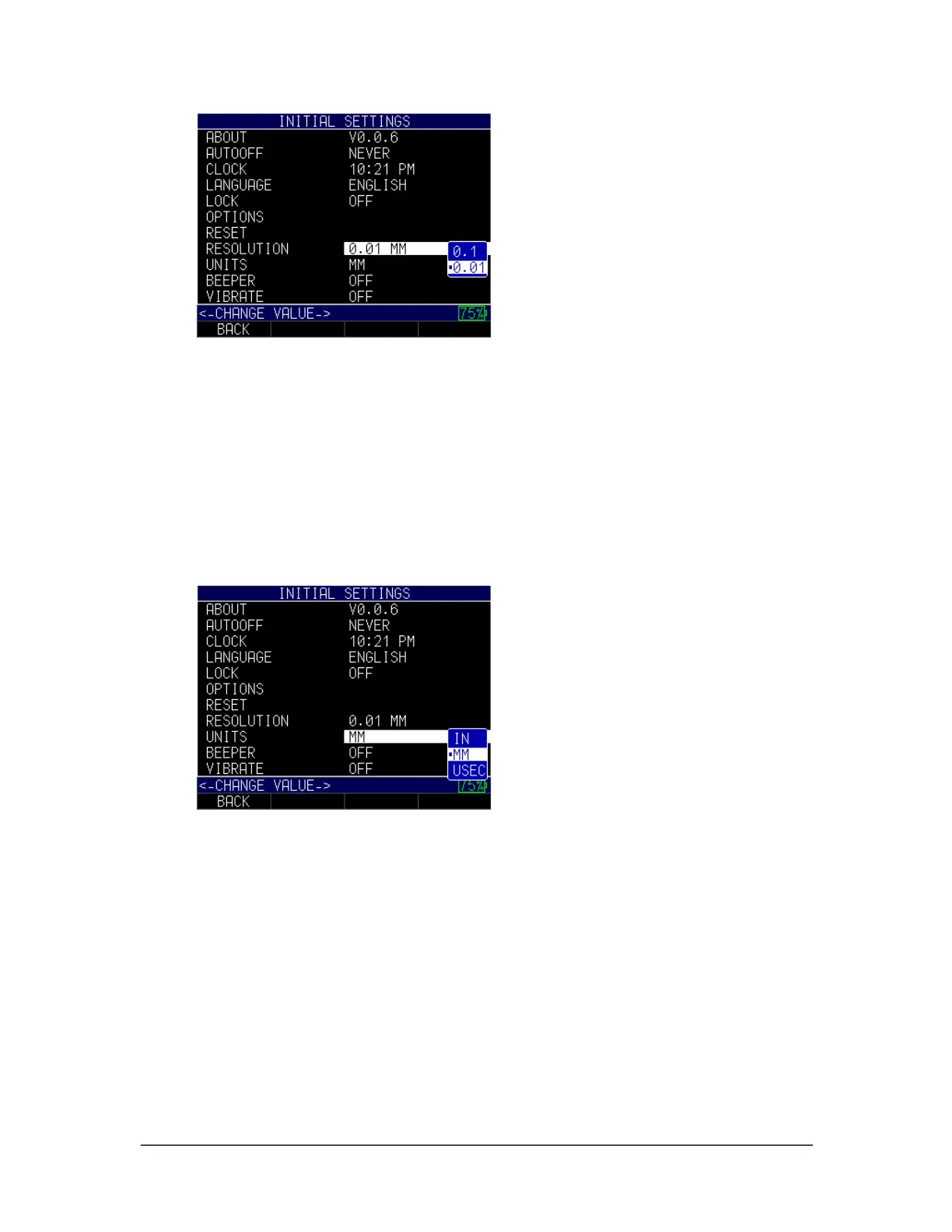
2. Use the up and down arrow keys to chose between the following options:
• 0.01 IN/0.1 MM/0.1 US
• 0.001 IN/0.01 MM/0.01 US
3. When finished, press the F1 – Back key to exit the screen.
Units
There are three different Units settings available on the gage. To select one, follow these
steps:
1. Use the up and down arrow keys to select the Unit option and press the
MENU/OK key.
2. Use the up and down arrow keys to chose between the following options:
• IN: Inch
• MM: Millimeter
• USEC: Millisecond
3. When finished, press the F1 – Back key to exit the screen.
Beeper
The Beeper setting is an audio feature that sounds when any key on the gage is pressed
or if an alarm condition is triggered. (See Section 6 for more information about alarm
settings.)
To turn on/off the Beeper feature, follow these steps:



 To Next Page