Danatronics, Corp.
50
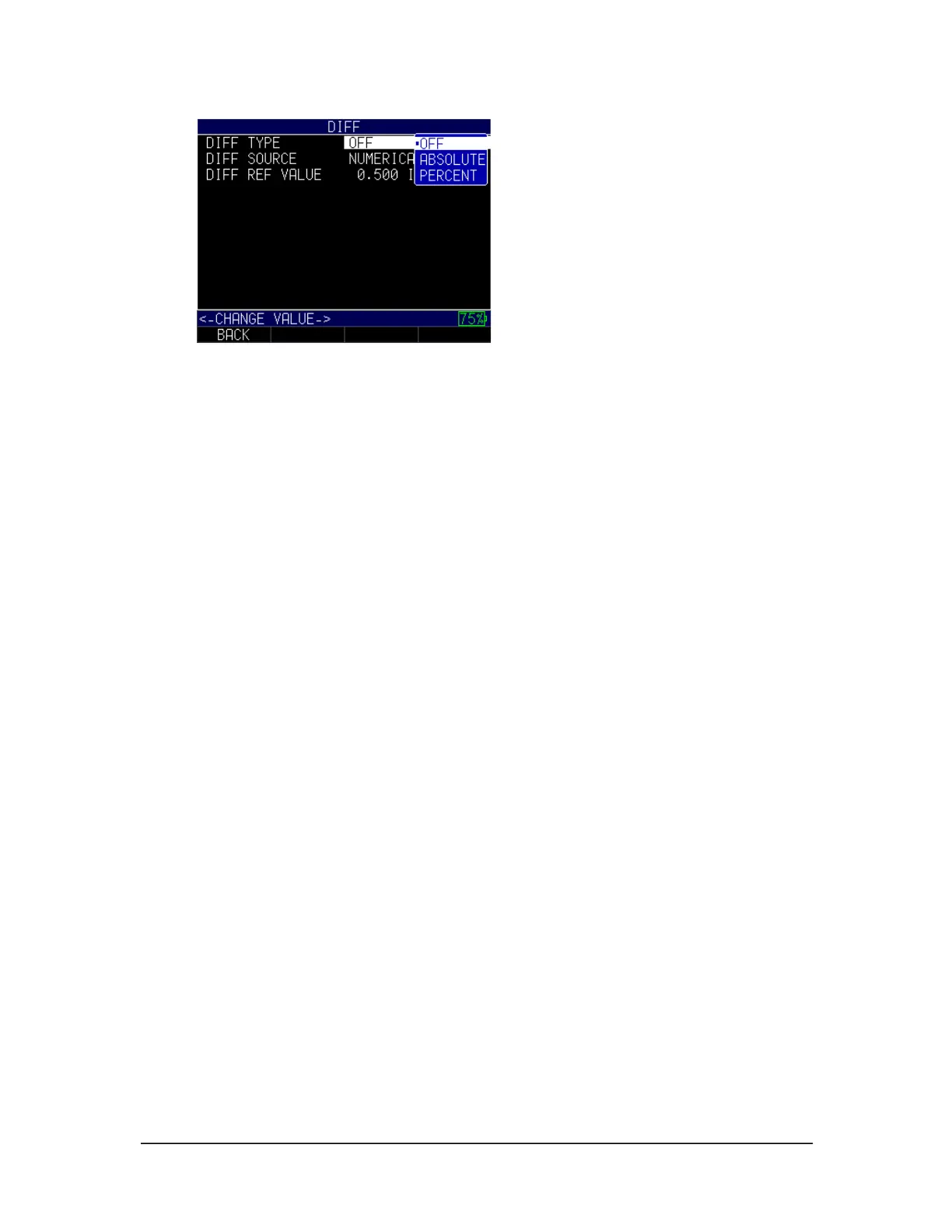
3. If you select the Diff Type option, you can chose from the following settings by
using the up and down arrow keys:
• Off: Disables the Diff feature
• Absolute: When this mode is enabled, the gage will display a thickness
value as an absolute number of what has been entered. For example, diff
abs = 0.500" and the real thickness is 1.000", the display will show diff
abs 0.500". If the real value is 0.300", the gage will display, -0.200".
• Percent: When this mode is enabled, the displayed value will be listed as a
percentage of the value entered as the diff. For Example, if you set the diff
to percentage at 0.500", a reading of 0.250" will result in 50%.
4. If you select the Diff Source option, you can chose from the following settings by
using the up and down arrow keys:
• Numerical Value: The Absolute option displays reference values as IN,
MM, or uSec
• File Compare: The Percent option displays difference as a percentage of
reference value
5. If you select the Diff Ref Value, you can set the value between 0.01–20.00 IN (or
whatever metrics you have chosen in the Initial Settings).
6. When finished, press the F1 – Back key to exit the screen.
Echo-to-Echo
The Echo-to-Echo option allows you to make measurements between two consecutive
backwall echoes. Therefore, a good use of the Echo-to-Echo option is for measuring
through coatings to measure only the true metal thickness.
To enable or disable the Echo-to-Echo option, follow these steps:
1. Use the up and down arrow keys to select the E-to-E option and press the
MENU/OK key.



 To Next Page