ECHO Series Ultrasonic Thickness Gages
59
3. When finished, press the F1 – Back key to exit the screen.
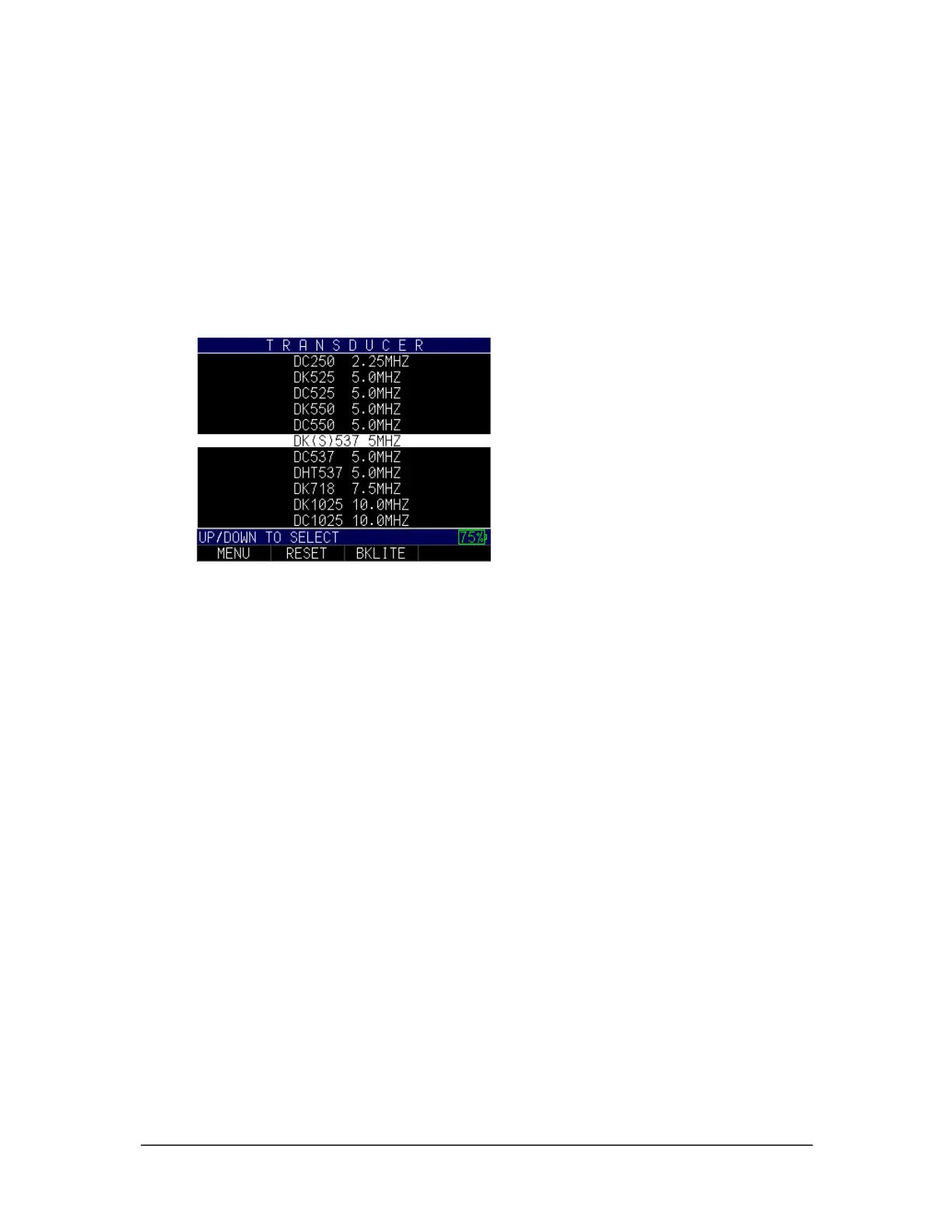
Transducer
The Transducer option allows you to match a transducer from the list to the transducer
you are using on the gage. The Transducer screen is the first screen that appears on the
gage and acts as a Home screen as well. You can also change your transducer selection
from the Measurements screen.
To select a new transducer from the Measurements screen, follow these steps:
1. Use the up and down arrow keys to select the Xducer option.
2. Use the up and down arrow keys to chose a transducer from the list that matches
the one you are using.
3. When finished, press the F1 – Back key to exit the screen.



 To Next Page