Danatronics, Corp.
66
5. Press the MENU/OK key.
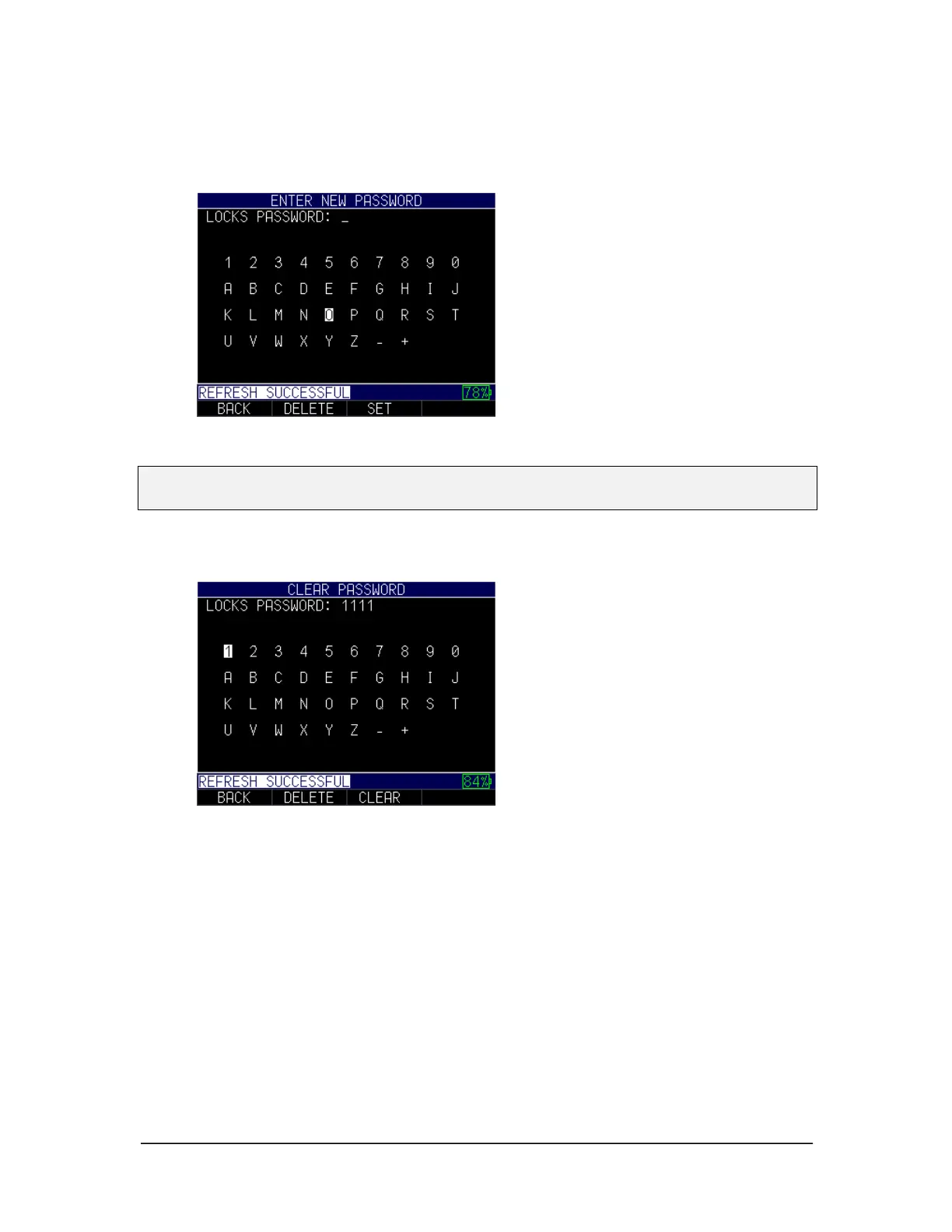
6. Enter your 4-digit password/code by scrolling over each character and pressing
the MENU/OK key.
7. Press F3 – Set key to complete the password.
Note: If you forget or want to clear the password, enter 0081 to reset it. Once the code is
activated, any locked function will require the password to unlock it.
To clear a password, you will first need to enter your 4-digit password. Next, press F3 –
Clear key when done:



 To Next Page