ECHO Series Ultrasonic Thickness Gages
65
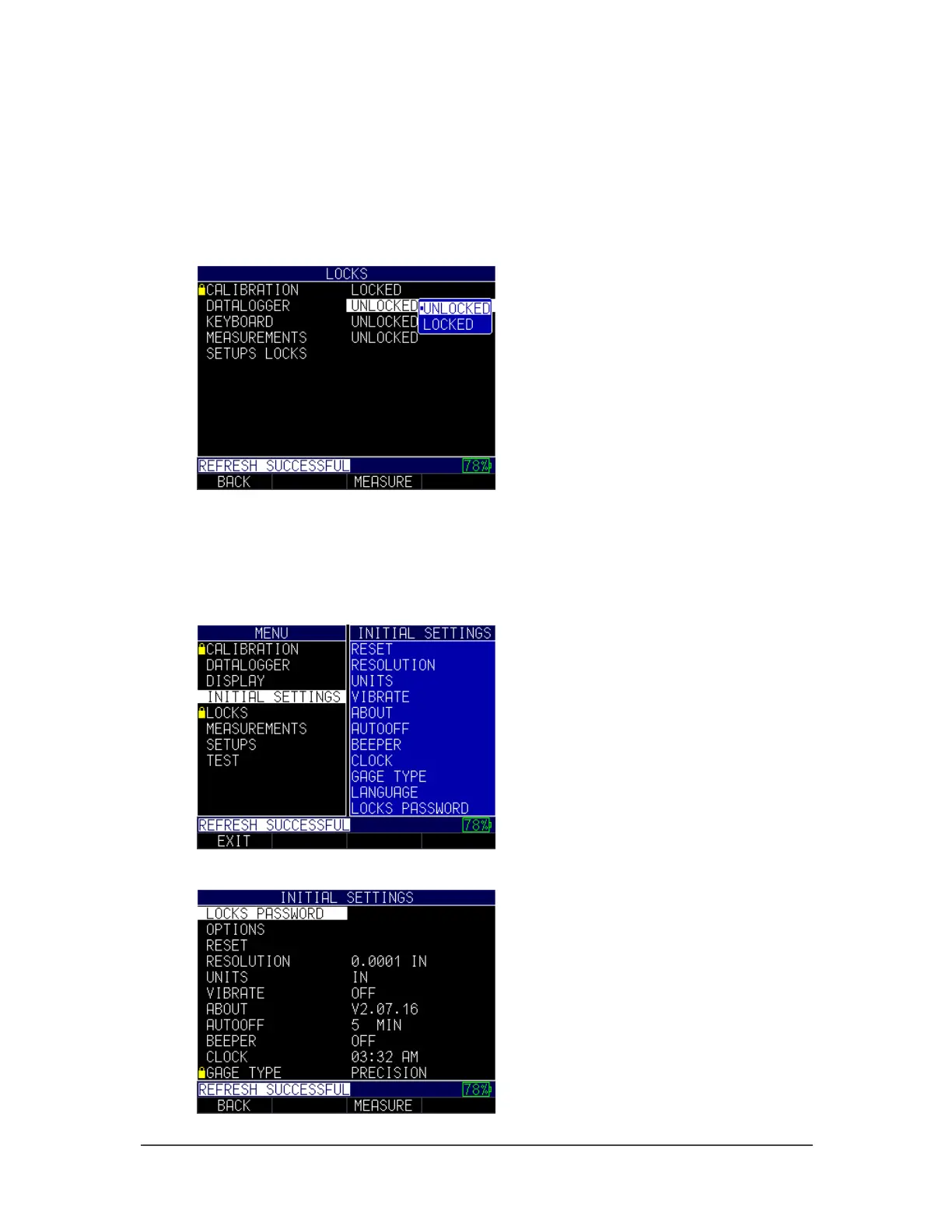
• Datalogger: Locks or unlocks datalogger settings
• Keyboard: Locks or unlocks the keyboard
• Measurements: Locks or unlocks measurement settings
• Setups Locks: Locks or unlocks setups
When locked, a lock symbol will appear next to the locked feature or a stored setup, as
shown below:
To set a password for the advanced Locks feature, you must first go to the Initial Settings
screen by following these steps:
1. From the Home screen, press the F1 – Menu key.
2. Use the up and down arrow keys to select the Initial Settings option.
3. Press the MENU/OK key.
4. Use the up and down arrow keys to select Locks Password.



 To Next Page