ECHO Series Ultrasonic Thickness Gages
31
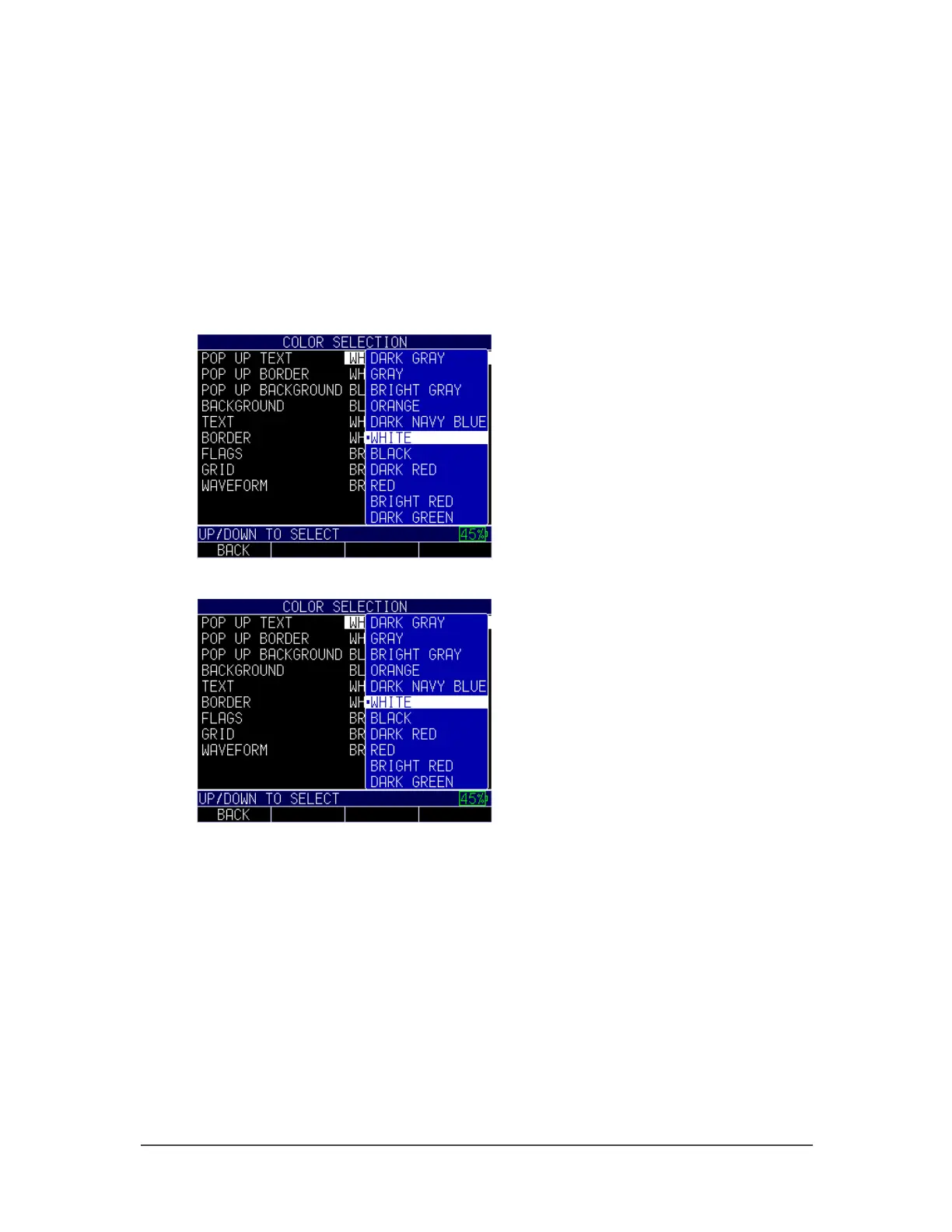
Some color changes are dynamic, meaning you will see the changes as you make the
selection (e.g., Flags, Background). Others, such as Waveform and Pop Up Background,
can only be seen once the change is made and you return to the Home screen.
To adjust the color settings, follow these steps:
1. From the Home screen, press the F1 – Menu key. The Menu screen appears.
2. Use the up and down arrow keys to select the Display option, and press the
MENU/OK key.
3. Use the up and down arrow keys to select the Color option, and press the
MENU/OK key.
4. The Color Selection screen will appear.
5. You may select any of the following items in the list for color modification:
• Pop up text
• Pop up border
• Pop up background
• Background
• Text
• Border
• Flags
• Grid
• Waveform
6. Press the MENU/OK key or the F1 – Back key to exit the screen.



 To Next Page